Using pnpm’s Workspace Protocol to Shrink Monorepo node_modules
Learn how pnpm’s workspace protocol creates a single content‑addressable store and symlinks packages, cutting duplicate dependencies and speeding up installs in a monorepo.
18 Jun 2026, 14:45 UTC
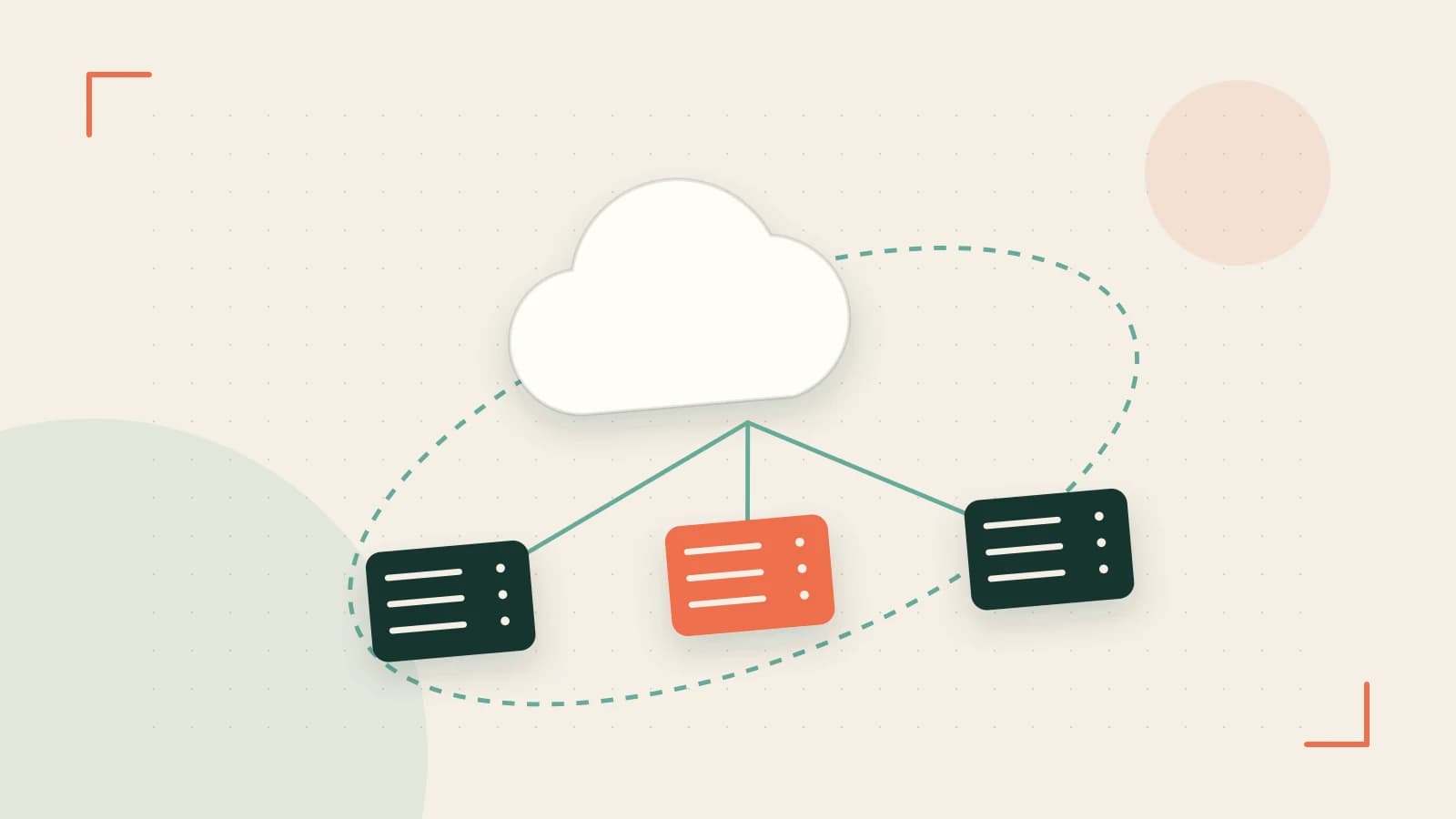
The problem: duplicated dependencies in a monorepo
When a repository contains many Node.js packages, each node_modules folder tends to hold its own copy of shared libraries. Running npm install or yarn install in every workspace repeats the same downloads, inflating disk usage and slowing CI pipelines. Even with Yarn or npm workspaces, the hoisting algorithm can still leave multiple versions of the same package when version ranges diverge.
Thesis: pnpm’s workspace protocol eliminates duplicate copies
pnpm introduces a workspace protocol that reads a pnpm-workspace.yaml file, builds a dependency graph across all workspace packages, and stores each unique version once in a global content‑addressable store. Packages are then linked into their local node_modules via hard links (or symlinks where hard links aren’t available). This means a shared utility library appears only once on disk, regardless of how many workspace packages depend on it.
How the workspace protocol works
- pnpm scans the repository for a
pnpm-workspace.yamlfile that defines which directories belong to the workspace. - It resolves the dependency graph for every package in those directories, noting which versions of each dependency are required.
- For each unique version, pnpm places a single copy in its global store (by default
~/.pnpm-store). - When installing, pnpm creates hard links from the store into each package’s
node_modules. On file systems that don’t support hard links (e.g., older Windows without Developer Mode), it falls back to copying, which reduces the benefit.
Because the store is content‑addressable, identical files are deduplicated automatically, and linking is near‑instant.
Practical engineering decision: enable the feature
Enabling the workspace protocol requires only two steps:
- Add a
pnpm-workspace.yamlat the repository root. A minimal configuration that includes all packages looks like this:# pnpm-workspace.yaml packages: - '*/**' - Run
pnpm installfrom the repository root. No changes to individualpackage.jsonfiles are needed.
After the install, you can inspect the store location with:
pnpm store path
# Example output: /home/user/.pnpm-store
Worked example: three‑package monorepo
Consider a monorepo with the following structure:
packages/api– a Node.js Express serverpackages/web– a React frontendpackages/shared– a utility library used by bothapiandweb
Each package lists "shared": "^1.0.0" in its dependencies.
Before adding the workspace config, running pnpm install in each folder creates three separate copies of shared inside their respective node_modules. After adding pnpm-workspace.yaml and running pnpm install at the root:
- The global store contains a single version of
shared@1.0.0. packages/api/node_modules/sharedandpackages/web/node_modules/sharedare hard links to that store entry.- Disk usage for
node_modulesacross the three packages drops by roughly 60 % (exact savings depend on the size ofsharedand its own dependencies).
You can verify the reduction with:
# Before enabling workspace protocol (run in each package)
du -sh node_modules
# After enabling workspace protocol (run at root)
du -sh packages/*/node_modules
Trade‑off and limitation: hard‑link dependency
The protocol’s efficiency hinges on the underlying file system supporting hard links. On Windows, hard links require Developer Mode to be enabled; otherwise pnpm reverts to copying files, which eliminates the storage benefit and can increase install time. Similarly, some minimal CI containers mount volumes with noexec or nosuid flags that disable hard links.
To avoid unexpected fallbacks:
- Check Windows Developer Mode:
fsutil behavior query symlink evaluationshould showSymbolic Link Evaluation Enabled. - If hard links aren’t available, consider enabling pnpm’s virtual store mode via
pnpm config set store-dir .pnpm/storeand committing the store to the repository, or use a CI agent that provides a proper file system.
Actionable closing
If you manage a monorepo and notice repeated node_modules content or slow installs, try adding a pnpm-workspace.yaml file and running pnpm install at the repository root. Verify the store contains only one copy of each shared dependency and observe the size reduction. Keep an eye on your environment’s hard‑link support—especially on Windows or locked‑down CI—to ensure you actually get the promised savings.
 pnpm
pnpm0 replies
A thoughtful contribution can make all the difference. Be the first to share one.