Using PM2 Cluster Mode to Keep Node.js Apps Online Across CPU Cores
A single Node.js process leaves CPU cores idle and makes restarts painful. PM2 Cluster Mode spreads traffic across workers and lets you reload without dropping requests—if your app shuts down cleanly.
18 Oct 2025, 19:17 UTC
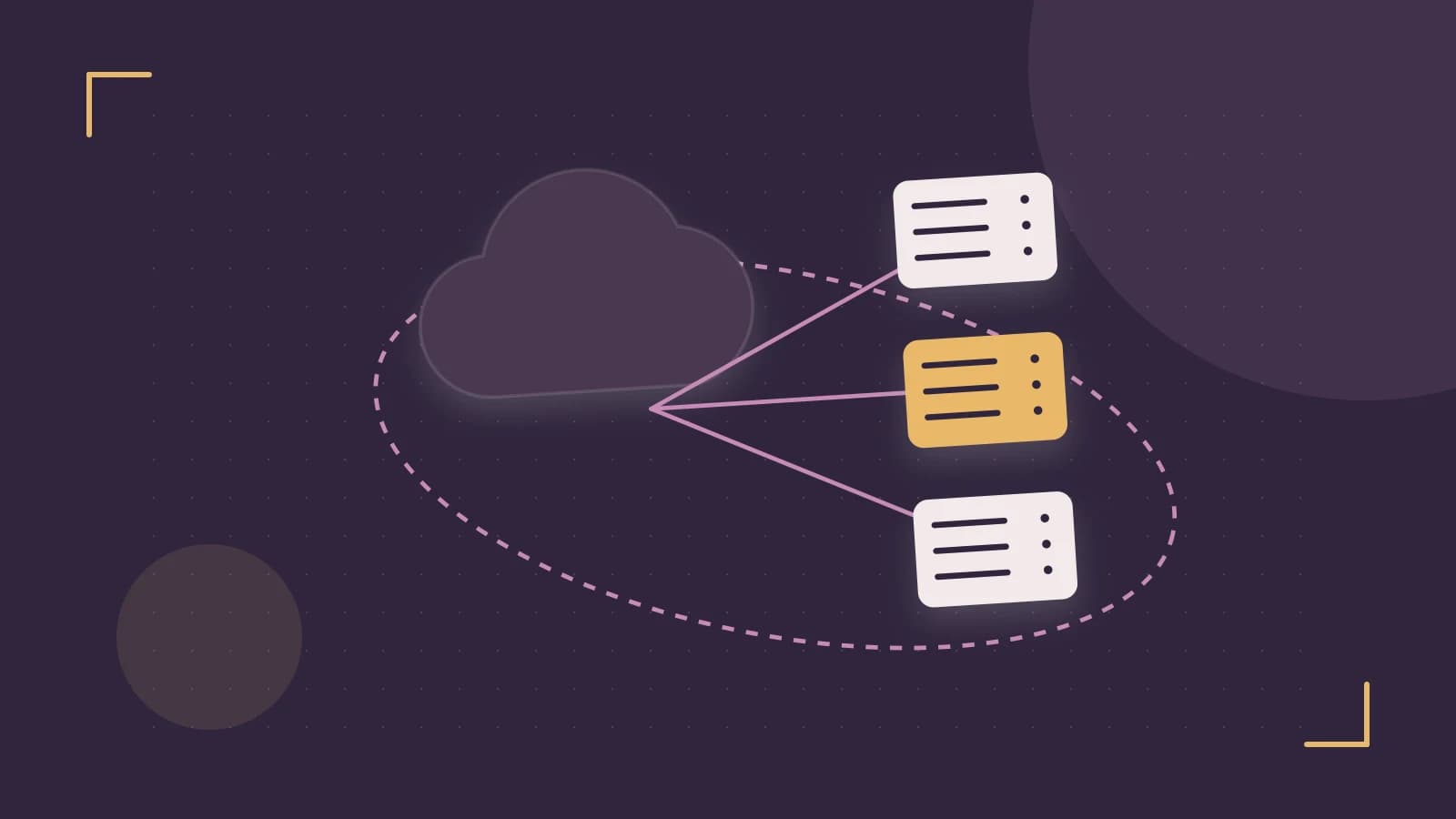
The Problem: One Core Busy, the Rest Idle
Node.js runs JavaScript on a single thread. By default, a Node process uses one CPU core. On a four-core server, three cores sit idle while your application handles traffic. Worse, every time you deploy with pm2 restart, the process dies and in-flight requests fail.
The useful takeaway: PM2 Cluster Mode lets you run multiple worker processes on one machine and reload them one at a time, so you can use more CPU and deploy without a hard outage.
Spreading Work Across Cores Without Rewriting Your App
Node has a built-in cluster module, but wiring it manually means restructuring your entry point and handling worker lifecycle yourself. PM2 Cluster Mode does this for you. You keep your application code unchanged; PM2 forks workers and distributes connections between them.
Configuration lives in an ecosystem.config.js file at your project root. The key property is instances:
module.exports = {
  apps: [{
    name: 'api',
    script: './server.js',
    instances: 'max',
    exec_mode: 'cluster'
  }]
};
Run this from your project directory:
pm2 start ecosystem.config.jsNo special permissions are required beyond the ability to bind your application port. After starting, verify the worker count:
pm2 listYou should see one row per CPU core under the api name, each with a distinct PM2 ID. If you only see one row, confirm that exec_mode is set to cluster and that instances is a number greater than 1 or the string 'max'.
Zero-Downtime Reloads Require a Clean Shutdown
Restarting kills workers immediately. Reloading is different: PM2 starts replacement workers first, then gracefully stops the old ones. Internally, PM2 distributes incoming TCP connections across the worker pool using round-robin scheduling, so as long as one worker stays alive, the load balancer has somewhere to send traffic.
To trigger a reload from your project directory:
pm2 reload ecosystem.config.jsOr reload every managed process:
pm2 reload allThe risk here is real: if your application ignores shutdown signals, PM2 will eventually force-kill the worker, and any request it was processing fails. To avoid that, listen for SIGINT—the signal PM2 sends during a reload—and close your server cleanly:
const server = app.listen(3000);

process.on('SIGINT', () => {
  console.log('Shutting down gracefully');
  server.close(() => {
    process.exit(0);
  });
});
This gives active requests time to finish before the process exits. A practical check: start a load generator such as autocannon against your endpoint, run pm2 reload all, and watch pm2 logs. You should see the shutdown message from each old worker and no spike in failed requests.
The Trade-Off: Shared State and Memory Pressure
Cluster mode solves CPU utilization, but it introduces a distributed-systems problem inside one machine. Workers do not share memory. If you store sessions or cache data in a local variable, one worker cannot see what another worker wrote. The standard fix is an external store such as Redis, so every worker reads and writes the same state.
Memory is the other limitation. Setting instances: 'max' on a machine with shared resources—say, a container with a memory limit or a VM running other services—can cause exhaustion. Each worker is a separate Node process with its own heap. If your application uses 500 MB per process, four workers need 2 GB before PM2 even starts. On a constrained host, choose a fixed number like instances: 2 and monitor with pm2 list or your platform metrics.
What to Do Next
- Add an
ecosystem.config.jswithexec_mode: 'cluster'andinstances: 'max'(or a fixed count on constrained hosts). - Add a
SIGINTlistener that closes your HTTP server before exiting. - Move any in-memory session or cache state to Redis or another shared store.
- Deploy with
pm2 reload ecosystem.config.js, notpm2 restart.
If a reload goes wrong, roll back by restoring the previous code on disk and running pm2 reload all again. PM2 does not version your releases for you; the rollback is simply another reload with the old source.
Cluster mode is not magic. It multiplies your CPU headroom and makes routine deploys boring, but only if your application can shut down politely and keep its state outside the process.
 pm2
pm20 replies
A thoughtful contribution can make all the difference. Be the first to share one.