Using Maven Dependency Management to Align Versions Across Multi‑Module Projects
Learn how to centralize version definitions in a parent POM with <dependencyManagement> to avoid version drift in multi‑module Maven builds.
06 Nov 2025, 15:36 UTC
The problem: version drift in a multi‑module build
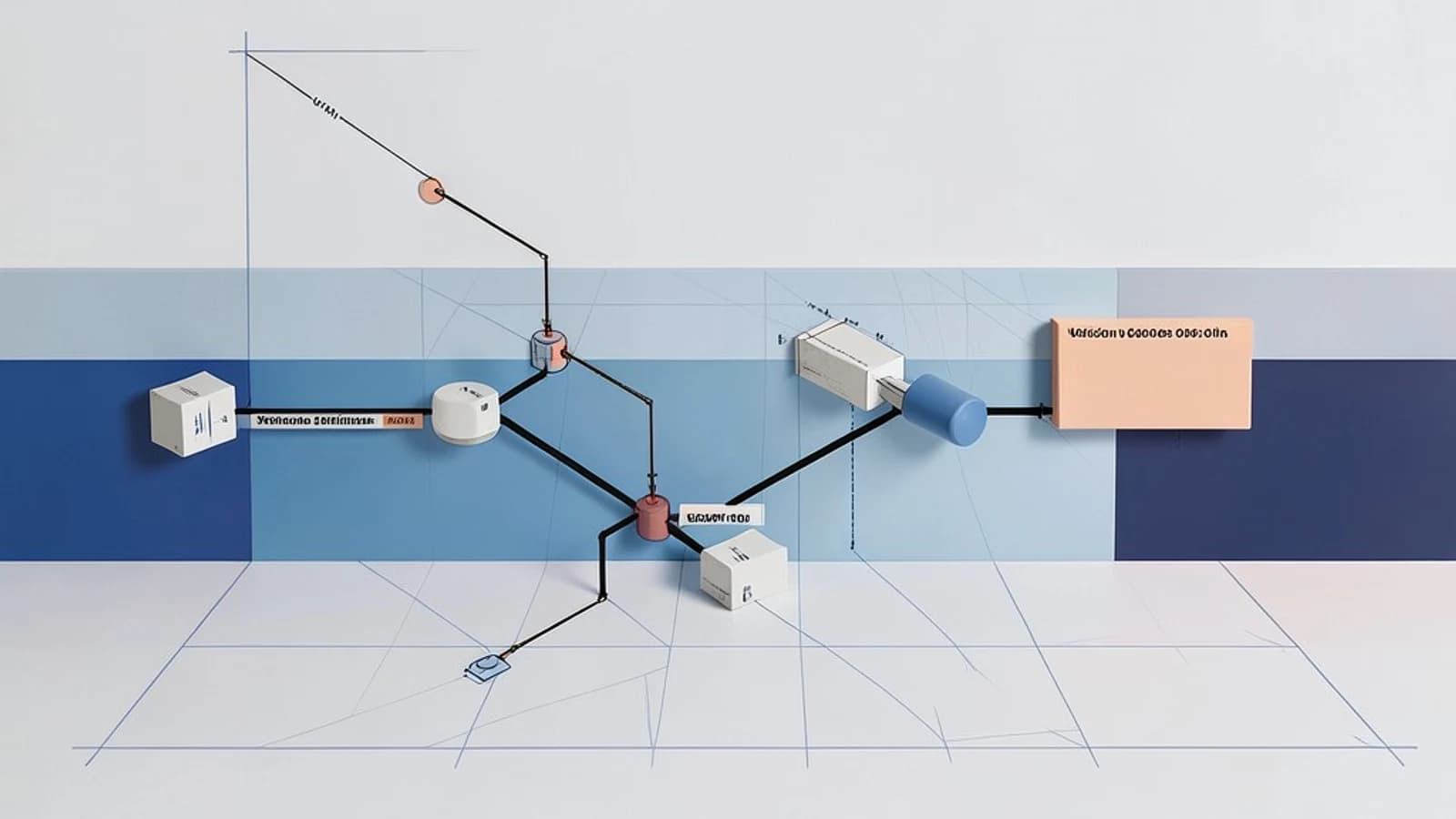
When a Maven reactor contains several modules, each module often declares its own dependencies. If two modules specify different versions of the same library, the build can succeed but the resulting application may contain conflicting classes at runtime. This “version drift” is hard to spot because Maven’s dependency mediation picks the nearest definition, which can vary per module.
Thesis: centralize versions with dependencyManagement
The dependencyManagement section in a parent POM lets you declare the version (and other attributes) of a dependency once. Child modules can then omit the version tag; they inherit the declared version, guaranteeing that all modules use the same artifact unless they explicitly override it.
How it works: parent POM, child module, and mediation
Consider a parent POM pom.xml that defines a dependencyManagement block for org.apache.commons:commons-lang3. A child module declares the dependency without a version. During the build, Maven looks up the version in the nearest dependencyManagement entry (the parent) and uses it for the classpath.
Worked example
# parent/pom.xml
<project>
  <modelVersion>4.0.0</modelVersion>
  <groupId>com.example</groupId>
  <artifactId>parent</artifactId>
  <version>1.0.0</version>
  <packaging>pom</packaging>
  <dependencyManagement>
    <dependencies>
      <dependency>
        <groupId>org.apache.commons</groupId>
        <artifactId>commons-lang3</artifactId>
        <version>3.15.0</version>
      </dependency>
    </dependencies>
  </dependencyManagement>
</project>
# child/module-a/pom.xml
<project>
  <parent>
    <groupId>com.example</groupId>
    <artifactId>parent</artifactId>
    <version>1.0.0</version>
  </parent>
  <modelVersion>4.0.0</modelVersion>
  <artifactId>module-a</artifactId>
  <dependencies>
    <dependency>
      <groupId>org.apache.commons</groupId>
      <artifactId>commons-lang3</artifactId>
      <!-- version omitted, inherits 3.15.0 from parent -->
    </dependency>
  </dependencies>
</project>
To verify that the correct version is used, run the dependency plugin from the child module:
mvn dependency:tree -Dincludes=org.apache.commons:commons-lang3The output should show commons-lang3:3.15.0. If the parent’s dependencyManagement entry is removed, the same command will either fail to resolve the artifact or pick a different version, making the drift visible.
Trade‑off and limitation
While dependencyManagement centralizes version definitions, it does not add the artifact to the classpath. Each child must still declare the dependency (without version) in its dependencies section. Forgetting to add the declaration leads to a compilation error, which is a useful safety net but can be noisy in large projects. Additionally, a monolithic parent POM that accumulates many managed dependencies becomes hard to maintain; splitting concerns into separate BOMs or using the import scope for external Bills of Materials (e.g., Spring Boot) can keep the parent lean.
Actionable closing
- Create or update a parent POM with a
dependencyManagementsection that lists the libraries and versions you want to standardize. - In each module, declare the needed dependencies without a version tag.
- Run
mvn dependency:treeon a module to confirm the inherited version. - Periodically review the parent POM; extract external BOMs with
<scope>import</scope>if the list grows.
By following these steps you eliminate guesswork around library versions and reduce the chance of runtime conflicts in multi‑module Maven builds.
 maven
maven0 replies
A thoughtful contribution can make all the difference. Be the first to share one.