Using Google Cloud Pub/Sub Push Subscriptions with OIDC for Secure Webhook Delivery
Learn how to configure Google Cloud Pub/Sub push subscriptions with OIDC tokens so that external webhooks receive authenticated events without managing custom token services.
19 May 2026, 22:40 UTC
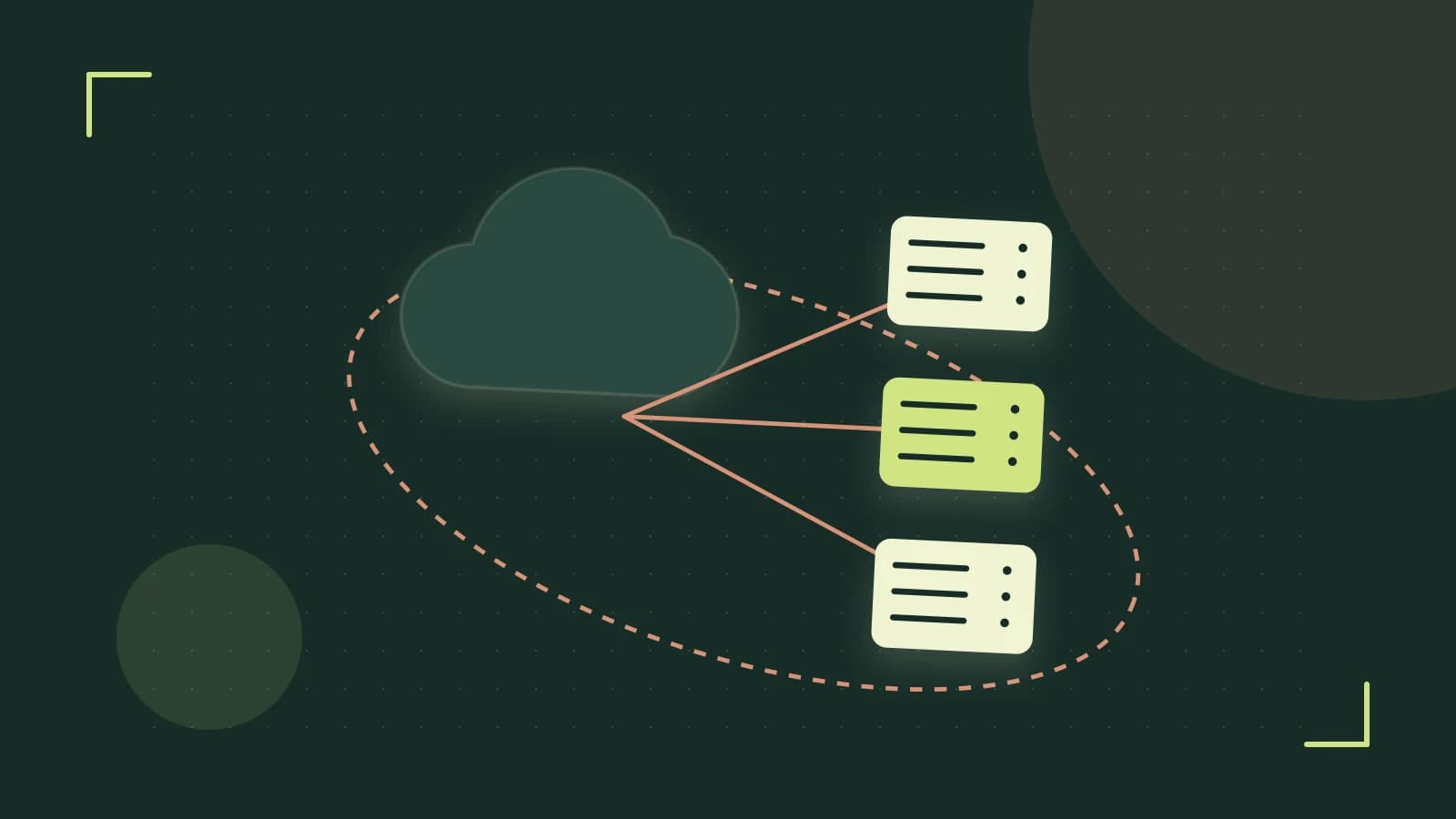
Problem: delivering events to external services without managing tokens
Many Cloud‑based applications need to send order updates, telemetry, or other events to third‑party SaaS endpoints. The challenge is to guarantee delivery, enforce authentication, and avoid the operational overhead of issuing, rotating, and validating custom access tokens.
Thesis: let Pub/Sub handle OIDC token issuance for push subscriptions
Google Cloud Pub/Sub can attach a signed OpenID Connect (OIDC) JSON Web Token (JWT) to every HTTP POST it makes to a push endpoint. The token is generated on‑the‑fly by Pub/Sub using an internal signing key, includes the audience you specify, and is refreshed automatically before it expires. The receiving service only needs to validate the JWT against Google’s public JWKS.
Configuration steps
- Create a service account that Pub/Sub will act as when calling your endpoint.
- Grant the service account permission to publish to the topic that will feed the push subscription.
- Create the push subscription and specify the OIDC audience (typically the client ID expected by the external endpoint).
- Enable the subscription** (it is active upon creation). Pub/Sub will now attach an
Authorization: Bearer <JWT>header to each POST.
gcloud iam service-accounts create pubsub-pusher \
    --display-name "Pub/Sub OIDC push caller"
gcloud pubsub topics add-iam-policy-binding orders-topic \
    --member="serviceAccount:pubsub-pusher@PROJECT_ID.iam.gserviceaccount.com" \
    --role="roles/pubsub.publisher"
gcloud pubsub subscriptions create orders-push-sub \
    --topic=orders-topic \
    --push-endpoint="https://api.partner.com/webhook" \
    --push-auth-service-account=pubsub-pusher@PROJECT_ID.iam.gserviceaccount.com \
    --push-auth-token-audience="https://api.partner.com/webhook"
Worked example: Cloud Run endpoint logging the token
To verify the flow, deploy a minimal Cloud Run service that simply logs incoming headers and body.
# Dockerfile
FROM python:3.11-slim
WORKDIR /app
COPY app.py .
RUN pip install flask
CMD ["python", "app.py"]
# app.py
from flask import Flask, request
import logging
logging.basicConfig(level=logging.INFO)
app = Flask(__name__)

@app.route('/', methods=['POST'])
def receive():
    auth = request.headers.get('Authorization', '')
    logging.info('Received request')
    logging.info('Headers: %s', dict(request.headers))
    logging.info('Body: %s', request.get_data(as_text=True))
    return '', 202

if __name__ == '__main__':
    app.run(host='0.0.0.0', port=8080)
Deploy and note the URL:
gcloud run deploy webhook-logger \
    --source . \
    --platform managed \
    --region us-central1 \
    --allow-unauthenticated
Create a test topic and push subscription pointing to the Cloud Run URL, using the same steps as above but with the Cloud Run URL as --push-endpoint and the audience set to that URL (or a custom client ID if the endpoint expects one).
Publish a test message:
gcloud pubsub topics publish orders-topic \
    --message='{"order_id":123,"amount":45.67}'
Check the Cloud Run logs; you should see an Authorization header whose value begins with Bearer and contains a JWT. Decode the JWT (e.g., using jwt.io) and verify:
issisaccounts.google.comaudmatches the audience you setexpis in the future
Trade‑off / limitation
Push subscriptions require the endpoint to be publicly reachable from Google’s network and capable of validating OIDC JWTs. If your partner’s system sits behind a strict corporate firewall or cannot perform JWT verification, a pull‑based subscriber (e.g., a Cloud Run worker that pulls from the subscription) with a side‑car proxy may be a better fit. Additionally, Pub/Sub’s retry policy (default exponential backoff up to 7 days) can cause delayed delivery; configure a dead‑letter topic if you need to isolate repeatedly failing messages.
Actionable closing
To try this today:
- Enable the Pub/Sub API in your project.
- Create a test topic (
orders-topic). - Deploy a simple HTTPS endpoint (Cloud Run, Cloud Functions, or any public service) that logs the
Authorizationheader. - Create a service account, grant it
roles/pubsub.publisheron the topic. - Create an OIDC push subscription pointing to your endpoint, specifying the audience.
- Publish a test message and verify the endpoint receives a valid JWT.
Once you confirm the token is present and correct, you can replace the logging endpoint with your real partner webhook and rely on Pub/Sub to handle token issuance and renewal automatically.
 google
0 replies
A thoughtful contribution can make all the difference. Be the first to share one.