Using Cloudflare Workers KV as a Global Session Store
Learn how to store user sessions in Cloudflare Workers KV – a low‑latency, globally‑distributed key/value store – with a concrete example, trade‑offs, and next steps to evaluate fit for your app.
20 Feb 2026, 08:06 UTC
Why Replace a DB with KV for Sessions?
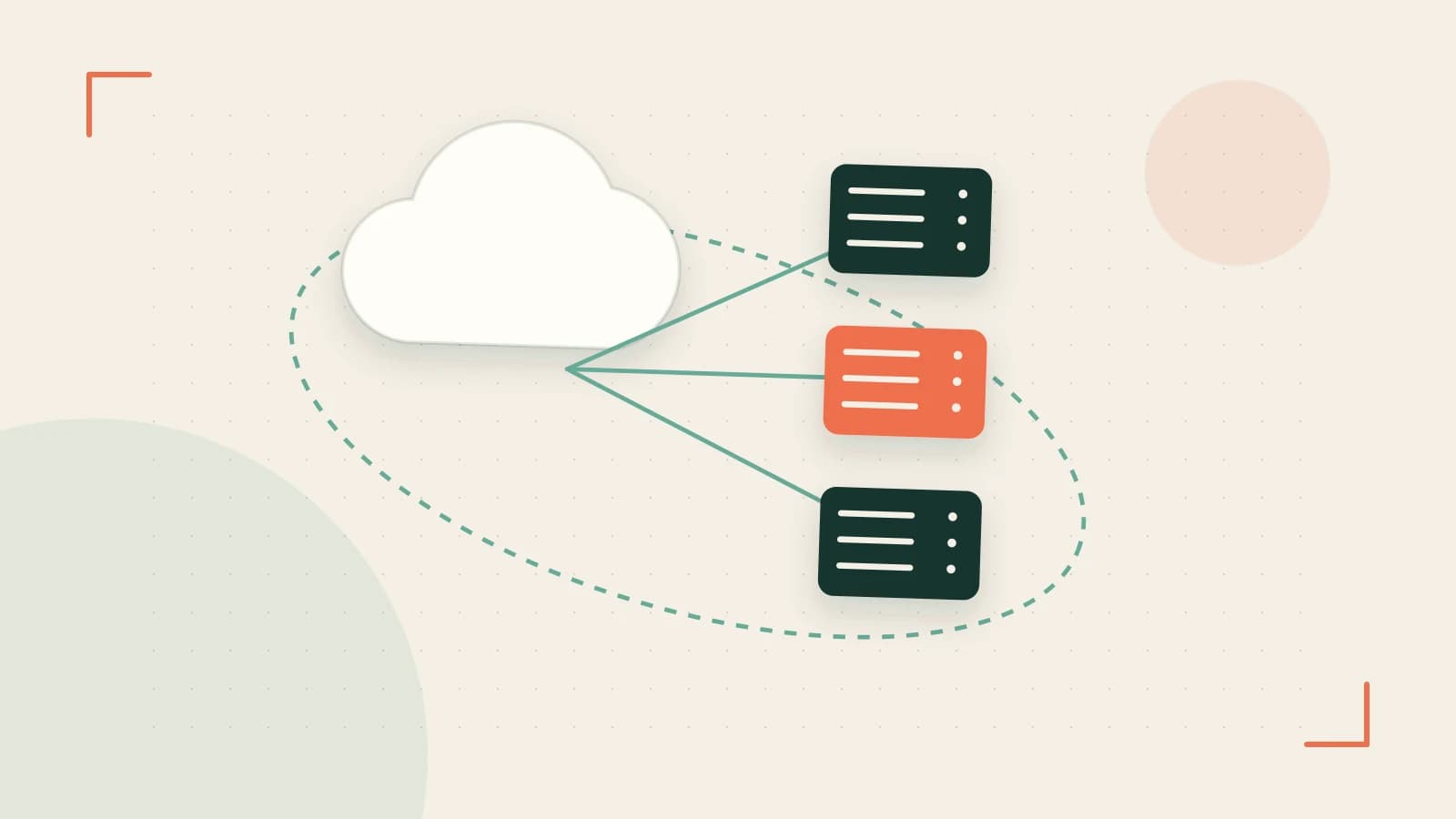
Many web applications need to keep a small amount of per‑user data between requests – a session ID, a CSRF token, or a flag that the user has accepted a cookie policy. Traditionally this is stored in a relational database or Redis, which introduces extra network hops, latency, and operational overhead. Cloudflare Workers KV offers a globally‑distributed, key/value store that sits at the edge, so reads and writes can happen near the user. This reduces round‑trip time, simplifies the architecture, and can lower cost if your traffic is spread across regions.
Key Features that Matter for Sessions
- TTL support: Set a time‑to‑live on each key, automatically expiring sessions after a day.
- Low latency: Reads are served from the nearest edge location.
- Simple API:
put,get, anddeleteare available in the Workers runtime. - Cost‑effective: Pay per million reads/writes, no separate cluster to manage.
Three caveats: eventual consistency, namespace limits, and TTL granularity. Reads may not immediately see a write that just happened, the namespace can hold up to 10 million keys, and the TTL cannot be set below 60 seconds.
Concrete Example – A Minimal Session Flow
Below is a bare‑bones Worker that:
- Creates a session on a POST to
/login. - Retrieves the session on any subsequent request.
- Expires the session after 24 hours.
Replace the placeholder YOUR_KV_NAMESPACE with the actual KV namespace name you bind in wrangler.toml.
addEventListener('fetch', event => {
  event.respondWith(handleRequest(event.request))
})

async function handleRequest(request) {
  const url = new URL(request.url)
  const path = url.pathname

  if (path === '/login' && request.method === 'POST') {
    const body = await request.json()
    const userId = body.userId
    const sessionId = crypto.randomUUID()
    const ttl = 86400 // 24 hours in seconds

    // Store session in KV
    await MY_KV_NAMESPACE.put(sessionId, userId, { expirationTtl: ttl })

    return new Response(JSON.stringify({ sessionId }), {
      headers: { 'Content-Type': 'application/json' }
    })
  }

  // For all other requests, try to read session
  const sessionId = request.headers.get('x-session-id')
  if (!sessionId) {
    return new Response('No session', { status: 401 })
  }

  const userId = await MY_KV_NAMESPACE.get(sessionId)
  if (!userId) {
    return new Response('Session expired', { status: 401 })
  }

  return new Response(`Hello, user ${userId}!`, {
    headers: { 'Content-Type': 'text/plain' }
  })
}
**Wrangler configuration** – add this to wrangler.toml:
name = "session-worker"
type = "javascript"

kv_namespaces = [
  { binding = "MY_KV_NAMESPACE", id = "", preview_id = "" }
]
**Running locally** – use wrangler dev to simulate the edge environment. When you POST to http://localhost:8787/login with a JSON body like {"userId": "alice"}, the Worker returns a sessionId. Include that ID in the x-session-id header on subsequent requests to receive a personalized greeting.
Testing Consistency and Throughput
Because KV is eventually consistent, an immediate get after a put might return null if the write hasn’t propagated. To verify, run the following sequence:
- Send a
PUTrequest with a unique key and value. - Immediately send a
GETfor that key. - Repeat until the value appears; this is the consistency window.
For throughput limits, Cloudflare allows up to 50 writes per second per namespace. Use a load generator (e.g., k6 or artillery) to spike writes and watch for throttling messages in the response body.
Check usage in the Cloudflare dashboard under the KV section. The counters will show reads, writes, and total storage used. Compare those numbers to your expected traffic to ensure you stay within free tier limits or budgeted costs.
When KV Isn’t the Right Fit
• Strict consistency – If your app requires that a session write is immediately visible to all readers (e.g., for financial transactions), KV’s eventual consistency may be unacceptable.
• Large session payloads – KV values are capped at 1 MB; complex session objects or binary blobs may exceed this.
• High write volume – If you need hundreds of writes per second per key, the namespace limit could become a bottleneck.
In those cases, a traditional database or in‑memory store like Redis (perhaps behind Cloudflare Argo Tunnel) remains preferable.
Actionable Next Steps
- Sign up for a free Cloudflare account if you don’t already have one.
- Create a KV namespace via the dashboard or
wrangler kv:namespace create session-namespace. - Deploy the example script with
wrangler publish. - Use the Cloudflare dashboard to monitor KV read/write counts and latency.
- Run a small load test to confirm that the 50 writes/second limit is acceptable for your traffic pattern.
- If the consistency or throughput tests pass, consider replacing your existing session store with this edge‑based solution.
By starting with this minimal example and progressively adding features (CSRF tokens, multi‑factor flags, etc.), you can evaluate whether Cloudflare Workers KV meets your session storage needs without adding operational complexity.
 cloudflare
0 replies
A thoughtful contribution can make all the difference. Be the first to share one.