Using Apache Phoenix Secondary Indexes to Speed Up HBase Queries
Learn how to add a Phoenix secondary index to an HBase table, verify that the planner uses it, and weigh the read‑speed gains against write‑amplification and storage costs.
14 Jun 2026, 19:09 UTC
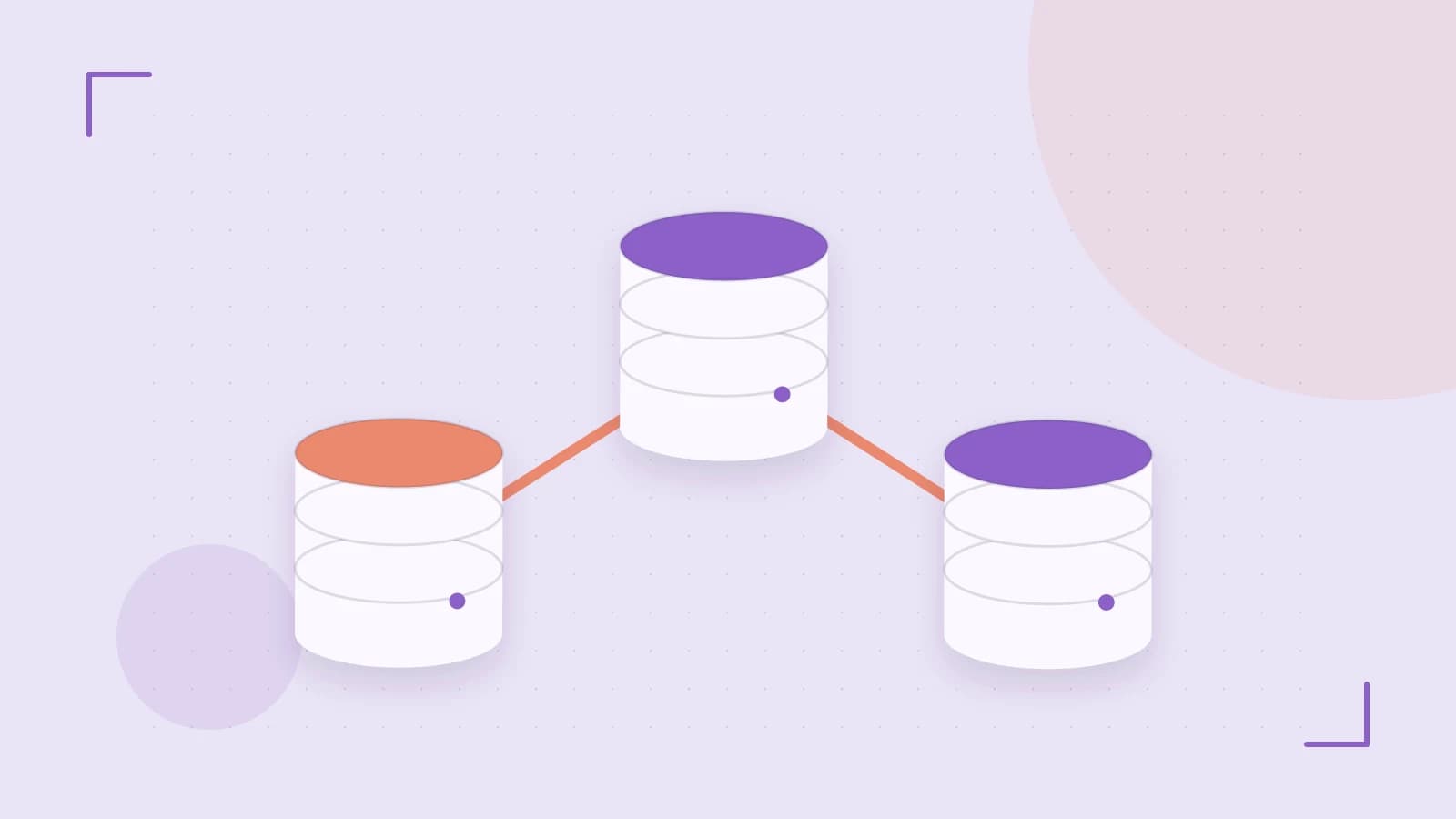
Problem: Full‑region scans kill query latency
When you store data in HBase and query it through Apache Phoenix, a simple WHERE filter on a non‑key column often forces Phoenix to scan every region of the table. As the table grows, this O(N) scan adds seconds or even minutes to response times, making interactive dashboards or reporting jobs unusable.
Takeaway: A secondary index turns that scan into an index lookup
Phoenix can maintain a secondary index automatically kept in sync with the base table. When the indexed column appears in a filter, the planner chooses an INDEX SCAN instead of a full region scan, reducing complexity from O(N) to O(log N) and often cutting latency by an order of magnitude for selective queries.
How Phoenix secondary indexes work
Under the hood, a Phoenix index is just another HBase table whose row key encodes the indexed column(s) followed by the primary key of the base table. Each write to the base table triggers a corresponding write to the index table, so the index stays consistent without extra application code. The planner can use the index for:
- Point lookups (
col = :val) - Range scans (
col BETWEEN :low AND :high) - Covered queries when the index includes all columns needed in the SELECT list.
Worked example: adding and verifying an index
Assume you have an HBase table sales with columns sale_date, region, amount and a primary key on sale_id. Queries frequently filter by region.
- Create the base table (if not already present) – run as a user with HBase create/table permissions, e.g. the
hbaseOS user or a Phoenix admin:
CREATE TABLE sales (
    sale_id VARCHAR PRIMARY KEY,
    sale_date DATE,
    region VARCHAR,
    amount DECIMAL
);
- Load sample data – you can use
psql.pyor JDBC; here we show a simple insert via the Phoenix query console:
UPSERT INTO sales VALUES ('2023001', '2023-01-15', 'US-West', 1250.00);
UPSERT INTO sales VALUES ('2023002', '2023-01-16', 'US-East', 980.50);
-- repeat as needed
- Create a secondary index on
region:
CREATE INDEX idx_sales_region ON sales (region);
No extra privileges beyond table creation are needed; the index is created as an internal HBase table.
- Verify the planner uses the index – run
EXPLAINon a filtered query:
EXPLAIN SELECT amount FROM sales WHERE region = 'US-West';
Look for a step like INDEX SCAN idx_sales_region in the output. If you see FULL SCAN instead, the index was not used (perhaps due to a function on the column or missing statistics).
- Measure latency before/after – using the Phoenix query console or JDBC, time the query:
\! time SELECT amount FROM sales WHERE region = 'US-West';
Compare the elapsed time; a noticeable drop indicates the index is effective.
Trade‑offs and limitations
While indexes improve read latency, they introduce write‑amplification:
- Each
UPSERT,DELETE, or update to the indexed column forces a write to both the base table and the index table, increasing storage usage and potentially reducing write throughput. - The index occupies extra HBase store files; monitor region‑server metrics such as
StoreFileSizeandIndexUpdateLatencyvia the HBase UI to gauge impact. - Index usability depends on the predicate matching the indexed column exactly. Queries that apply functions (
UPPER(region) = 'US-WEST') or combine conditions withORmay bypass the index and fall back to a full scan.
Therefore, add indexes selectively based on query frequency and selectivity. A rule of thumb: index columns that appear in equality or range filters on >10% of queries and have high cardinality.
Actionable steps and rollback
- Identify hot‑filter columns from query logs or monitoring tools.
- Create a test index on a staging cluster, verify with
EXPLAINand latency measurements. - If results are satisfactory, promote the index to production.
- Monitor write throughput and storage growth; if the cost outweighs the benefit, drop the index:
DROP INDEX idx_sales_region ON sales;
Dropping the index removes the extra HBase table and eliminates write‑amplification, rolling back the storage impact.
Conclusion
Apache Phoenix secondary indexes give you a low‑effort way to turn costly full‑region scans into fast index lookups for HBase‑backed data. By creating the right index, validating the plan with EXPLAIN, and watching write‑amplification metrics, you can achieve significant query speed‑ups while keeping the trade‑offs in check.
 phoenix
0 replies
A thoughtful contribution can make all the difference. Be the first to share one.