Use BrowserStack Local to test localhost and internal sites in Automate and App Live
Connect BrowserStack Local to route BrowserStack Automate and App Live tests to localhost and internal staging sites via an outbound tunnel, with prerequisites, capabilities and verification steps.
23 Jun 2026, 15:32 UTC
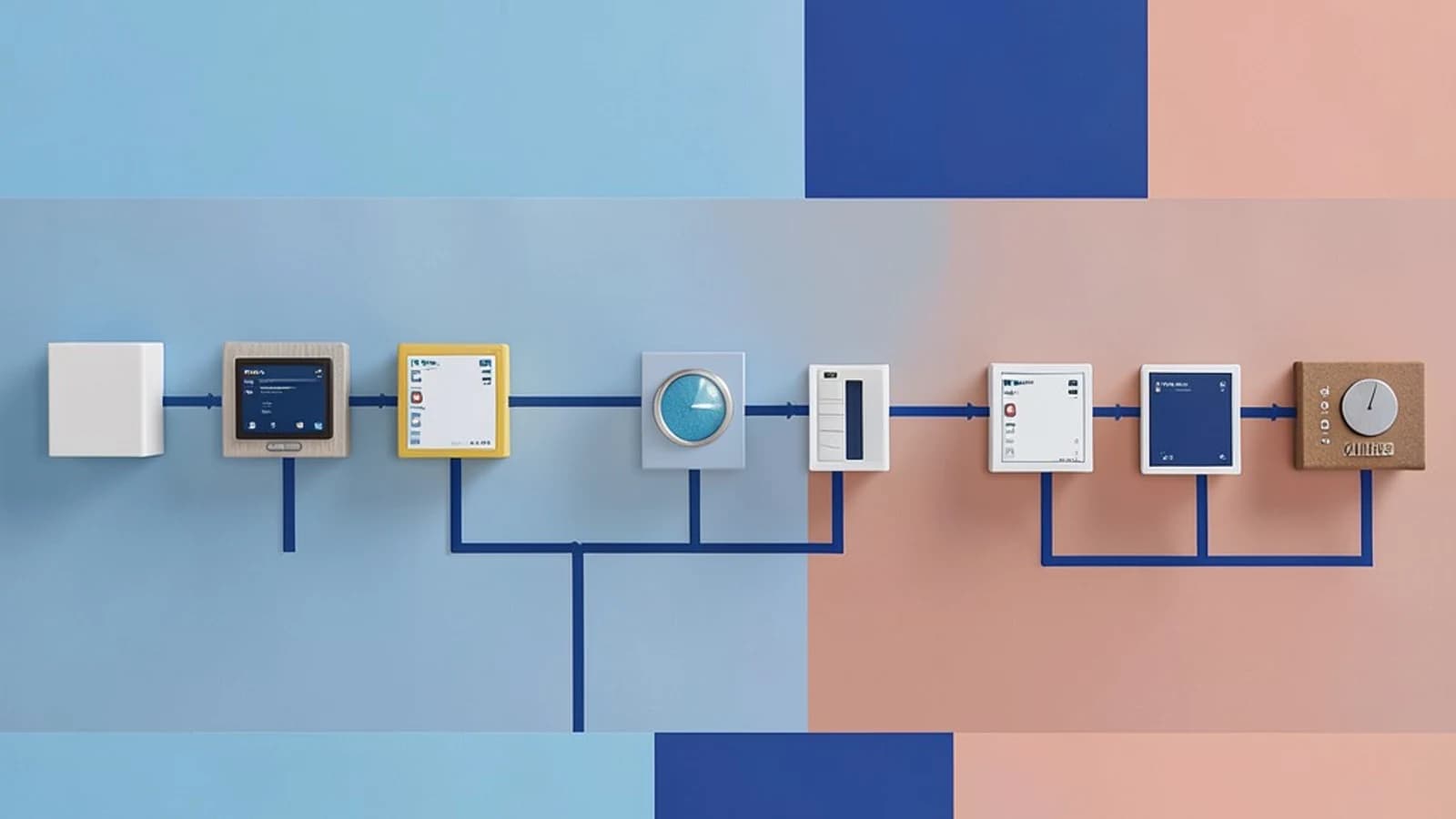
Problem: your test needs a private URL BrowserStack cannot reach directly
\nAutomated Selenium/Appium tests or manual checks in BrowserStack Automate and App Live run on BrowserStack-hosted devices and browsers. Those environments cannot resolve your developer machine's localhost or an internal staging hostname. BrowserStack Local creates an outbound tunnel from your network to BrowserStack so a test session can reach http://localhost: or an internal host as if it were public.
Desired outcome
\nRun tests against a local development server or internal staging URL that is not publicly reachable, using BrowserStack Automate for automation and App Live for manual testing, with traffic routed through a controlled BrowserStack Local tunnel.
\nPrerequisites
\n- \n
- BrowserStack account with Automate and/or App Live access and an Access Key from Account Settings. \n
- BrowserStack Local binary for your CI runner or developer OS. Download from the BrowserStack Local download page and make it executable. \n
- Outbound HTTPS connectivity from the machine running the binary to BrowserStack Local endpoints. Corporate egress firewalls must allow the connection. \n
- Local server running and listening on the machine where the binary runs, bound to
127.0.0.1or0.0.0.0as required by your environment. \n
Procedure
\nStart the BrowserStack Local binary
\nRun the binary on the same host as the local server. Required permissions: execute permission for the binary and network outbound.
\n# macOS / Linux, run in a terminal on the dev or CI host\n./BrowserStackLocal --key <ACCESS_KEY> --local-identifier <unique-id>\nOn Windows use BrowserStackLocal.exe with the same flags. The --local-identifier value is a free‑form string used to bind a test session to this tunnel. Use a unique identifier per concurrent tunnel to avoid routing collisions.
Configure the test session
\nFor Selenium WebDriver automation, set capabilities that enable Local and reference the identifier.
\nbrowserstack.local = true\nbrowserstack.localIdentifier = \"<unique-id>\"\nExample capabilities snippet for Python:
\ncapabilities = {\n \"browserName\": \"chrome\",\n \"browserVersion\": \"latest\",\n \"os\": \"Windows\",\n \"osVersion\": \"11\",\n \"browserstack.local\": True,\n \"browserstack.localIdentifier\": \"my-tunnel-01\"\n}\nFor Appium, use the same keys under the desired capabilities. For App Live manual testing, open a session, enable Local in the session settings, and enter the same local identifier used when starting the binary.
\nRun the test
\nPoint the test to the private URL, e.g., http://localhost:3000 or http://internal-staging.company.local. The BrowserStack cloud routes the request through the tunnel identified by browserstack.localIdentifier.
Expected checks
\n- \n
- Local binary console output and the BrowserStack Automate Local dashboard show a connected status for the identifier before tests start. \n
- A smoke test loads the expected local page instead of DNS or connection refused errors. \n
- Session logs in BrowserStack Automate show local tunnel entries and the hostname/IP matches your local server. \n
Verify by running a simple navigation to http://localhost:<port>/health and asserting content unique to your local build.
Recovery options
\n- \n
- Tunnel drop: stop the binary with
Ctrl+Cand restart with the same--keyand--local-identifier, then re‑run the session. \n - Firewall block: whitelist BrowserStack Local IP ranges for outbound connections from the host running the binary. Check with your network team if connection never reaches Connected status. \n
- Identifier collision: use a distinct local identifier per parallel job or share one binary carefully. Collisions can route traffic to the wrong tunnel. \n
- Fallback: once the feature is promoted to a public URL, remove
browserstack.localand test directly without the tunnel. \n
Limitations and security notes
\nBrowserStack Local opens an outbound tunnel from your network. Do not use it for production traffic or sensitive data unless your security policy explicitly permits external tunneling. Local binary versions can become incompatible with BrowserStack backend after updates; upgrade the binary periodically rather than relying on a cached copy. Concurrent tests must coordinate identifiers to avoid misrouting.
\nCheck the result practically by confirming the Local dashboard shows connected, the test reaches the local page, and session logs reference the local tunnel.
 browserstack
 selenium
0 replies
A thoughtful contribution can make all the difference. Be the first to share one.