Unix Pipes: How File Descriptor Abstraction Makes Composable CLI Tools Possible
Unix pipes connect processes via kernel buffers and inherited file descriptors, enabling composable CLI pipelines like journalctl | jq | sort | uniq | head. Covers mechanics, trade-offs (buffer limits, SIGPIPE, pipefail), and building reliable log-processing pipelines with standard tools.
14 Feb 2026, 06:20 UTC
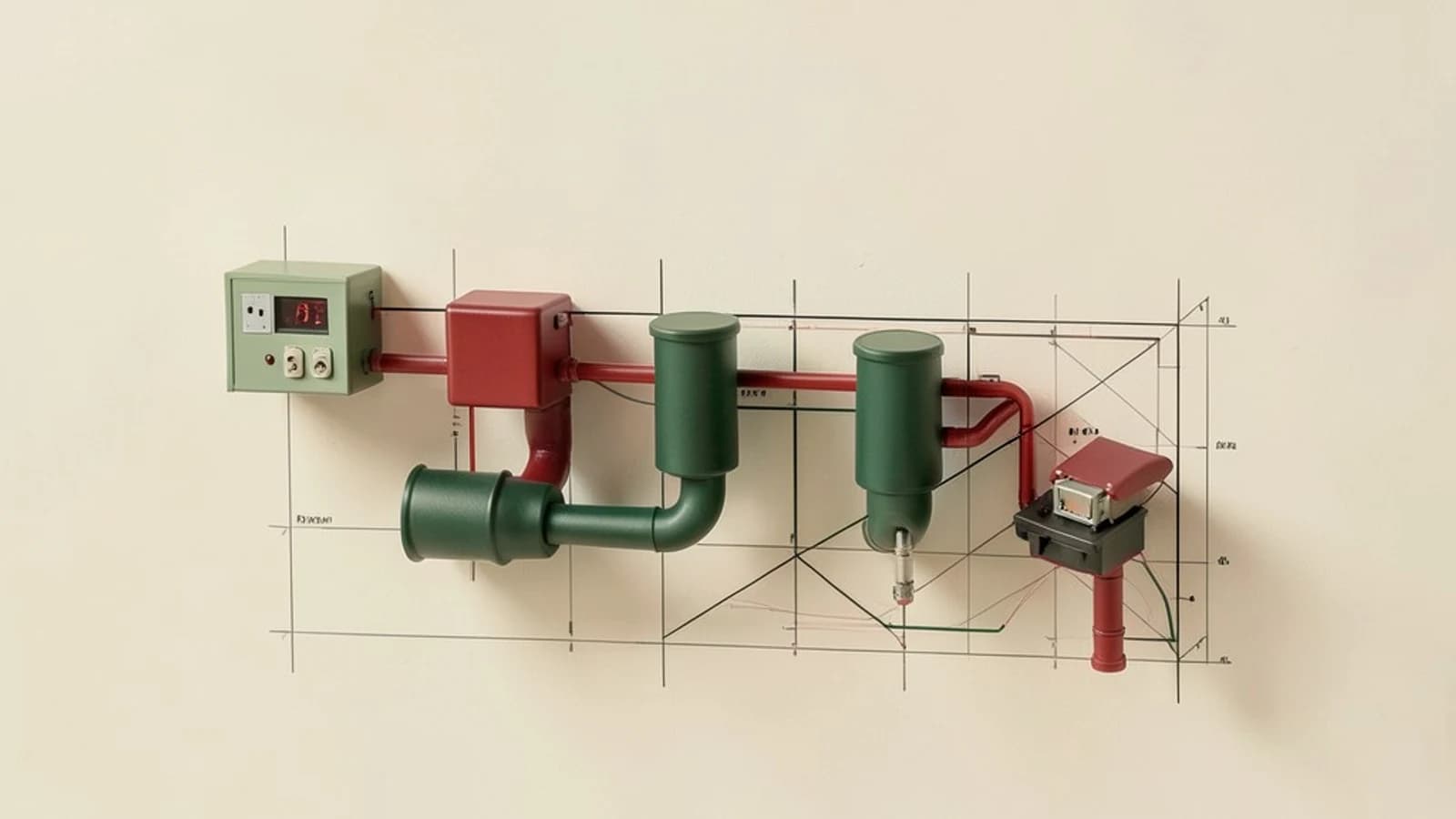
The Problem: Processing Logs Without Writing Code
You need the top 20 most frequent error messages from nginx logs stored in systemd's journal. Writing a custom parser in Python or Go works, but it adds a dependency, requires deployment, and duplicates logic that standard tools already handle. The Unix alternative: a one-liner using only journalctl, jq, sort, uniq, and head connected by pipes.
Why Pipes Work: Kernel Buffers and Inherited File Descriptors
A pipe (|) is a kernel-managed circular buffer, typically 64 KiB on Linux. When you write cmd1 | cmd2, the shell:
- Calls
pipe(2)to create a read end and a write end. - Forks a child for
cmd1, usesdup2to replace its stdout (fd 1) with the pipe's write end, thenexecs the command. - Forks a child for
cmd2, usesdup2to replace its stdin (fd 0) with the pipe's read end, thenexecs the command. - Closes its own copies of the pipe fds and waits.
Because file descriptors 0, 1, and 2 are inherited across fork/exec, each child automatically reads from or writes to the pipe without knowing it exists. No user-space copying occurs between processes; the kernel moves data directly between the buffer and each process's address space.
Worked Example: Extracting Top Nginx Errors
journalctl -u nginx -o json |\n jq -r 'select(.PRIORITY <= 4) | .MESSAGE' |\n sort |\n uniq -c |\n sort -rn |\n head -20Each tool does one thing:
journalctl -u nginx -o jsonstreams structured log entries as JSON Lines.jq -r 'select(.PRIORITY <= 4) | .MESSAGE'filters for priority ≤ 4 (errors and above) and emits raw message strings.sortgroups identical lines together.uniq -ccounts occurrences.sort -rnorders by count descending.head -20keeps the top 20.
No temporary files, no intermediate serialization, no custom code. The pipeline processes data incrementally: head -20 can exit early, and the kernel will send SIGPIPE to upstream writers when they next write to a closed pipe.
Trade-offs You'll Hit in Practice
Finite Buffers Block Producers
If jq runs slower than journalctl produces JSON, the 64 KiB pipe fills and journalctl blocks on write(2). For high-throughput streams, insert pv or buffer to add a larger user-space buffer, or use grep --line-buffered / sed -u to avoid deadlock on line-oriented data.
SIGPIPE Terminates Writers by Default
When head -20 exits, the next write from sort -rn raises SIGPIPE, killing it with exit status 141 (128 + SIGPIPE). In custom tools, either handle the signal (trap '' PIPE in shell, signal(SIGPIPE, SIG_IGN) in C) or check write return codes. The default behavior is usually what you want for pipelines, but it surprises developers writing their first filter.
Exit Status Masks Upstream Failures
Without set -o pipefail, false | true returns 0 because $? reflects only the last command. Enable pipefail in bash or zsh to surface the rightmost non-zero exit code. This matters when a pipeline step fails silently (e.g., jq encounters malformed JSON).
No Built-in Framing
Pipes carry raw bytes. Structured data needs explicit delimiters: newline for JSON Lines, NUL (\0) for xargs -0, or length-prefixed frames. Tools like socat or protobuf add framing, but the pipe itself remains a byte stream.
Extending the Abstraction: Named Pipes for Unrelated Processes
A named pipe (FIFO) lets unrelated processes share a stream:
mkfifo /tmp/logfifo
 tail -f /var/log/app.log > /tmp/logfifo &
 grep ERROR < /tmp/logfifo
Multiple consumers can read from the same FIFO, each getting a copy of the data. This is useful for tee-ing a live stream to both a file and an alerting system without modifying the producer.
Actionable Checklist for Reliable Pipelines
- Add
set -o pipefailat the top of shell scripts that run pipelines. - Use
pv -qorbufferwhen a fast producer feeds a slow consumer. - Prefer
grep --line-bufferedorsed -ufor interactive or line-oriented filters. - Test SIGPIPE behavior:
python3 -c 'import sys; sys.stdout.write("x"*1000000)' | head -c 10should exit with status 141. - Verify pipe buffer size on your system:
man 7 pipeshowsPIPE_BUF(atomic write guarantee, usually 4096 bytes).
Closing Thought
The pipe abstraction — kernel buffer + inherited file descriptors + byte-stream semantics — is why journalctl | jq | sort | uniq | head works without a single line of glue code. It turns independent, single-purpose tools into a composable dataflow engine. Next time you reach for a scripting language to transform text, ask whether a pipeline of standard utilities gets you there faster. Often it does.
 unix
unix0 replies
A thoughtful contribution can make all the difference. Be the first to share one.