Tuning Code Engine Concurrency and Scale-to-Zero for Bursty HTTP Workloads
Code Engine scales on concurrent requests, not CPU. This blog walks through sizing concurrency targets, min/max scale, and instance resources for a bursty API — with a worked example, cold-start trade-offs, and verification steps you can run today.
12 May 2026, 14:38 UTC
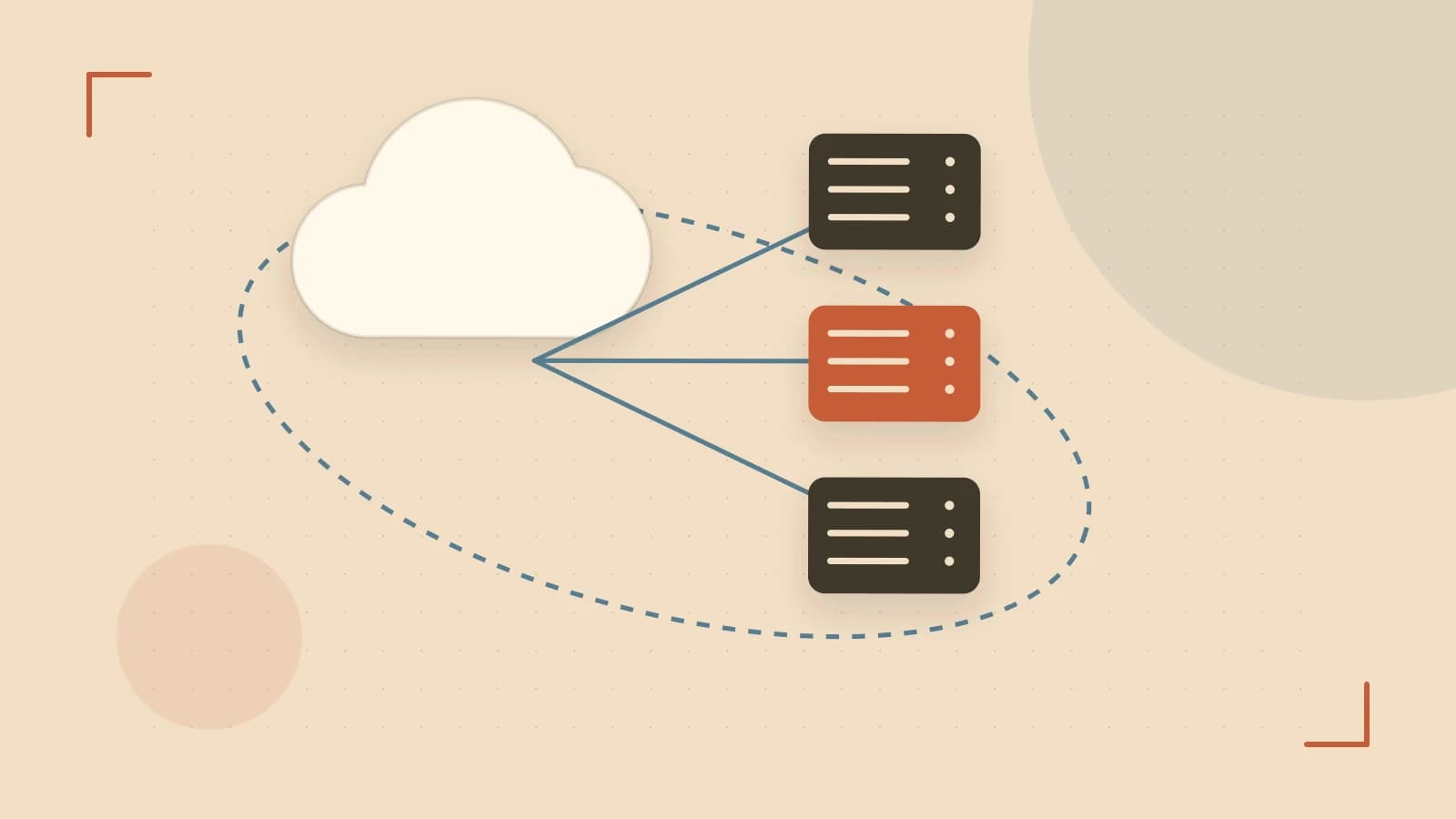
The problem: burst traffic meets cold starts
You deploy an HTTP API to IBM Cloud Code Engine. Traffic is quiet most of the day, then a scheduled job or marketing campaign sends a sudden spike — 1,000 requests per second for a few minutes. With scale-to-zero enabled, the first requests after idle periods hit cold-start latency. With a high concurrency setting, you pack more load per instance but risk queueing during the burst. The concurrency target and minimum scale setting together determine whether your service absorbs the spike or surfaces latency to users.
How Code Engine scales HTTP workloads
Code Engine runs on Knative Serving. Instead of CPU-based autoscaling, the platform watches concurrent requests per instance. Each revision has a concurrencyTarget (default 100) that tells the autoscaler: "start a new instance when the average concurrent requests across existing instances exceeds this number." It's a target, not a hard cap — brief overshoot happens during sudden bursts.
You also set minScale and maxScale. minScale=0 (the default) lets the revision scale to zero when idle, eliminating cost but adding cold-start latency on the first request after the scale-down grace period (typically a few minutes of no traffic). Setting minScale=1 or higher keeps that many warm instances running continuously.
The scale-to-zero trade-off: cold starts vs. idle cost
Cold-start duration depends heavily on your container image size and startup logic. A minimal Go binary might start in 200–400 ms; a Java Spring Boot app with classpath scanning can take 3–8 seconds. If your API serves user-facing requests, even a 500 ms cold start may breach SLOs. For internal async workers, it's often acceptable.
The cost side: billing is based on provisioned vCPU and memory while instances run. A revision with minScale=0 costs nothing when idle. minScale=2 with 1 vCPU / 2 GiB per instance runs roughly $30–$40/month in the Dallas region (pricing varies; check the current calculator). That's the "warmth premium" you pay to eliminate most cold starts.
Worked sizing example: a bursty REST API
Assume an API with these characteristics:
- Average request latency: 50 ms (including downstream DB calls)
- Target concurrency per instance: 10 (conservative to limit queueing)
- Steady-state traffic: 50 req/s
- Burst traffic: 1,000 req/s for 3 minutes, twice daily
Capacity per instance: At 50 ms/request, one instance handling 10 concurrent requests completes ~200 req/s (10 / 0.050).
Steady state: 50 req/s ÷ 200 req/s = 0.25 instances → 1 instance (minimum).
Burst: 1,000 req/s ÷ 200 req/s = 5 instances needed.
Configuration:
apiVersion: serving.knative.dev/v1
kind: Service
metadata:
  name: bursty-api
spec:
  template:
    metadata:
      annotations:
        autoscaling.knative.dev/minScale: "1"
        autoscaling.knative.dev/maxScale: "10"
        autoscaling.knative.dev/target: "10"
    spec:
      containers:
      - image: us.icr.io/my-ns/bursty-api:latest
        resources:
          limits:
            cpu: "1000m"
            memory: "2Gi"
          requests:
            cpu: "500m"
            memory: "1Gi"
With minScale=1, you always have one warm instance (~$15–20/month). The autoscaler adds up to 9 more during the burst. Each instance is sized for 10 parallel requests (1 vCPU, 2 GiB), not for a single request.
Downstream impact: At peak, 10 instances × 10 concurrency = 100 simultaneous in-flight requests. Your Db2 or PostgreSQL connection pool must accommodate at least 100 connections (plus headroom). If the pool max is 50, you'll see connection exhaustion before Code Engine scaling becomes the bottleneck.
Verification steps you can run today
- Deploy a test revision with the target concurrency and
minScale=0. Use the IBM Cloud CLI:
Run this from a workstation with theibmcloud ce app create --name bursty-api-test \ --image us.icr.io/my-ns/bursty-api:latest \ --min-scale 0 --max-scale 10 \ --concurrency 10 \ --cpu 1 --memory 2GibmcloudCLI and Code Engine plugin, authenticated to the target project (requiresWriterorManagerIAM role on the project). - Load test with a tool like
heyorwrkwhile watching the instance count in the Code Engine console (oribmcloud ce app get --name bursty-api-testrepeatedly). Confirm the instance count rises toward 5 at 1,000 req/s. - Measure cold start: let the app scale to zero (wait 5–10 minutes with zero traffic), then send a single request and measure end-to-end latency. Repeat 10 times; record p50 and p99. If p99 exceeds your SLO, raise
minScaleto 1 or 2. - Check downstream limits: verify your database connection pool, message broker limits, and any third-party API rate limits can handle
maxScale × concurrencyTargetconcurrent operations.
Limitations and gotchas
- Concurrency is a target, not a cap. During a flash burst, instances may briefly handle 1.5–2× the target before new instances become ready. Size downstream resources for
maxScale × concurrencyTarget × 2to be safe. - Image size dominates cold starts. Multi-stage builds, distroless bases, and lazy initialization (defer DB pool creation until first request) can cut cold-start time by 50–80%.
- Configuration fields and defaults change. The annotations above reflect Knative 1.x as used in Code Engine as of late 2024. Verify current field names and limits in the IBM Cloud Code Engine documentation before hardening automation.
- Scale-to-zero grace period is not user-configurable; it's typically 2–5 minutes of zero traffic. You cannot force an immediate scale-down for testing.
Actionable closing
Start with minScale=1, concurrencyTarget=10, and resources sized for 10 parallel requests. Run the load test and cold-start measurement above. If cold-start p99 is acceptable and you want to save the ~$15–20/month, drop minScale to 0. If the burst needs more than 10 instances, raise maxScale and re-verify downstream capacity. The knob that matters most for bursty HTTP is concurrency target — tune it first, then adjust min/max scale around your cost/latency boundary.
 ibm
ibm0 replies
A thoughtful contribution can make all the difference. Be the first to share one.