Traefik Proxy: Choosing Between Docker and File Providers for Dynamic Configuration
Deciding between Traefik's Docker and File providers depends on whether you prioritize auto-discovery or version-controlled governance. Learn how to implement a hybrid approach for maximum flexibility.
23 Jul 2026, 02:11 UTC
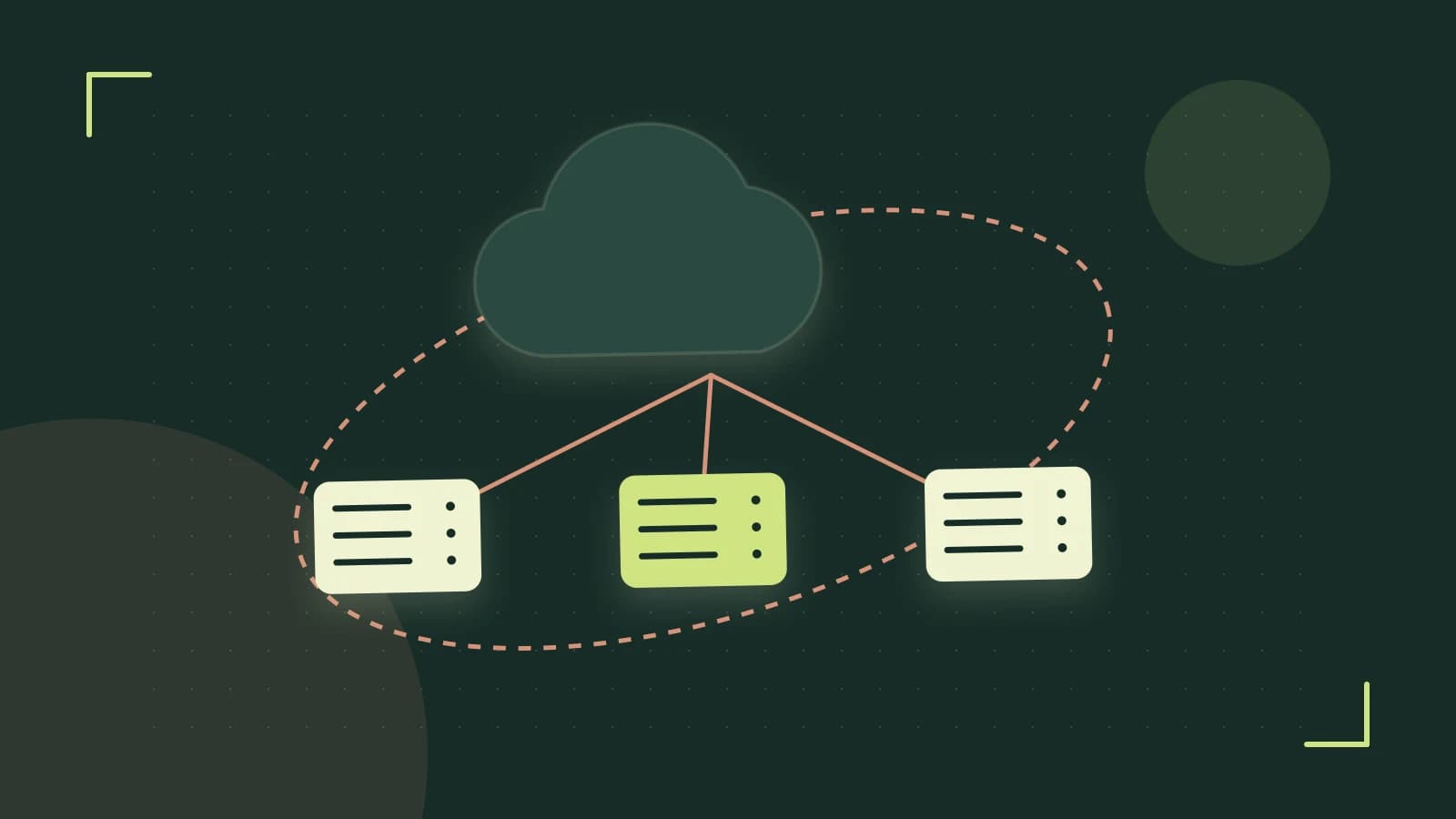
The Configuration Dilemma: Auto-Discovery vs. Centralized Control
When deploying Traefik in a containerized environment, you must decide how the proxy learns about your services. The core problem is a trade-off between operational velocity (automatic updates as containers spin up) and governance (version-controlled, auditable routing rules).
The takeaway: Use the Docker provider for ephemeral application services that should self-describe their routing. Use the File provider for shared infrastructure, complex middleware chains, and routing that must persist regardless of whether a specific container is currently running.
Comparison of Configuration Providers
| Feature | Docker Provider (Labels) | File Provider (YAML/TOML) |
|---|---|---|
| Discovery | Automatic via Docker Socket | Manual/Declarative |
| Config Location | Container Labels | Centralized Files |
| Lifecycle | Tied to container uptime | Independent of containers |
| Auditability | Difficult (scattered) | High (GitOps/Diffs) |
| Security Risk | Requires Docker Socket access | Low (Standard file mount) |
Analyzing the Trade-offs
The Docker provider reduces boilerplate. When a developer adds a label to a docker-compose.yml file, Traefik detects the event via the Docker API and updates the routing table in real-time without a restart. However, this scatters your network architecture across dozens of different service definitions, making it difficult to visualize the entire ingress map without the Traefik dashboard.
The File provider treats routing as code. By defining routers and services in a YAML file, you can apply pull-request reviews to every change in your routing logic. The downside is the manual overhead: if you change a backend service name or port, you must update the File provider config and ensure the file is reloaded (via the watch: true setting in static configuration).
Hybrid Approach: Most production environments use both. The File provider handles global middlewares (like a shared CORS policy or Auth layer) and TLS options, while the Docker provider handles the individual application routes that reference those shared middlewares.
Implementation Example: Hybrid Configuration
This example assumes Traefik v2.x/v3.x. We define a shared \"api-strip\" middleware in a file and apply it to a container via labels.
1. File Provider (Dynamic Config)
Create a file at /etc/traefik/dynamic_conf.yml. This configuration is independent of any container.
# Dynamic configuration file\nhttp:\n middlewares:\n api-strip:\n stripPrefix:\n prefixes:\n - \"/api\"\n2. Docker Provider (Container Labels)
Run the following command to start a service that uses the middleware defined in the file. Run this on the host where the Docker daemon is active.
docker run -d \\\n --name my-app \\\n --label \"traefik.enable=true\" \\\n --label \"traefik.http.routers.my-app.rule=Host(\`app.local\`) & PathPrefix(\`/api\")\" \\\n --label \"traefik.http.routers.my-app.middlewares=api-strip\" \\\n --label \"traefik.http.services.my-app.loadbalancer.server.port=80\" \\\n nginx:alpine3. Static Configuration (Connecting the two)
Traefik must be told to watch both the Docker socket and the file. In your traefik.yml or startup flags:
providers:\n docker:\n exposedByDefault: false\n file:\n filename: \"/etc/traefik/dynamic_conf.yml\"\n watch: trueSecurity and Risks
The Docker provider requires access to /var/run/docker.sock. Granting a container read/write access to this socket is effectively granting root access to the host. To mitigate this:
- Mount the socket as
:ro(read-only). - Use a socket proxy (like
tecnativa/docker-socket-proxy) to restrict Traefik to onlyGETrequests on specific API endpoints.
Verification and Validation
To verify the configuration is active without relying solely on the browser:
- API Check: If the dashboard/API is enabled, run
curl http://traefik:8080/api/http/routers. Look formy-appand verify thatapi-stripis listed in the middleware chain. - Lifecycle Test: Stop the container (
docker stop my-app). Check the API again; the router should disappear immediately. This confirms the Docker provider is managing the lifecycle. - Middleware Test: Send a request to
http://app.local/api/users. If the middleware is working, the backend (Nginx) should receive the request as/users.
Rollback Procedure
If a File provider update causes routing failures:
- Revert the
dynamic_conf.ymlto the previous Git commit. - Because
watch: trueis enabled, Traefik will automatically reload the previous state within seconds. No container restart is required.
 docker
 traefikproxy
0 replies
A thoughtful contribution can make all the difference. Be the first to share one.