Testing Private Helpers Without Exporting Them
Keep private utilities private and still test them with Vitest in-source testing, then verify Vite strips the tests from production builds.
13 Jul 2026, 23:10 UTC
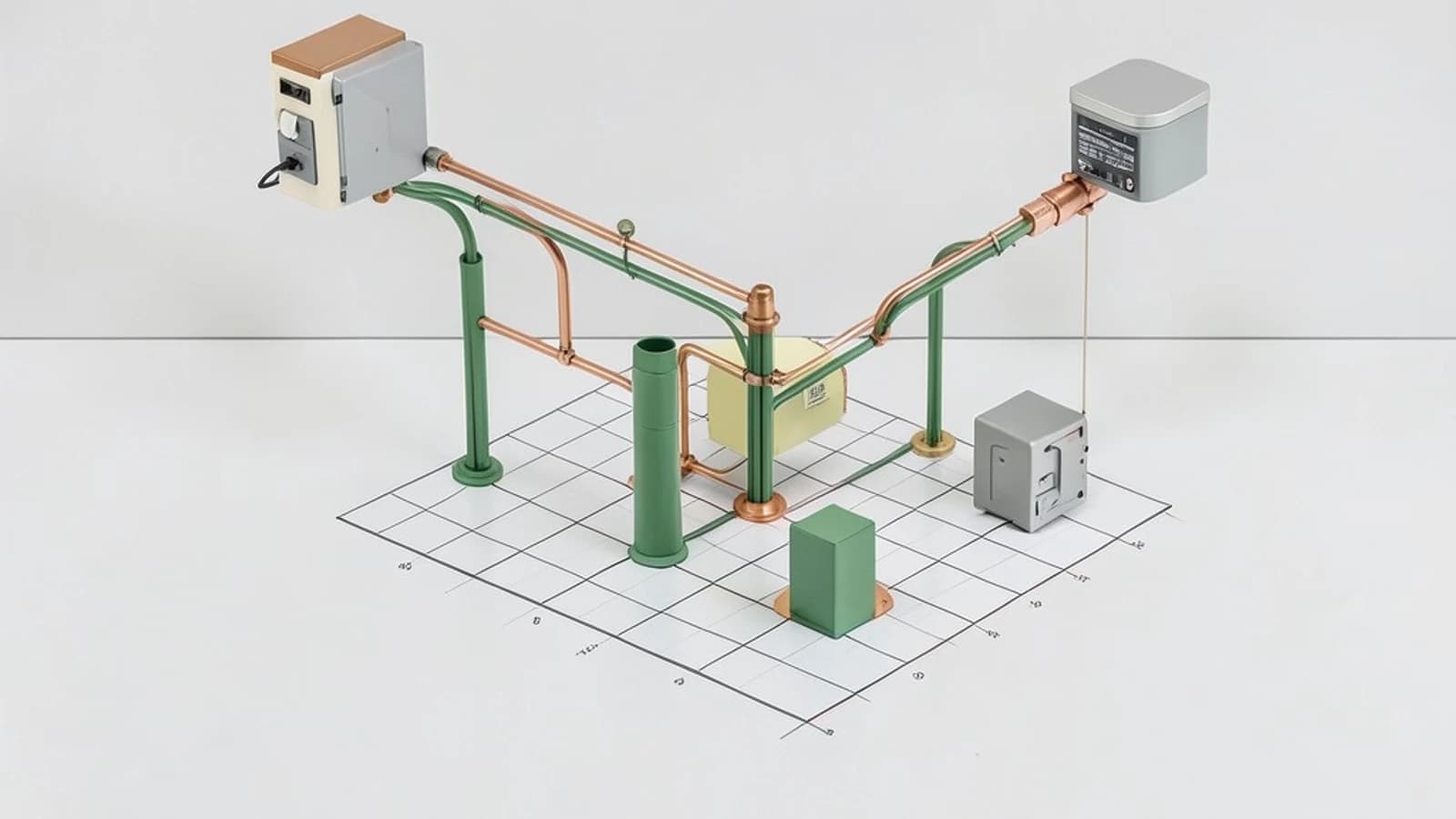
The Private Helper Problem
You write a small utility function to format a slug or sanitize input. It is not part of your module's public API, so you do not export it. Later you need to verify that it handles edge cases, but importing it from a test file requires either exporting it anyway or moving it to a separate module just for testability. Both options add noise to your public interface or fragment your project.
How Vitest In-Source Testing Works
Vitest lets you place tests directly inside the implementation file using an if (import.meta.vitest) block. When you run the test runner, Vitest evaluates that condition as true and executes the tests inside. When you build for production, Vite replaces import.meta.vitest with undefined, so the entire block is removed by dead-code elimination. Your users never receive the test code.
Configuration
Add the define option to vite.config.ts so the build tool knows how to handle import.meta.vitest:
// vite.config.ts
import { defineConfig } from 'vitest/config';

export default defineConfig({
  define: {
    'import.meta.vitest': 'undefined',
  },
});
Then tell TypeScript about the property by adding the Vitest import meta types to tsconfig.json:
// tsconfig.json
{
  "compilerOptions": {
    "types": ["vitest/importMeta"]
  }
}
Worked Example: Testing a Private Slug Cleaner
This module exports slugify but keeps cleanSegments private. The in-source block tests the private function without exporting it.
// src/slug.ts
export function slugify(input: string): string {
  return cleanSegments(input).join('-').toLowerCase();
}

function cleanSegments(input: string): string[] {
  return input.trim().split(/\s+/).filter((segment) => segment.length > 0);
}

if (import.meta.vitest) {
  const { describe, it, expect } = import.meta.vitest;

  describe('cleanSegments', () => {
    it('removes leading and trailing whitespace', () => {
      expect(cleanSegments('  alpha beta  ')).toEqual(['alpha', 'beta']);
    });

    it('collapses internal whitespace', () => {
      expect(cleanSegments('alpha   beta')).toEqual(['alpha', 'beta']);
    });
  });
}
Run the tests from your project root:
npx vitest runVitest discovers the suite inside src/slug.ts and runs it against the unexported cleanSegments function.
Verify the Production Build
After building, confirm the test block did not ship:
- Run
npm run buildorvite build. - Search the output directory for a string unique to your test, such as
collapses internal whitespace. - If the search returns no results, the build correctly stripped the in-source tests.
Trade-offs and Limitations
- File size: Tests can make source files much longer, which hurts readability and IDE responsiveness for large modules.
- Dependency leakage: If the
defineconfiguration is missing or wrong, test-only imports can end up in your production bundle. - Scope: This approach fits pure utilities and small helpers. Integration tests that span multiple modules still belong in separate test files.
When to Use It
Use in-source testing for private helpers where exporting them would distort your public API. Keep broader feature tests in dedicated .test.ts files so your test suite stays organized as the project grows.
 vitest
 typescript
0 replies
A thoughtful contribution can make all the difference. Be the first to share one.