Terramate Dependency Graphs: Architecture, Trust, and Operational Safeguards
Learn how Terramate builds and validates a deterministic dependency graph, the minimal design to implement it, and the operational checks that keep your IaC pipeline safe from cycles, missing edges, and version drift.
01 Aug 2025, 00:19 UTC
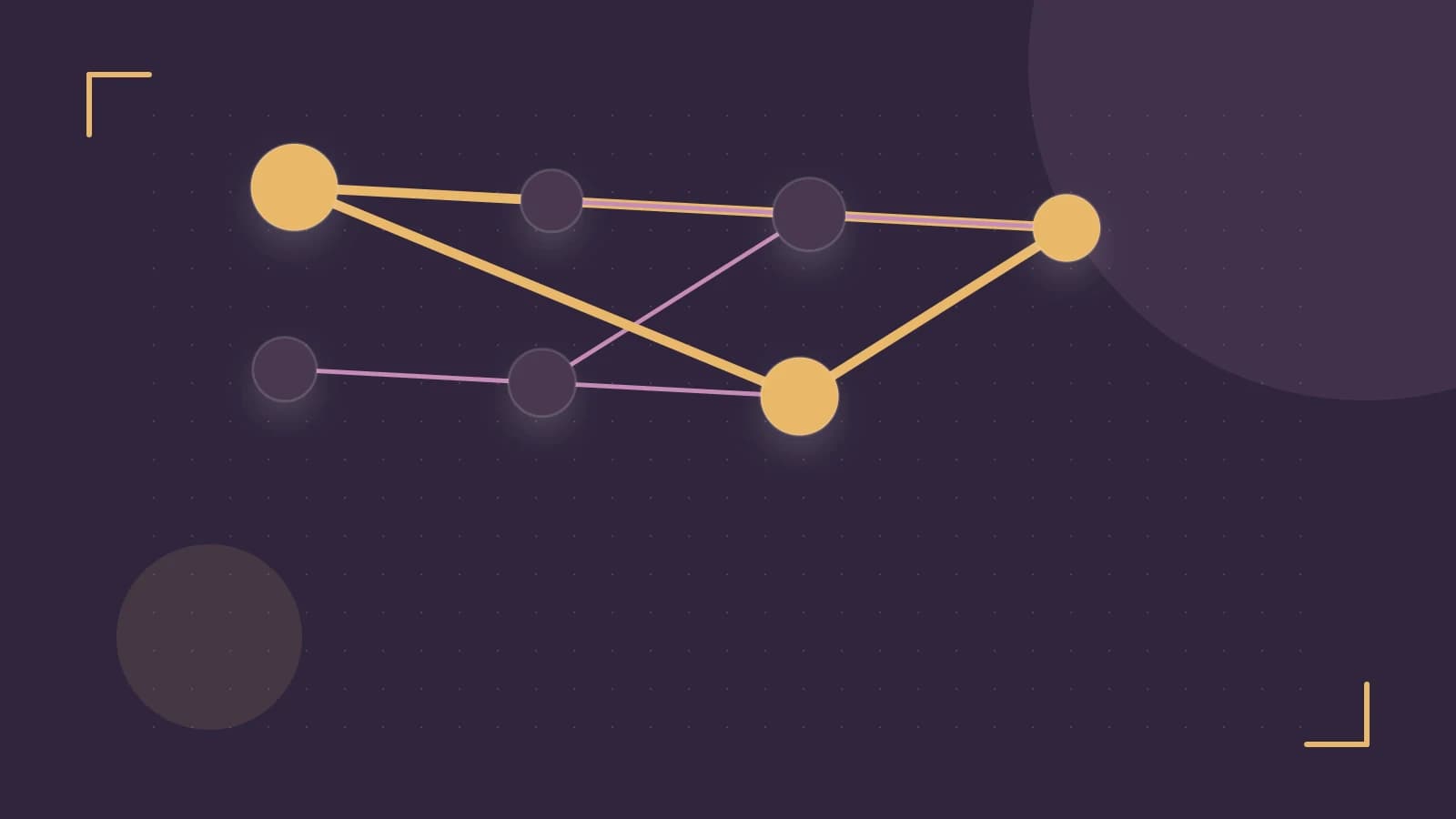
Problem Statement
When a Terraform‑based infrastructure project grows beyond a handful of modules, the order in which modules are planned and applied becomes critical. A manual or ad‑hoc ordering can lead to race conditions, resource conflicts, or accidental overwrites. Terramate’s dependencies metadata field automatically constructs a dependency graph, enabling deterministic, cycle‑free plan ordering. This article outlines the architectural requirements, the minimal design needed to make the feature work, the trust boundaries it defines, the operational checks you should run, and the failure modes that can surface. It also explains when you might need to adjust the design for larger or more dynamic environments.
Requirements
- Each Terraform module must expose a JSON or YAML file (e.g.,
terramate.jsonorterramate.yaml) that contains adependenciesarray. - The array must list relative paths to modules that the current module relies on.
- Terramate must be able to resolve these paths at graph‑build time; the file system layout must be stable across CI runs.
- All modules must be version‑controlled so that a pull request can be evaluated against a specific graph state.
Minimal Design
The smallest viable architecture consists of three parts:
- Metadata files – One per module, declaring dependencies.
- Graph Builder – A central component of the Terramate CLI that parses metadata, resolves paths, and emits a directed acyclic graph (DAG).
- CLI Commands –
terramate graphto render the graph,terramate planto execute modules in topological order, and optional--output jsonfor machine‑readable validation.
Example metadata for two modules:
// terramate.json for module‑a
{
  "name": "module-a",
  "dependencies": []
}

// terramate.json for module‑b
{
  "name": "module-b",
  "dependencies": ["../module-a"]
}
Running terramate graph in the root of the repository will produce a visual graph with an edge from module-a to module-b. The graph builder uses a depth‑first traversal to detect cycles; if a cycle is found, the tool aborts with a clear error message.
Trust and Data Boundaries
Terramate trusts only the explicit dependency declarations in the module metadata. It does not inspect the runtime state of modules, Terraform plans, or external data sources. This means:
- All trust is placed on the correctness of the
dependenciesarray. A missing or incorrect path will result in a missing edge, not a false positive. - Because the graph is built statically from metadata, any dynamic runtime dependencies (e.g., resources created in one module used by another via outputs) must be modeled explicitly in the metadata. Failing to do so can break the deterministic ordering.
- External services or remote modules referenced by Terraform are not considered part of the graph; their state is assumed to be stable or handled separately.
Operational Checks
To keep the graph reliable, incorporate the following checks into your CI/CD pipeline:
- Graph validation – Run
terramate graph --output jsonand compare the output against an expected schema or a snapshot. A simple diff can surface unexpected changes in dependencies.# Example check in a CI script terramate graph --output json > graph.json # Compare with a baseline cmp graph.json baseline-graph.json || echo "Dependency graph changed" && exit 1 - Cycle detection – Terramate automatically aborts
terramate planif a cycle is detected. Verify this by intentionally creating a cycle in a test branch and ensuring the command fails.# Intentional cycle // module-a depends on module-b // module-b depends on module-a terramate plan # Expect error: "Cycle detected: module-a -> module-b -> module-a" - Order verification – When running
terramate plan --parallel, log the execution order and confirm it matches the topological order derived from the graph. A simple script can capture module names from the plan output. - Performance monitoring – For large graphs, capture the time and memory usage of
terramate graphandterramate plan. If thresholds are exceeded, consider splitting the graph or using--paralleljudiciously.
Failure Modes
- Missing or malformed metadata – If a module’s
terramate.jsonis absent or contains invalid JSON/YAML, graph construction fails. Terramate falls back to a sequential plan, which may introduce resource conflicts. - Circular dependencies – A cycle prevents plan execution. Terramate reports the cycle and aborts the run. Manual intervention is required to break the cycle.
- Path resolution errors – Relative paths that do not resolve to existing modules create silent missing edges. The graph will appear clean but the intended ordering is lost.
- Version drift – If a module’s declared dependency points to a branch or commit that has changed, the graph may reference a different module version than the one actually used by Terraform. This can lead to mismatched outputs.
- Large graph performance – Extremely deep or wide graphs can cause
terramate graphto consume significant memory or time, potentially blocking CI pipelines.
When to Alter the Design
The minimal design works well for small to medium projects with static module sets. However, consider adjusting the architecture in the following scenarios:
- Dynamic module inclusion – If modules are generated at runtime (e.g., via Terraform modules that create new directories), you’ll need a custom script to generate
terramate.jsonfiles before graph construction. - External dependencies – When modules depend on resources provisioned outside the repository (e.g., a database instance created by another team), you must model those dependencies explicitly or use Terramate’s
externaldependency type if supported. - Large-scale projects – For hundreds of modules, consider partitioning the graph into logical domains and using Terramate’s
--domainflag to limit the scope of each graph build. - Version‑controlled graph snapshots – For auditability, store a snapshot of the graph JSON in the repository and enforce that any PR must update the snapshot if dependencies change.
Practical Checklist
- Verify that every module contains a valid
terramate.json. - Run
terramate graph --output jsonlocally before committing. - Add a CI step that diffs the graph JSON against a baseline.
- Ensure that
terramate plannever reports a cycle error in production branches. - Monitor graph build times and adjust
--parallelsettings accordingly.
Conclusion
Terramate’s dependency graph feature transforms a chaotic Terraform landscape into a deterministic, cycle‑free pipeline. By adhering to the minimal design, respecting the trust boundaries, and embedding rigorous operational checks, teams can catch misconfigurations early and maintain predictable infrastructure deployments. When projects grow or become more dynamic, extending the design—through dynamic metadata generation, external dependency modeling, or graph partitioning—keeps the benefits without sacrificing performance or reliability.
 terraform
 terramate
0 replies
A thoughtful contribution can make all the difference. Be the first to share one.