Terraform Remote State with S3 and DynamoDB: Architecture Note for Production Teams
Architecture note on Terraform remote state using S3 and DynamoDB: minimal design, trust boundaries, operational checks, failure modes, and when to migrate to Terraform Cloud.
17 Jun 2026, 05:49 UTC
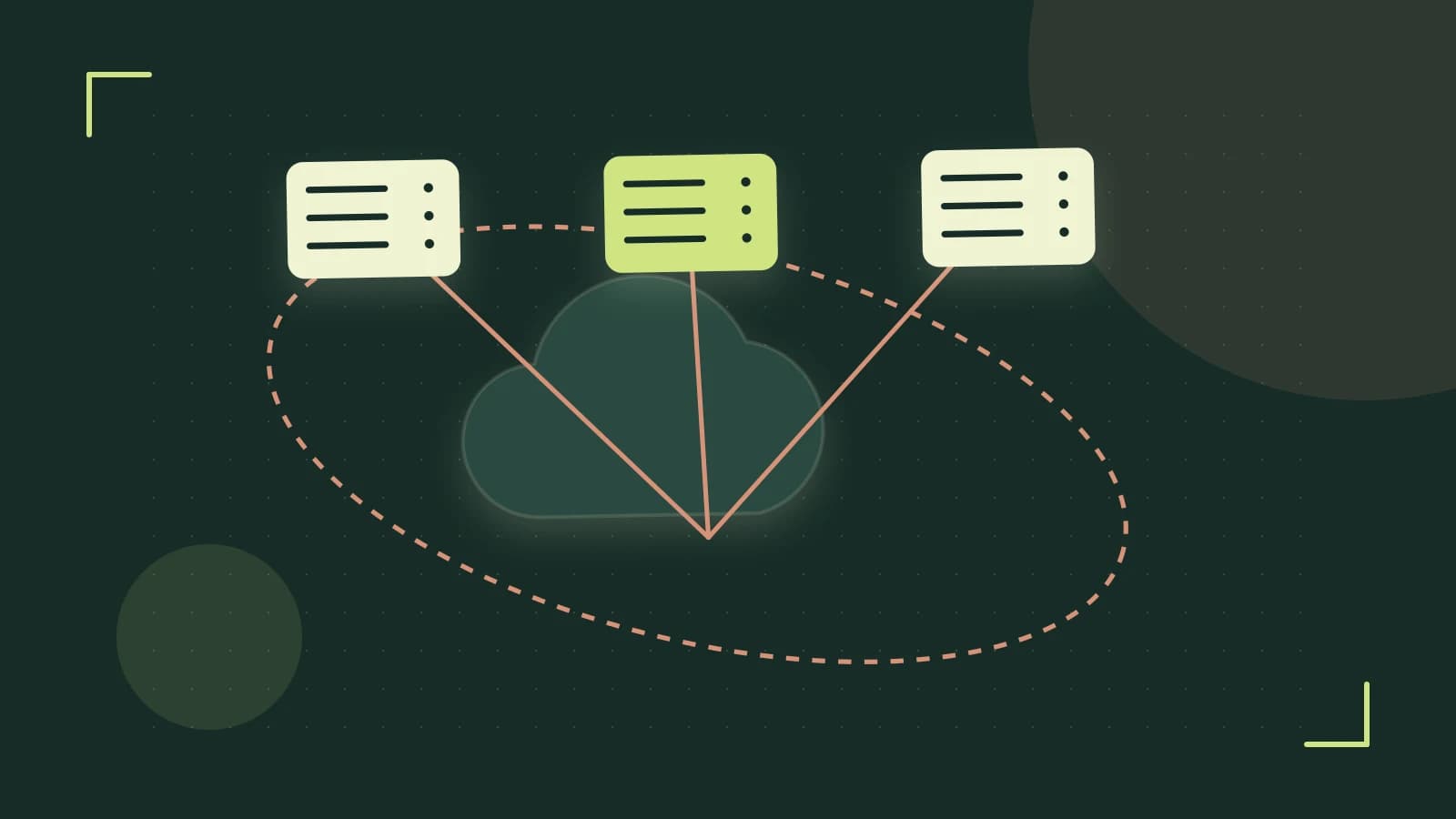
The Problem: Shared State Without a Control Plane
Every Terraform team eventually hits the same wall: local state files work for one person, but break down the moment a CI/CD pipeline and multiple engineers need to apply changes concurrently. The state file becomes a contention hotspot — lost updates, corrupted plans, and "who has the lock?" Slack threads. The fix is not a new tool; it is a deliberate architecture decision about where state lives and how access is controlled.
Takeaway: For AWS-native teams, an S3 bucket with versioning plus a DynamoDB locking table is the smallest suitable design. It requires no extra infrastructure, integrates with IAM, and supports the operational guardrails production teams need.
Requirements Driving the Design
- Concurrency control: Only one
terraform applymodifies state at a time. - Durability and history: Every state change is recoverable; accidental overwrites can be rolled back.
- Least-privilege access: CI roles, admin roles, and developers get only the permissions they need.
- Auditability: Who touched state, when, and from where is traceable.
- No external dependencies: No Terraform Cloud, Consul, or third-party state servers to operate.
Minimal Viable Design
S3 Bucket Configuration
resource "aws_s3_bucket" "tfstate" {
  bucket = "my-org-terraform-state"

  versioning {
    enabled = true
  }

  server_side_encryption_configuration {
    rule {
      apply_server_side_encryption_by_default {
        sse_algorithm = "AES256"
      }
    }
  }

  lifecycle {
    prevent_destroy = true
  }
}
Enable versioning and server-side encryption (SSE-S3 or SSE-KMS). A separate bucket policy restricts access to named IAM principals. prevent_destroy = true adds a Terraform-level guard against accidental deletion. Access logging ships to a separate audit bucket for forensic review.
DynamoDB Lock Table
resource "aws_dynamodb_table" "tf_locks" {
  name         = "terraform-locks"
  billing_mode = "PAY_PER_REQUEST"
  hash_key     = "LockID"

  attribute {
    name = "LockID"
    type = "S"
  }

  ttl {
    attribute_name = "TTL"
    enabled        = true
  }
}
PAY_PER_REQUEST avoids capacity planning. The TTL attribute lets expired locks auto-expire. Scope table access to the same principals as the bucket.
Backend Block
terraform {
  backend "s3" {
    bucket         = "my-org-terraform-state"
    key            = "prod/infra/terraform.tfstate"
    region         = "us-east-1"
    dynamodb_table = "terraform-locks"
    encrypt        = true
  }
}
Use -backend-config at init time to keep the backend block free of environment-specific values:
terraform init \
  -backend-config="bucket=my-org-terraform-state" \
  -backend-config="key=prod/infra/terraform.tfstate" \
  -backend-config="dynamodb_table=terraform-locks" \
  -backend-config="region=us-east-1"
Where to run: Any workstation or CI runner with AWS credentials for the target account. Permissions needed: s3:GetObject, s3:PutObject, s3:ListBucket on the state bucket; dynamodb:GetItem, dynamodb:PutItem, dynamodb:DeleteItem on the lock table. Risk: If the bucket does not exist yet, terraform init fails — create the bucket and table first in a separate bootstrap stack.
Trust and Data Boundaries
The state file is not a secret store. It contains resource IDs, dependency graphs, and output values — including secrets if you do not mark outputs sensitive = true. Treat it as sensitive data:
- Encryption at rest: SSE-S3 is sufficient for most teams; SSE-KMS adds key policy control and an audit trail on every decrypt.
- Access control: Bucket and table policies scope to CI and admin roles only. Developers get read-only via
terraform planin CI, not direct S3 or DynamoDB access. - Secrets in state: Never store database passwords, API keys, or certificates in state. Use AWS Secrets Manager, Parameter Store, or Vault; reference them via data sources.
Boundary check: Run aws iam simulate-principal-policy for the CI role against the bucket and table ARNs. Verify the simulation returns only the actions you explicitly allowed.
Operational Checks
Continuous Monitoring
- DynamoDB metrics: Alert on
ThrottledRequests(capacity pressure) andConditionalCheckFailedRequests(lock contention or stuck locks). - S3 access logs: Query the audit bucket with Athena for "who did what" investigations.
- State size: Track
terraform state pull | wc -cin a scheduled job. Above ~100 MB, plan times degrade noticeably.
CI/CD Gates
# In PR pipeline
terraform plan -detailed-exitcode -out=tfplan
# exit code 0 = no changes, 2 = changes pending, 1 = error
# Gate merge on exit code 0 OR approved exit code 2
Require manual approval on apply in the deployment pipeline. No auto-apply on merge.
Periodic Integrity Check
# Run weekly via cron or scheduled workflow
terraform state pull > current-state.json
sha256sum current-state.json
# Compare against last known good checksum stored in Parameter Store
This catches silent corruption or unauthorized state pushes.
Failure Modes and Mitigations
| Failure Mode | Symptom | Resolution | Prevention |
|---|---|---|---|
| Stale lock (crashed apply) | Error acquiring the state lock with a LockID owned by a dead process | Verify no concurrent apply runs. Then terraform force-unlock <LOCK_ID> | TTL on lock items (24h auto-expiry). CI timeout limits. |
| S3 eventual consistency (new bucket) | terraform init fails reading state immediately after bucket creation | Create bucket and table in a separate bootstrap stack. Wait for propagation before first init. | Separate bootstrap from main config. Use aws s3api wait bucket-exists. |
| KMS key rotation or deletion | State becomes unreadable; AccessDenied on decrypt | Enable automatic key rotation. Never delete the key — schedule deletion only after state migration. | Use a dedicated KMS key with key policy allowing only CI/admin roles. Monitor kms:Decrypt failures. |
| Drift (external changes) | terraform plan shows unexpected changes | Scheduled plan-only runs (daily) with alerts on non-zero exit code. Investigate and either import or revert. | Restrict console/API write access via SCPs or IAM conditions. Tag all managed resources. |
| Runaway lock costs | DynamoDB bill spikes from PAY_PER_REQUEST under stuck locks | Set budget alarm on the table. TTL limits lock lifetime. | Monitor ConsumedWriteCapacityUnits. Consider provisioned capacity with autoscaling if predictable. |
Force-unlock warning: Only run terraform force-unlock after confirming no other apply is active. It removes the lock entry without coordination — concurrent applies will corrupt state. Verify by checking CI pipeline status, runner processes, and DynamoDB Info field.
Design-Change Triggers
The minimal design holds until one of these conditions forces a reevaluation:
- Multi-region disaster recovery: Requires Cross-Region Replication (CRR) on the S3 bucket and a DynamoDB global table. Adds replication lag, cost, and conflict resolution complexity.
- Policy-as-code enforcement: If you need OPA/Sentinel gates on
planoutput, you need Terraform Cloud/Enterprise or Atlantis — the S3 backend has no native policy engine. - State size > 100 MB: Slow plans and apply times. Split into multiple workspaces (per environment, per team) or use
-targetfor partial runs. - Team growth beyond IAM manageability: When principal lists in bucket/table policies become unwieldy, migrate to Terraform Cloud for RBAC, run tasks, and private registry.
- Compliance requiring immutable audit trail: S3 access logs + versioning may not satisfy all frameworks. Terraform Cloud provides signed, tamper-evident run history.
Verification Checklist for New Environments
- Create test bucket and table. Run
terraform init -backend-config=.... - Apply a
null_resourcewith a local-exec provisioner (no real infrastructure). - Check DynamoDB:
aws dynamodb get-item --table-name terraform-locks --key '{"LockID":{"S":"my-org-terraform-state/prod/infra/terraform.tfstate-md5"}}'. ConfirmLockIDandInfofields present. - Simulate concurrent apply: start two
terraform applyin separate terminals. Second should block with "Error acquiring the state lock". - Enable S3 versioning. Overwrite state via
terraform state push. Confirm prior version restorable via console oraws s3api get-object --version-id .... - Run
terraform plan -detailed-exitcodein CI; verify exit codes 0, 2, 1 map to your merge gate logic. - Audit IAM policies with
aws iam simulate-principal-policyfor CI role against bucket/table ARNs.
Limitations
- No built-in RBAC — IAM policies are the only access control.
- No native policy-as-code; requires external tooling (Atlantis, custom CI steps).
- State locking is best-effort;
force-unlockis a footgun. - Cross-account state access requires bucket policies and IAM roles with
sts:AssumeRole— adds complexity. - Terraform CLI version upgrades can upgrade state format (one-way). Test in staging first.
Practical Result Check
After deployment, run this verification in your CI pipeline:
# 1. Confirm lock table works
terraform apply -target=null_resource.test_lock
aws dynamodb scan --table-name terraform-locks --max-items 1
# Should show one item with LockID matching your state key

# 2. Confirm versioning
terraform state push -force <(echo '{"version":4,"terraform_version":"1.9.0","serial":999,"lineage":"test","outputs":{},"resources":[]}')
aws s3api list-object-versions --bucket my-org-terraform-state --prefix prod/infra/terraform.tfstate
# Should show at least two versions

# 3. Confirm encryption
aws s3api head-object --bucket my-org-terraform-state --key prod/infra/terraform.tfstate
# ServerSideEncryption should be AES256 or aws:kms

# 4. Confirm least privilege
aws iam simulate-principal-policy \
  --policy-source-arn arn:aws:iam::123456789012:role/ci-runner \
  --action-names s3:GetObject s3:PutObject dynamodb:PutItem \
  --resource-arns arn:aws:s3:::my-org-terraform-state/prod/infra/terraform.tfstate arn:aws:dynamodb:us-east-1:123456789012:table/terraform-locks
# EvaluationResults should all be "allowed"
If all four checks pass, the minimal design is operational. Schedule the periodic integrity check and metric alerts, then move on to the next infrastructure problem.
 terraform
 aws
0 replies
A thoughtful contribution can make all the difference. Be the first to share one.