Tearing Down the Disk Wall: How Pulsar’s Tiered Storage Lets You Offload Cold Data to S3
If your Pulsar cluster is running out of disk space, tiered storage can move old messages to S3 without changing consumer APIs. Learn the architecture, how to set it up, and the trade‑offs you’ll face.
18 Sept 2026, 23:48 UTC
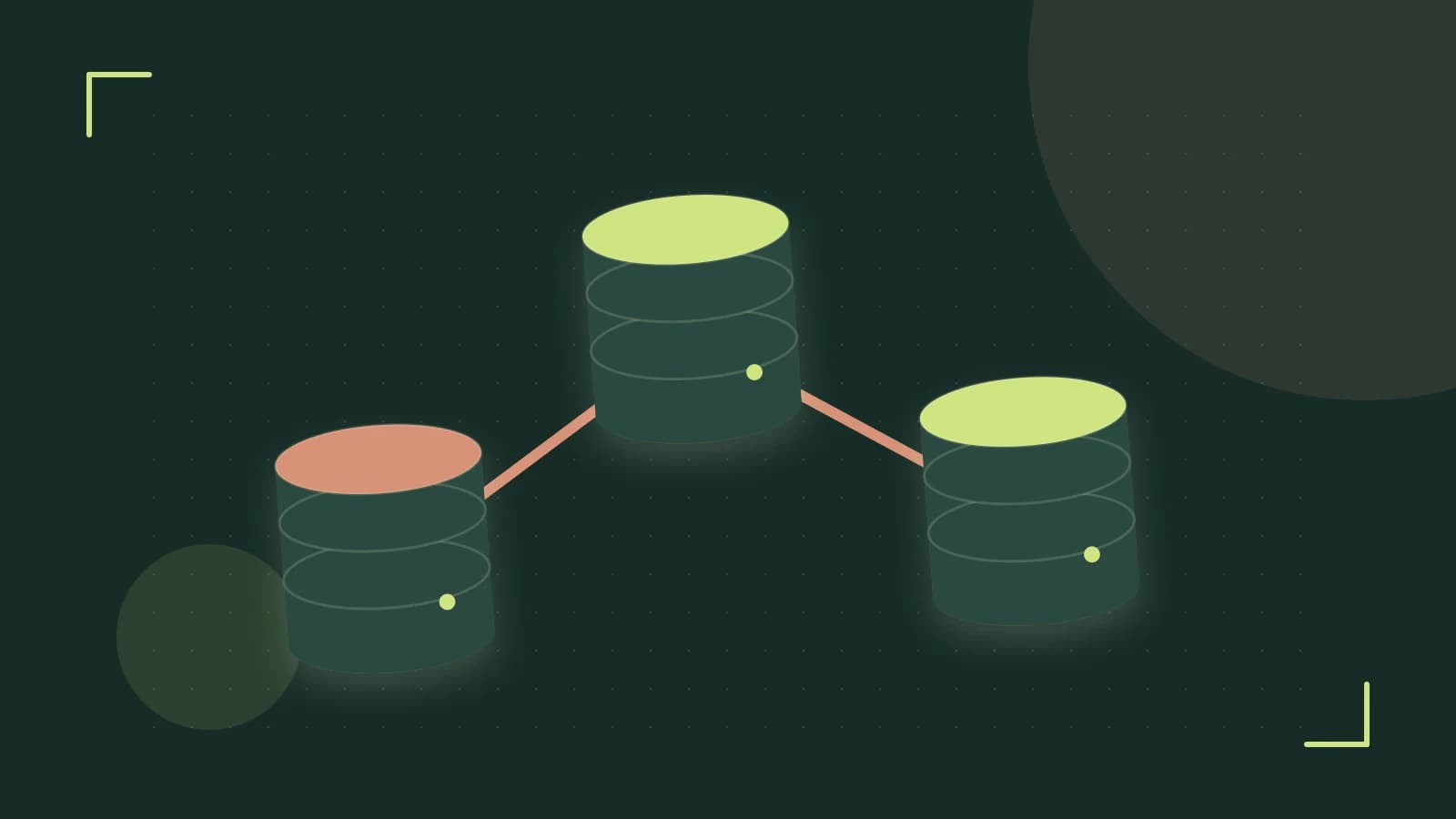
Concrete Problem: Disk‑Bound Pulsar Clusters
Many Pulsar deployments grow fast. A topic that records every user activity can build up to terabytes in a few weeks. When the underlying BookKeeper bookies hit their local‑disk limits, you either add more disks or start paying for expensive on‑prem storage. The question is: can we keep the cheap, fast local storage for hot data while moving older messages to a low‑cost cloud bucket, all without changing the consumer code?
Thesis: Tiered Storage Offloads Cold Data Seamlessly
Pulsar’s tiered storage feature was designed to answer that exact question. It lets the broker move finished ledger segments from the BookKeeper bookies to an external store such as Amazon S3 or Google Cloud Storage. Consumers continue to use the same Pulsar API; the broker transparently fetches the data from the cloud when a requested message is no longer on a local bookie.
Architecture Overview
The core of Pulsar’s storage is the BookKeeper ledger, a sequence of segments stored on bookies. When tiered storage is enabled, the broker keeps a lightweight metadata record of where each segment lives. The flow looks like this:
- Write path: Messages are written to a ledger segment on a local bookie, just as in a vanilla Pulsar install.
- Offload trigger: Once a segment reaches the configured size or age threshold, the broker schedules it for offload.
- Offload driver: The broker streams the segment bytes to the configured cloud bucket via an offload driver (e.g., S3, GCS).
- Metadata update: Upon successful upload, the broker marks the segment as “remote” and deletes the local copy.
- Read path: When a consumer requests a message that lives in a remote segment, the broker pulls it from the cloud, streams it to the consumer, and caches it locally for subsequent reads.
Because the broker hides the remote fetch behind the normal read API, there is no code change required on the consumer side.
Configuring Tiered Storage
Below is a minimal configuration that enables S3 tiered storage. Replace the placeholders with real values for your environment.
# pulsar‑broker.yaml snippet
# Enable tiered storage
broker:
  tieredStorageEnabled: true

# Offload driver configuration
# The driver name must match the one defined in the classpath
# For S3, the class is org.apache.pulsar.broker.storage.s3.S3OffloadDriver
# The driver supports standard S3 credentials via environment variables or the AWS SDK profile
# See the Pulsar docs for full list of driver options
# The following example uses the default S3 driver
# The bucket must already exist and be writable by the IAM role used by the broker
# The bucket path is relative to the bucket root; e.g., “pulsar-offload”
# The "region" and "endpoint" can be omitted if using the default AWS region
# You can set "s3BucketName" to your bucket name
# "s3BucketPath" is optional; if omitted, the driver uses the topic name as the prefix

# Example:
#   s3BucketName: my-pulsar-offload
#   s3BucketPath: tiered-storage

# Offload thresholds
# 1. Time based: 1 hour
# 2. Size based: 1 GB
# The broker will trigger offload when either threshold is met
# Use the "offloadTimeThresholdMs" and "offloadSizeThresholdBytes" settings
# Note: thresholds are per‑segment, not per‑ledger

# Offload thresholds (in milliseconds and bytes)
# For example, offload after 1 hour or 1 GB
# The values below are illustrative; adjust for your workload
# offloadTimeThresholdMs: 3600000
# offloadSizeThresholdBytes: 1073741824

# The following example sets both thresholds
# If you prefer only size or only time, comment out the other

# Set size threshold to 1 GB
offloadSizeThresholdBytes: 1073741824
# Set time threshold to 1 hour
offloadTimeThresholdMs: 3600000

# Optional: enable deletion of local copy after offload
# This frees disk space immediately but may increase read latency if the data is requested soon after offload
# deleteLocalCopyAfterOffload: true
**Where to run this**: Edit the pulsar‑broker.yaml file on every broker node. After changes, restart the broker process.
**Permissions**: The broker must have IAM permissions to write to the S3 bucket. The simplest approach is to attach an IAM policy that allows s3:PutObject, s3:GetObject, and s3:DeleteObject on the bucket. For multi‑region or cross‑account scenarios, set the endpoint and region fields accordingly.
Triggering and Verifying Offload
Once the broker is running with tiered storage enabled, you can force an offload to test the setup. The Pulsar admin CLI provides a convenient command:
# Trigger offload for a specific topic
pulsar-admin topics offload --topic persistent://my-tenant/my-namespace/my-topic
**Expected checks**:
- Run
pulsar-admin topics stats --topic persistent://my-tenant/my-namespace/my-topicbefore and after. TheoffloadedSegmentscounter should increase. - Use
pulsar-admin bookkeeper listto see the number of segments on disk. After offload, the remote segment count should rise while the local count drops. - Verify the S3 bucket: the segment file should appear under the configured prefix (e.g.,
pulsar-offload/persistent/my-tenant/my-namespace/my-topic/). The file name follows the patternledgerId-segmentId-XXX.
**Risk**: Offload is asynchronous. The broker may keep a local copy for a short period after the threshold is met. If you rely on immediate disk space release, consider enabling deleteLocalCopyAfterOffload: true.
Read Latency Trade‑off
While tiered storage saves disk costs, it introduces a latency penalty for historical reads:
- Local reads:
~10–20 msfor a hot segment. - Remote reads from S3:
~200–400 mson average, depending on network and object size.
For use cases that require low‑latency replay (e.g., real‑time analytics), you may want to keep a short retention window on local disks and only offload older data. Pulsar allows you to configure a separate localRetentionSize per namespace to accomplish this.
Limitations and Practical Checks
- Tiered storage is experimental in the 2.11.x series; production use is supported but always test in staging first.
- Only the S3 and GCS drivers are officially supported; other object stores need community drivers or custom implementation.
- Metrics:
broker.tiered-storage.*show upload throughput and latency. Use Prometheus or the Pulsar dashboard to monitor health. - Backups: Offloaded segments are still part of the Pulsar replication scheme. If you delete the S3 bucket, you lose the data permanently.
Actionable Next Steps
- Identify the topics that will benefit most from tiered storage (e.g., audit logs, telemetry).
- Provision an S3 bucket with proper IAM policy and region.
- Update
pulsar‑broker.yamlon all brokers with the tiered storage settings shown above. - Restart brokers and verify the
tieredStorageEnabledflag via the Pulsar admin REST API (/admin/v2/brokers/{brokerName}/tiered-storage-enabled). - Run the offload CLI command for a test topic and confirm that the segment appears in S3.
- Monitor read latency and adjust
offloadTimeThresholdMsoroffloadSizeThresholdBytesto balance cost and performance. - Schedule regular checks of the S3 bucket to ensure that the objects are not inadvertently deleted or corrupted.
By following these steps you can keep your Pulsar cluster lean, reduce storage costs, and maintain the same consumer experience. Tiered storage is a powerful tool, but it requires careful configuration and monitoring to avoid latency surprises.
 pulsar
0 replies
A thoughtful contribution can make all the difference. Be the first to share one.