Stopping the Full Page Reload: Understanding Vite's ESM-Based HMR
Stop waiting for full page reloads. Learn how Vite uses native ES Modules to decouple the module graph and enable lightning-fast Hot Module Replacement.
13 Aug 2026, 22:18 UTC
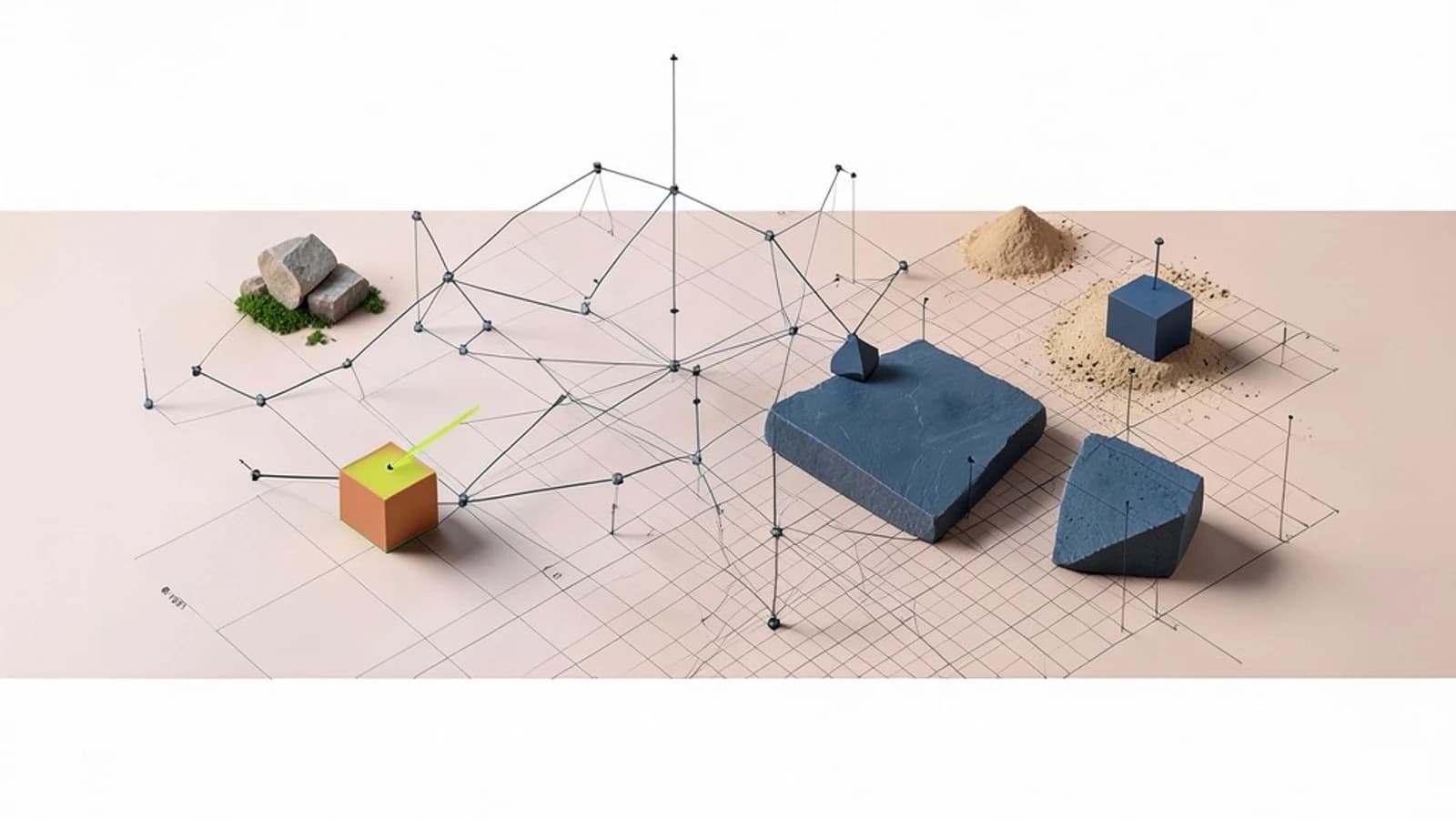
The 'Wait for Refresh' Bottleneck
In traditional build tools, changing a single line of CSS or a component often triggers a full page reload or a heavy re-bundle. This wipes the application state—meaning if you are debugging a modal three levels deep in a user flow, you have to click your way back to that state every time you save a file. The goal is to update the specific piece of code that changed without losing the current state of the browser.
Unbundling the Development Cycle
Vite solves this by fundamentally changing how code reaches the browser during development. Instead of bundling your entire application into a few large files before serving them, Vite leverages native ES Modules (ESM). ESM allows the browser to handle the module graph using <script type="module">.
When the browser encounters an import statement, it requests that specific file from the Vite development server. Vite then transforms that file on-the-fly (using esbuild) and serves it. Because the browser manages the dependencies, Vite doesn't need to rebuild a bundle to reflect a change; it only needs to invalidate the specific module that was edited.
How HMR Operates Under the Hood
Hot Module Replacement (HMR) is the mechanism that swaps out a module while the application is running. Vite implements this by maintaining a websocket connection between the server and the browser.
- File Watcher: Vite monitors your source files for changes.
- Invalidation: When a file is saved, Vite identifies which modules in the graph are affected.
- HMR Update: The server sends a message to the browser indicating which module needs to be re-fetched.
- Module Swap: The browser requests the updated version of that specific module, and the HMR API replaces the old code in memory.
Practical Example: Custom HMR Logic
While most frameworks (Vue, React, Svelte) have built-in HMR plugins, you can implement custom HMR logic in vanilla JavaScript to handle specific cleanup tasks, such as clearing a timer or removing a DOM element before the new module loads.
// main.js
export const render = () => {
  document.body.innerHTML = '<h1>Hello Vite</h1>';
  console.log('Module loaded');
};

render();

// This block tells Vite how to handle updates for this specific file
if (import.meta.hot) {
  import.meta.hot.accept((newModule) => {
    if (newModule) {
      console.log('Updating module...');
      newModule.render();
    }
  });
}
Execution Details:
Run this in a project initialized with npm create vite@latest. Ensure you are running npm run dev. When you change the text in render() and save, the console will log 'Updating module...' and the H1 will change without the browser tab refreshing.
The Trade-off: Dev vs. Production
The primary limitation of this approach is the environment gap. Because Vite uses native ESM in development but uses Rollup to create a bundled build for production, the two environments behave differently.
| Feature | Development (ESM) | Production (Bundled) |
|---|---|---|
| Delivery | Individual file requests | Optimized chunks |
| Transformation | On-demand (esbuild) | Pre-compiled (Rollup) |
| Browser Support | Modern browsers only | Wide compatibility |
In very large projects, you may notice a high volume of network requests in the browser's Network tab. While HTTP/2 mitigates this, extremely fragmented module graphs can occasionally lead to slower initial page loads compared to a single pre-bundled file.
Verifying the Behavior
To confirm Vite is working as intended, open your browser's Developer Tools and navigate to the Network tab. Refresh the page. You will see dozens or hundreds of individual .js and .ts files being requested rather than one bundle.js. When you save a file, observe that only the changed file (and its immediate dependents) are re-requested, while the rest of the network log remains static.
 vite
vite0 replies
A thoughtful contribution can make all the difference. Be the first to share one.