Stop Seeding Production: Managing Environment Divergence with Liquibase Contexts
Learn how to use Liquibase Contexts to separate development seed data from production performance tuning, preventing environment pollution and configuration drift.
30 Aug 2025, 14:18 UTC
The Danger of the 'All-or-Nothing' Migration
Database migrations are usually treated as a linear sequence: step 1, then step 2, then step 3. But in a real-world pipeline, not every change is universal. You might need a script to populate a users table with 1,000 fake records for local development, or a specific index that only makes sense in a high-traffic production environment. If you put these in a standard changelog, you risk polluting your production data or wasting resources in development.
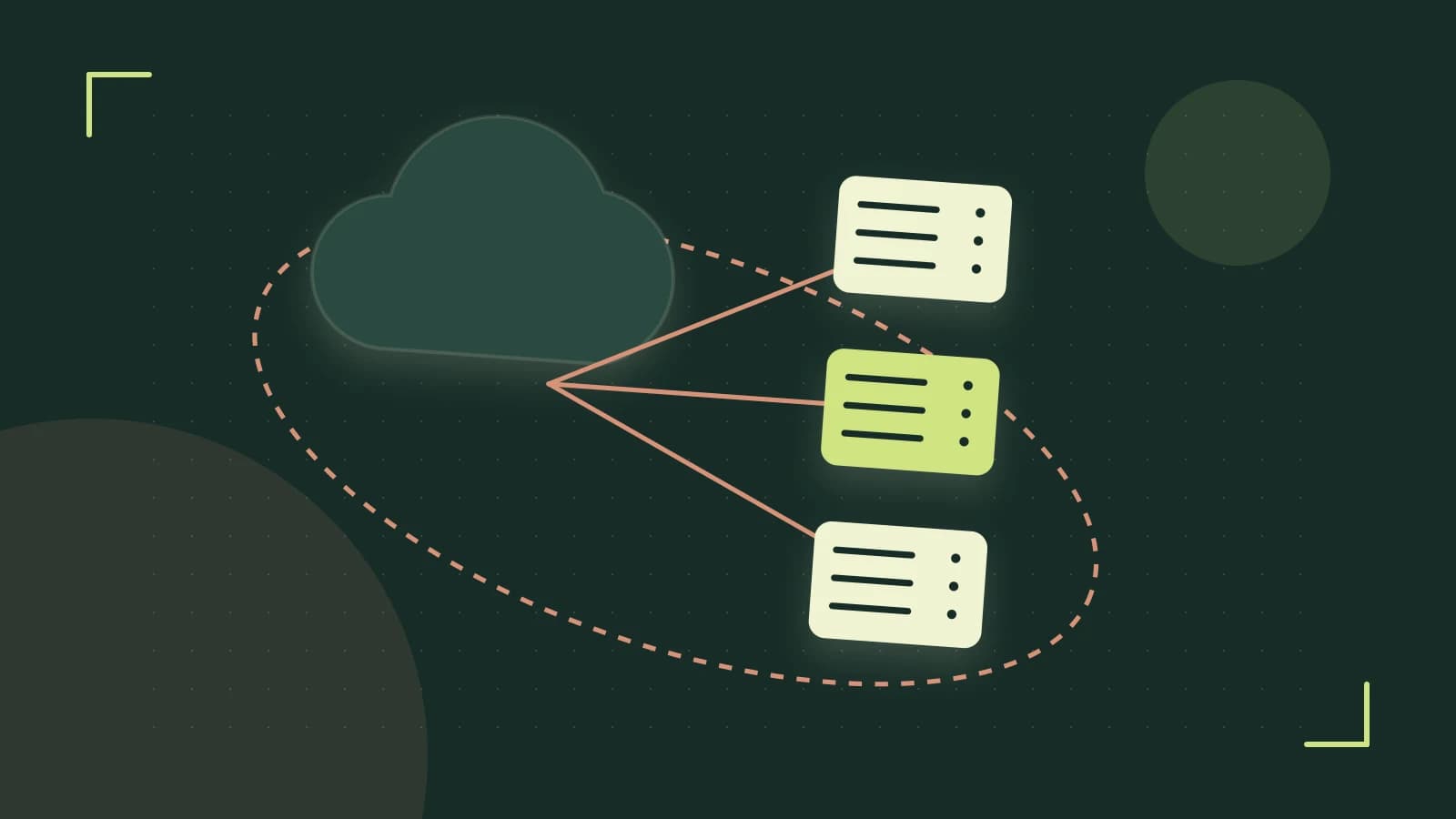
The solution is Liquibase Contexts. Contexts allow you to tag specific changesets with labels, ensuring that the migration engine only executes the logic appropriate for the current environment.
How Contexts Filter Your Changelog
A context is essentially a metadata tag attached to a changeSet. When Liquibase runs the update command, it checks the provided context argument against the tags in the changelog. If a changeset has no context, it is considered "universal" and runs everywhere. If it has a context, it only runs if that context is explicitly active.
This is different from Labels. While labels are often used to group changes by feature or release, contexts are designed for environment-specific logic (e.g., dev, test, prod).
Implementing Environment-Specific Logic
To use contexts, you add the context attribute to your changeset definition. This works across XML, YAML, and JSON formats.
Worked Example: Dev Seeding vs. Prod Indexing
Consider a scenario where you need to seed a lookup table in development but create a heavy performance index only in production. Here is how you would structure that in a YAML changelog:
databaseChangeLog:
  - changeSet:
      id: 1
      author: tech-editor
      changes:
        - createTable:
            tableName: product_categories
            columns:
              - column:
                  name: id
                  type: int
              - column:
                    name: name
                    type: varchar(50)

  - changeSet:
      id: 2
      author: tech-editor
      context: dev
      changes:
        - insert:
            tableName: product_categories
            columns:
              - column:
                  name: name
                  value: "Test Category A"

  - changeSet:
      id: 3
      author: tech-editor
      context: prod
      changes:
        - createIndex:
            tableName: product_categories
            indexName: idx_prod_cat_name
            columns:
              - column: name
Executing the Migration
The context is passed at runtime via the command line or a properties file. Run these commands from your terminal where the Liquibase CLI is installed. You will need the appropriate database permissions to modify the schema.
For Development:
liquibase update --contexts=devFor Production:
liquibase update --contexts=prodAdvanced Filtering with Boolean Logic
Contexts aren't limited to single words. You can use boolean expressions to handle complex environment overlaps. For example, if you have a staging environment that should behave like prod but also include some test data, you can use:
--contexts="prod AND test"You can also exclude contexts using the NOT operator (!). If you want to run everything except the production-specific heavy lifting, use --contexts="!prod".
The Trade-off: The Risk of Configuration Drift
While contexts are powerful, they introduce a significant risk: Configuration Drift. When you use contexts heavily, your development database is no longer a mirror of your production database. This can lead to "works on my machine" bugs where a query performs well in dev (because of a specific context-driven setup) but fails or lags in prod.
Critical Limitation: Liquibase tracks execution in the DATABASECHANGELOG table. However, it only records that a changeset was executed; it does not record which context was used to trigger it. If you accidentally run a dev context in production, Liquibase marks that changeset as "complete." You cannot "undo" the context assignment simply by changing the command line argument; you would need to manually roll back the change or delete the row from the tracking table.
Verification Checklist
To ensure your contexts are working as intended before deploying to a live environment, perform these checks:
- Dry Run: Use
liquibase update-sql --contexts=prodto output the raw SQL that would be executed. Verify that no seed data (dev scripts) appears in the output. - Log Inspection: Check the console output during the update. Liquibase explicitly prints which changesets are being skipped due to context mismatches.
- Schema Audit: Query your database metadata to ensure the
DATABASECHANGELOGtable contains only the expected IDs for that specific environment.
 liquibase
0 replies
A thoughtful contribution can make all the difference. Be the first to share one.