Splitting Vendor Code in Rollup with output.manualChunks
Use Rollup's output.manualChunks to split node_modules into a stable vendor chunk, keeping library code cached across deploys while your app code changes.
15 Apr 2026, 18:20 UTC
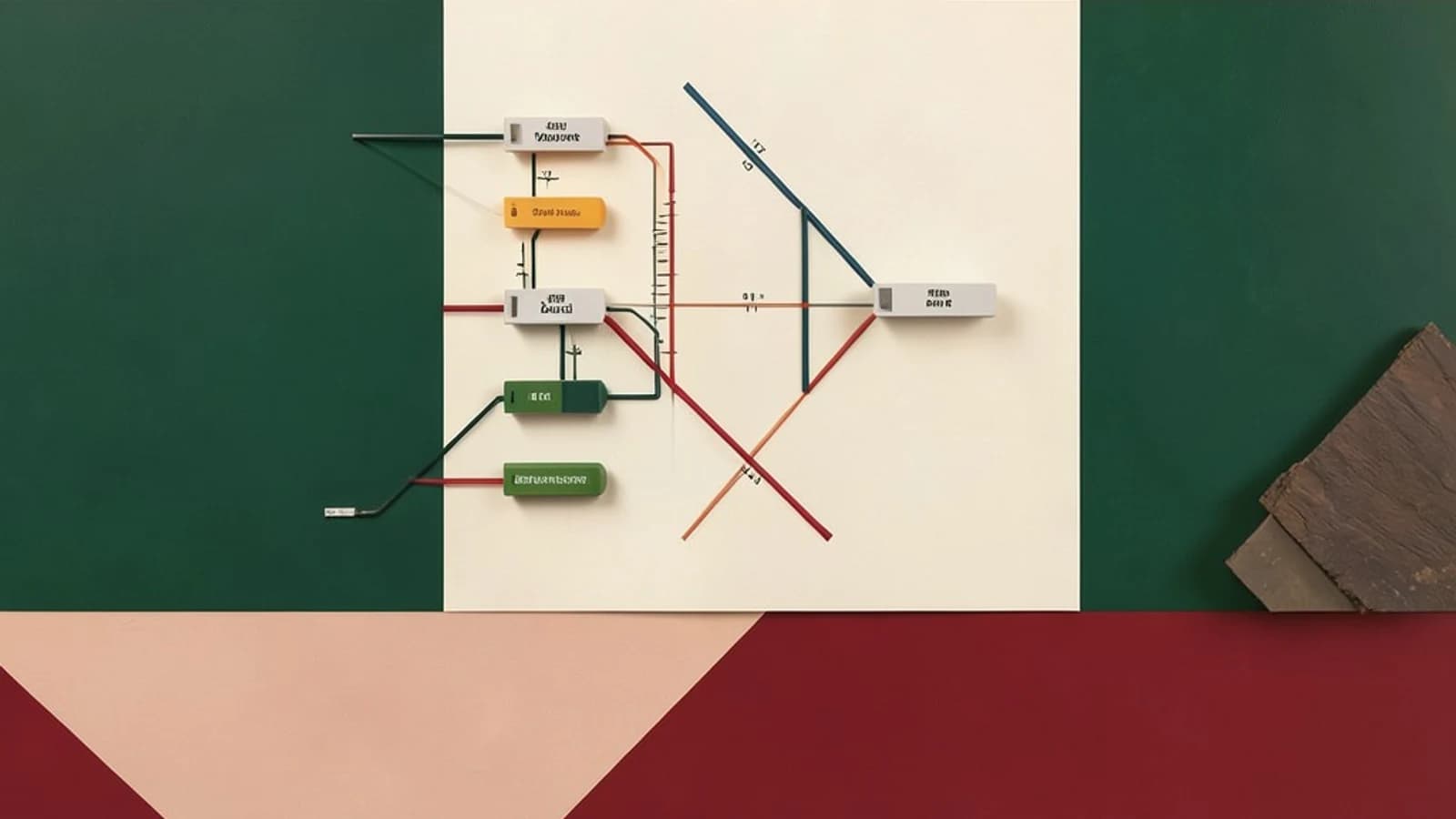
The problem: one big bundle that busts the cache on every deploy
By default, a Rollup app build with code splitting enabled still tends to interleave your application code and your third-party dependencies in the same chunks. Every small change to your own code then produces a new hash for a chunk that also contains React, Lodash, or whatever else you ship — so returning users re-download hundreds of kilobytes of unchanged library code on every deploy.
The fix is output.manualChunks: a Rollup option that lets you force specific modules into their own chunks. The common production pattern is a stable vendor chunk containing everything from node_modules, separate from your frequently changing app code. Because the vendor chunk's content rarely changes, its content hash stays stable across deploys and browsers can keep it cached.
Prerequisites
- Rollup 2.x or newer (the examples below assume Rollup 3/4 semantics; check your installed version's docs, since
manualChunksbehavior has changed across major versions). - Code splitting must actually be possible: you must output to a directory with
output.dirand use an ES-module-compatible format ('es'). Single-file formats like'iife'or'umd'disable chunk splitting entirely, andmanualChunkswill have no effect. - Your build should already work without manual chunking. Treat
manualChunksas an optimization on top of a green build, not a fix for one.
Configuring a vendor chunk
The function form of manualChunks receives each module's resolved id and returns a chunk name (or undefined to let Rollup decide). Edit rollup.config.js in your project root — no special permissions needed beyond editing the file and running your normal build:
// rollup.config.js
export default {
  input: 'src/main.js',
  output: {
    dir: 'dist',
    format: 'es',
    entryFileNames: '[name]-[hash].js',
    chunkFileNames: '[name]-[hash].js',
    manualChunks(id) {
      if (id.includes('node_modules')) {
        return 'vendor';
      }
    }
  }
};
Every module whose path contains node_modules is pulled into a single vendor-[hash].js chunk; everything else is chunked by Rollup's automatic splitting (including any split points created by dynamic import() calls in your code).
Splitting vendors per package
If one or two dependencies dominate your bundle, a single vendor chunk can still be wasteful — a bump to a tiny utility invalidates the cache for your framework too. A common refinement is to give the biggest packages their own chunks and group the rest:
manualChunks(id) {
  if (!id.includes('node_modules')) return;
  if (id.includes('/react/') || id.includes('/react-dom/')) return 'react';
  if (id.includes('/lodash')) return 'lodash';
  return 'vendor';
}
Keep the grouping coarse. One chunk per dependency usually backfires: more requests, more overhead, and no real caching win. Group related packages and let Rollup handle the rest automatically.
Note the constraints: you cannot mix the object form (manualChunks: { vendor: ['react'] }) and the function form in one config, and modules with side effects (polyfills, global CSS imports) can change execution order when moved into a manual chunk — leave those out of your rules or test carefully.
Verifying the result
- Run your normal build (
npx rollup -cor your npm script) and list the output directory. You should see an entry chunk plusvendor-[hash].js(and any per-package chunks you defined). - Confirm no module is duplicated across chunks. The most practical tool is
rollup-plugin-visualizer, which generates an interactive treemap of your bundle. Add it as a plugin, rebuild, and open the generated HTML report to check that shared modules appear exactly once and that tree shaking still removed dead code. - Deploy (or serve
distlocally) and open the browser's network panel. Reload after a small app-only change: the vendor chunk's hashed filename should be identical and served from cache, while only the app chunk changed.
Limitations and rollback
Manual chunking is a caching and loading optimization, not a size optimization — total bytes shipped stay roughly the same. It can also interact badly with packages that are both statically and dynamically imported; inspect the chunk graph before shipping if you do both. If anything looks wrong, recovery is trivial: delete the manualChunks option and rebuild. Rollup's automatic splitting is a safe, working baseline, so you can always iterate from there.
 rollup
0 replies
A thoughtful contribution can make all the difference. Be the first to share one.