Speeding Up MATLAB Image Stacks with gpuArray: When GPU Offloading Pays Off
GPU arrays can accelerate MATLAB image processing, but transfer costs and memory limits mean you should measure before committing.
03 Jun 2026, 06:47 UTC
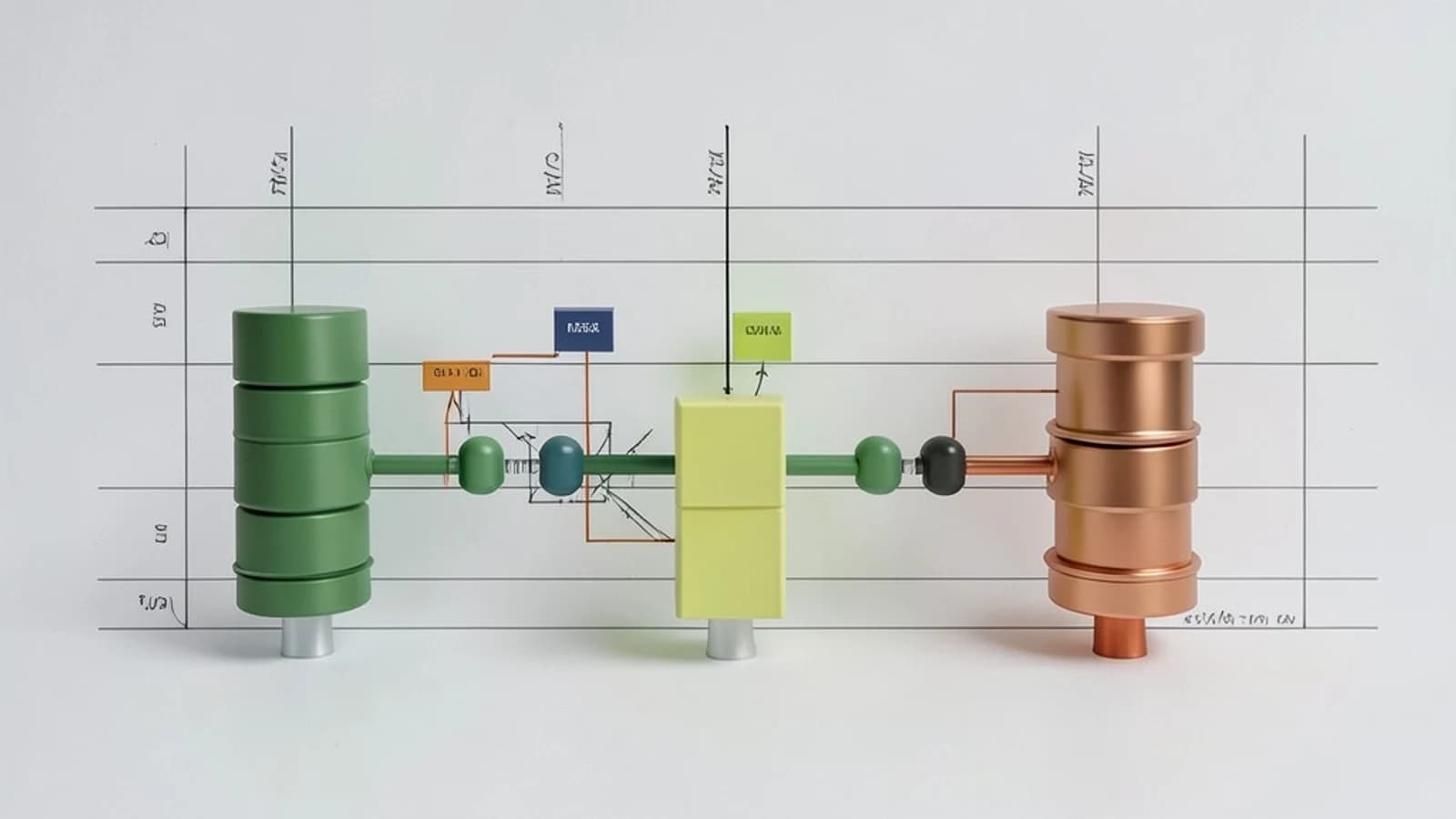
A slow image stack on a workstation
You have a 3-D microscopy stack—for example, 2048 by 2048 pixels across 100 slices—and a MATLAB script that applies the same filter to every slice. On a CPU, the loop runs for minutes. A colleague suggests moving the data to the GPU with gpuArray and wrapping the loop in parfor. Before you rewrite the pipeline, you need to know whether the GPU will actually finish faster, or whether copying data back and forth will erase any gain.
This piece walks through a concrete decision: when to use gpuArray, how to check whether your GPU and toolboxes support the operation, and where parfor helps versus where it adds contention.
What gpuArray and parfor actually do
gpuArray is a MATLAB array type that lives in the memory of a CUDA-capable NVIDIA GPU rather than system RAM. When you call a function that supports GPU execution—many built-in matrix, Fourier, and image-filtering functions do—MATLAB launches kernels on the device instead of running serial CPU code. gather copies the result back to the host.
parfor is a Parallel Computing Toolbox construct that splits loop iterations across MATLAB workers. It is useful for embarrassingly parallel work, such as processing independent image tiles or slices on separate workers. It is not a replacement for gpuArray; the two address different layers. gpuArray handles data parallelism inside one GPU, while parfor handles task parallelism across workers or machines.
Both require the Parallel Computing Toolbox. GPU execution additionally requires a CUDA-capable NVIDIA driver, and many image functions also require the Image Processing Toolbox. If the hardware or toolbox is missing, MATLAB falls back to CPU execution, which can hide the reason a script did not speed up.
Worked example: filtering a 3-D image stack
Suppose you have a synthetic stack standing in for real microscopy data. The CPU baseline loops over slices and applies a 2-D convolution.
% Run in MATLAB with Parallel Computing Toolbox and a CUDA-capable NVIDIA GPU.

stack = uint8(randi([0 255], [1024 1024 40]));
kernel = fspecial('gaussian', [5 5], 1.5);

% ---- CPU baseline ----
tic
cpuOut = zeros(size(stack), 'uint8');
for k = 1:size(stack, 3)
    cpuOut(:,:,k) = conv2(stack(:,:,k), kernel, 'same');
end
cpuSeconds = toc;
fprintf('CPU: %.3f seconds\n', cpuSeconds);
Before moving data to the GPU, inspect the device.
% Run in the same MATLAB session
d = gpuDevice;
fprintf('GPU: %s\n', d.Name);
fprintf('Available memory: %.1f GB\n', d.AvailableMemory / 1024^3);
fprintf('Compute capability: %d.%d\n', d.ComputeCapability(1), d.ComputeCapability(2));
If AvailableMemory is smaller than your stack plus working space, process the stack in chunks or expect an out-of-memory error.
The GPU version converts the stack and kernel once, runs the loop on the device, then gathers the result.
% ---- GPU version ----
gpuStack = gpuArray(stack);
gpuKernel = gpuArray(kernel);
gpuOut = zeros(size(stack), 'uint8', 'gpuArray');

tic
for k = 1:size(stack, 3)
    gpuOut(:,:,k) = conv2(gpuStack(:,:,k), gpuKernel, 'same');
end
gpuSeconds = toc;
fprintf('GPU loop: %.3f seconds\n', gpuSeconds);

result = gather(gpuOut);
Where parfor enters: if you have multiple GPUs or a cluster of workers, you can replace the for loop with parfor so each worker handles a subset of slices. On a single workstation with one GPU, parfor may serialize access to the same device and add scheduling overhead without reducing wall-clock time. Measure both before adopting it.
Diagnostics and verification
gpuDevicelists the selected GPU, available memory, and compute capability. Use it before large allocations.isgpuarray(gpuStack)confirms data residency on the device.profile on, run your code, thenprofile viewershows where time is spent, including data-transfer overhead.- Time with
tic/toc, but discard the first run: GPU initialization and kernel compilation add one-time latency.
Expected check: if the GPU loop is slower than the CPU loop for a small stack, the likely cause is PCIe transfer cost. For large stacks with compute-heavy filters, the GPU version should show lower compute time, though total time includes the initial gpuArray upload and final gather.
Trade-offs and limitations
- Transfer overhead: Moving multi-gigabyte arrays across the PCIe bus can dominate runtime for small or element-wise operations.
- Memory ceiling: GPU memory is finite. A stack that fits in system RAM may not fit in device RAM, especially with intermediate arrays.
- Function support: Not every MATLAB function runs on the GPU. Custom functions and some toolbox routines execute on the CPU or throw an error.
- Worker contention:
parforacross multiple workers sharing one GPU can create queuing and reduce throughput.
Practical closing
Start by profiling the CPU version and checking gpuDevice. Move only the compute-heavy portion to gpuArray, keep data on the device across multiple operations instead of uploading and downloading each iteration, and verify with isgpuarray and gather. Add parfor only when you have independent work and multiple GPUs or workers, and confirm the speedup with repeated timed runs. If the numbers do not show a clear gain, the CPU version is the safer default.
 matlab
0 replies
A thoughtful contribution can make all the difference. Be the first to share one.