Sourceengine Incremental Indexing with CDC – Quick Guide
Enable near‑real‑time incremental indexing in Sourceengine 2.5+ by streaming change events from Debezium/Kafka. Follow the step‑by‑step config, test checklist, and avoid common pitfalls.
12 Sept 2026, 04:46 UTC
Why Incremental Indexing Matters
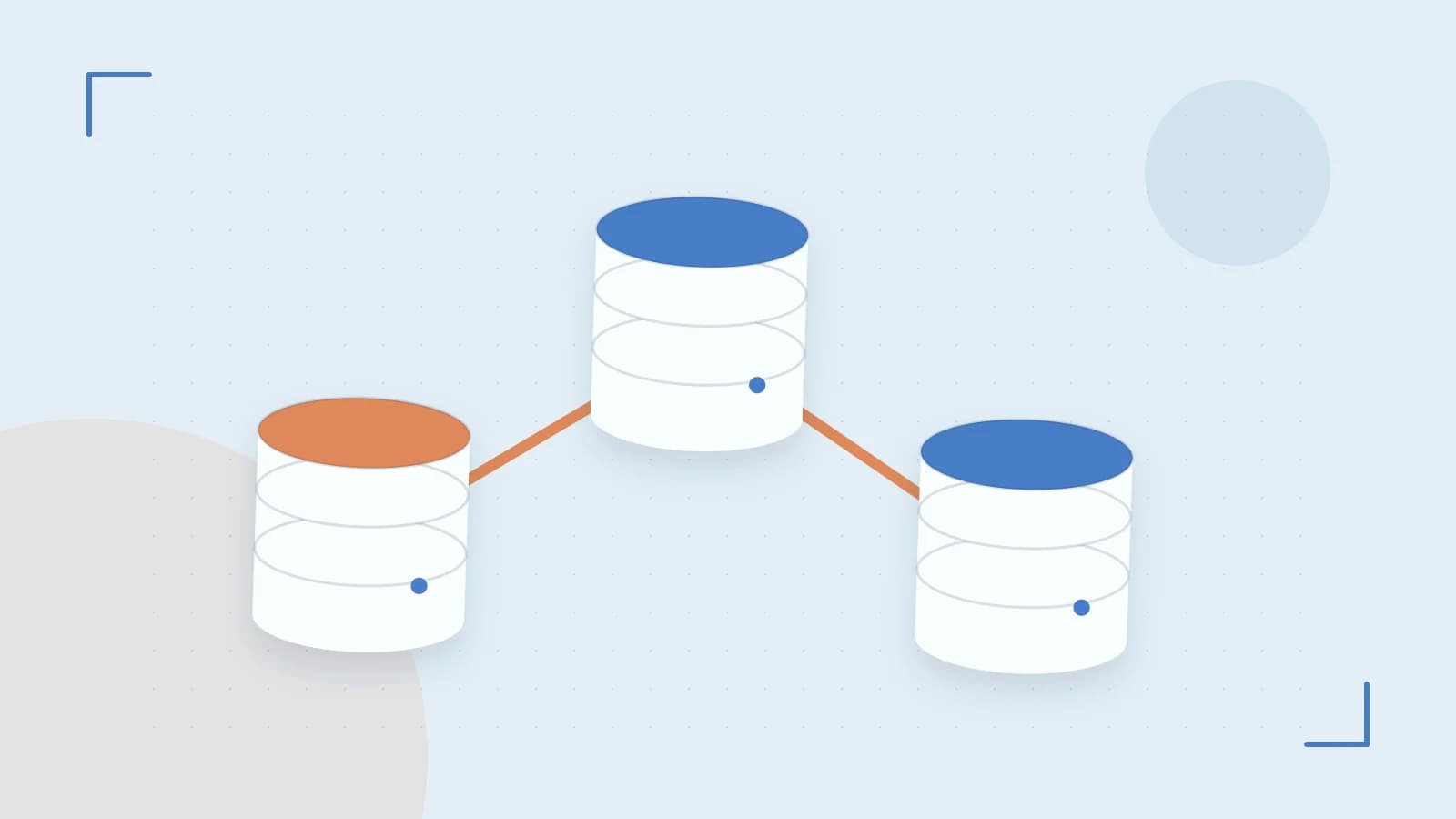
Sourceengine’s search performance hinges on the freshness of its index. In traditional setups, any schema change or bulk data load forces a full re‑index, which can take minutes or hours on large tables. Incremental indexing, powered by Change Data Capture (CDC), lets Sourceengine consume a stream of database changes and update only the affected documents. The result is a near‑real‑time search surface with minimal downtime.
How Sourceengine Uses CDC
Starting with version 2.5, Sourceengine supports a special cdc data‑source type. Internally it connects to a Kafka cluster, listens to a topic pattern that matches the Debezium topic for a given database, and translates each change event into an index operation. The CDC stream contains before and after snapshots of the row, allowing Sourceengine to perform deletes, updates, or inserts accordingly.
Key components:
- Debezium Source Connector – captures database changes and publishes them to Kafka.
- Kafka Bootstrap Servers – the list of broker addresses Sourceengine uses to connect.
- Topic Pattern – a regex that matches the Debezium topic names (e.g.,
dbserver1\.inventory\.products). - Schema Registry URL – optional; provides Avro schema for the events.
Practical Configuration Example
Below is a minimal sourceengine.yaml fragment that shows how to wire the CDC data‑source. Replace the placeholders with your own values.
# sourceengine.yaml – CDC data‑source for the "orders" table
sources:
  - id: orders_cdc
    type: cdc
    config:
      kafka.bootstrap.servers: <BOOTSTRAP_SERVERS>    # e.g., "kafka-broker1:9092,kafka-broker2:9092"
      topic.pattern: <TOPIC_PATTERN>                  # e.g., "dbserver1\.sales\.orders"
      schema.registry.url: <SCHEMA_REGISTRY_URL>      # optional, e.g., "http://schema-registry:8081"
      group.id: orders-cdc-group                     # consumer group for offset tracking
      auto.offset.reset: earliest                    # start from the beginning on first run
      max.poll.records: 500                           # tune for throughput

indexes:
  - id: orders_index
    source: orders_cdc
    mapping:
      id: <primary_key_field>                         # e.g., "order_id"
      fields:
        - name: customer_id
          type: keyword
        - name: order_date
          type: date
        - name: total_amount
          type: double
Run the following command to start Sourceengine with the new config:
# Run as the user that owns the Sourceengine process
sudo systemctl restart sourceengine
# Or if running manually
sourceengine --config /etc/sourceengine/sourceengine.yaml
After startup, Sourceengine will automatically create the Kafka consumer group and begin polling for events. The auto.offset.reset setting ensures that on a fresh deployment it will process the entire backlog.
Testing the Setup
1. Verify connectivity to Kafka and the schema registry (if used) from the machine running Sourceengine.
- Check that the consumer group appears in Kafka:
kafka-consumer-groups --bootstrap-server <BOOTSTRAP_SERVERS> --describe --group orders-cdc-group - Publish a sample change event. If you have Debezium running, insert or update a row in the
orderstable. Alternatively, you can produce a test event manually:# Example using kafka-console-producer kafka-console-producer \ --bootstrap-server <BOOTSTRAP_SERVERS> \ --topic dbserver1.sales.orders \ --property value.format=avro \ --property schema.registry.url=<SCHEMA_REGISTRY_URL> # Then paste a JSON record matching the Debezium schema. - After a few seconds, query the Sourceengine index via its REST API:
The newly inserted or updated document should appear in the results.curl -s http://localhost:8080/api/index/orders_index/search?q=* | jq .
Use the --debug flag when starting Sourceengine to see detailed logs of consumed events and index actions.
Common Pitfalls & Limitations
1. Schema Mismatch
Debezium emits Avro or JSON with a specific schema. If the schema registry URL is wrong or the registry is unreachable, Sourceengine will drop the event and log an error. Verify that the URL is reachable and that the connector’s schema.registry.url matches the one in the config.
2. Topic Pattern Errors
A regex that does not match any existing topic will result in no events being consumed. Double‑check the topic name in Kafka (use kafka-topics --list) and adjust the pattern accordingly.
3. Small Transaction Overhead
When the database generates many tiny transactions (e.g., frequent single‑row updates), the CDC stream can become noisy. Sourceengine may throttle or batch events to maintain performance. If you notice high latency, consider enabling max.poll.records larger or tuning the Debezium connector to batch changes.
4. Consumer Group Offset Management
Accidental deletion of the consumer group offsets (e.g., by clearing Kafka topics) will cause Sourceengine to re‑process the entire backlog. Use auto.offset.reset=earliest only on first deployment; after that, latest is safer.
5. Version Compatibility
The cdc data‑source is only available in Sourceengine 2.5 and later. Earlier versions require a manual re‑indexing script or a custom plugin. Verify your version with sourceengine --version.
When to Use Full Rebuild Instead
Incremental indexing shines for write‑heavy workloads or datasets that change frequently. However, for small tables, static data, or during major schema migrations, a full rebuild might be simpler and less error‑prone.
- Static data – If the data rarely changes, running
sourceengine --reindex-allonce and leaving the index static avoids the overhead of CDC. - Major schema changes – When you alter the table structure, the CDC stream may not capture the new columns. A full rebuild ensures the index reflects the new schema.
- Initial deployment – For the first load, you can use a bulk import and then switch to CDC for subsequent changes.
Use the sourceengine --reindex-all --config /etc/sourceengine/sourceengine.yaml command to trigger a full rebuild. Monitor CPU and I/O usage, as this operation can be resource intensive.
Conclusion
By configuring Sourceengine to consume Debezium/Kafka CDC streams, you can maintain a near real‑time search index with minimal manual intervention. The key steps are:
- Ensure you’re running Sourceengine 2.5+.
- Configure the
cdcdata‑source with correct Kafka and schema registry details. - Validate connectivity and publish a test change event.
- Monitor the logs for ingestion success and adjust tuning parameters as needed.
- Choose incremental indexing for write‑heavy workloads and full rebuilds for static or schema‑heavy scenarios.
With these guidelines, you can make an informed decision about whether CDC‑based incremental indexing is the right fit for your deployment.
 sourceengine
0 replies
A thoughtful contribution can make all the difference. Be the first to share one.