Solving the Terraform Copy-Paste Cycle with Terramate Stack Orchestration
Stop duplicating Terraform directories for every environment. Learn how Terramate's orchestration layer uses stack templates to maintain DRY infrastructure across multi-account deployments.
15 Mar 2026, 00:52 UTC
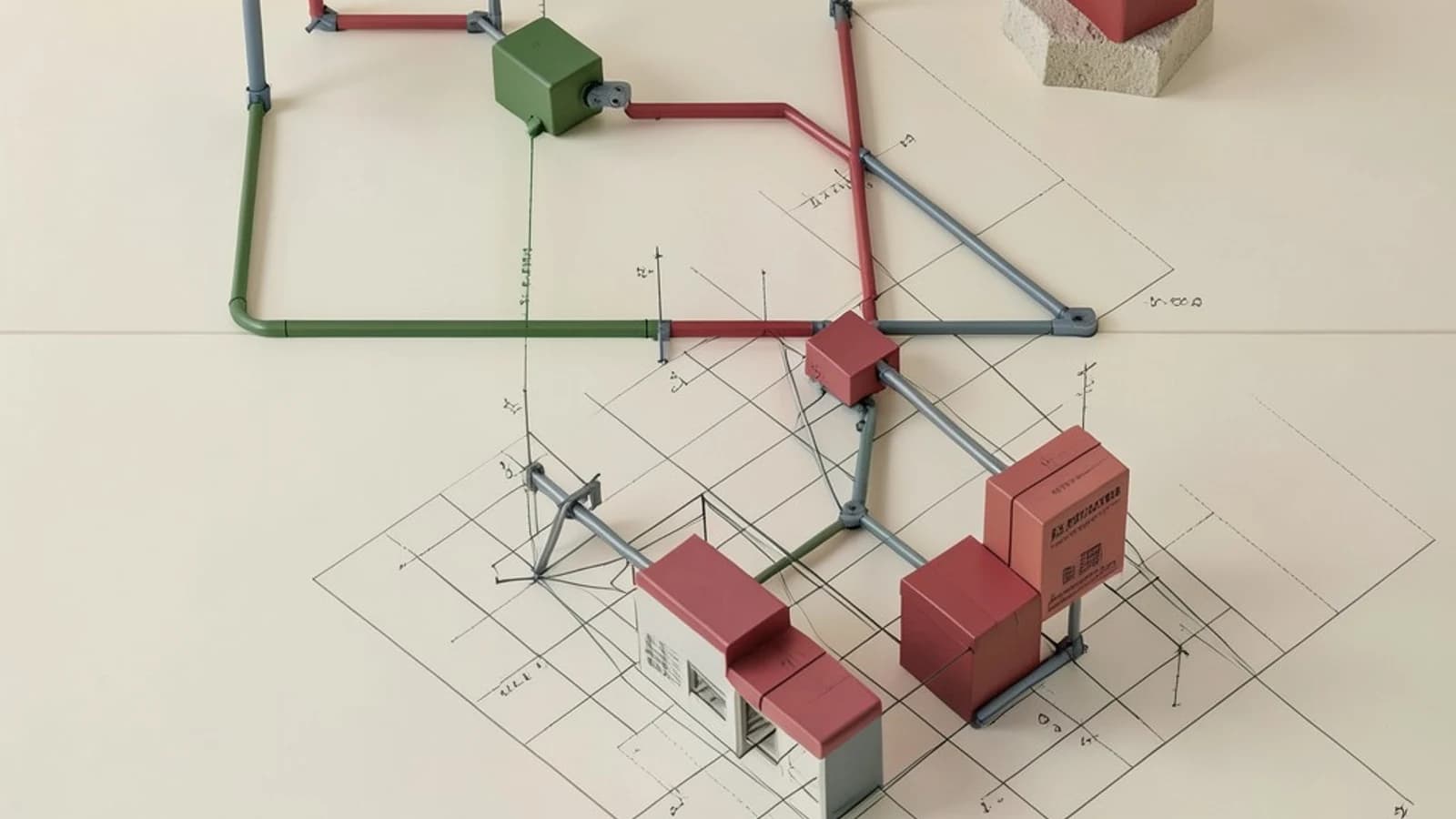
The Multi-Account Configuration Trap
When scaling infrastructure across multiple environments—such as development, staging, and production—most teams fall into the \"copy-paste trap.\" You create a VPC module, deploy it in Dev, and then copy the entire directory structure to Prod, changing only a few variables. Over time, these directories drift. A small fix in the Dev VPC is forgotten in Prod, leading to \"it works in staging but not in production\" outages.
The core problem is that Terraform is designed to manage state for a single set of resources, but it lacks a native mechanism to manage the relationship between dozens of similar configurations across different accounts. This is where Terramate functions as an orchestration layer, decoupling the infrastructure pattern from the environment-specific values.
Decoupling Patterns from Instances
Terramate introduces the concept of a stack. In this context, a stack is a logical grouping of Terraform configurations. Instead of duplicating HCL (HashiCorp Configuration Language) files, you define a template stack that describes what should be deployed, and environment stacks that describe where and how it should be deployed.
By using Terramate, you move from a static directory structure to a generative one. You define your resource logic once and use Terramate to generate the necessary Terraform files across your directory tree. This ensures that every environment is an exact mirror of the same architectural pattern, differing only by the variables you explicitly define.
Managing Cross-Stack Dependencies
One of the most difficult parts of multi-account Terraform is the order of operations. You cannot deploy an EKS cluster until the VPC is ready, and you cannot deploy the VPC until the IAM roles are configured. In standard Terraform, this often requires manual execution or complex CI/CD pipelines with hardcoded sleep timers.
Terramate handles this through explicit dependency mapping. By defining dependencies within the stack configuration, Terramate builds a directed acyclic graph (DAG) of your entire infrastructure. When you trigger a deployment, the orchestrator ensures that the shared resources are processed first, passing the necessary outputs to the dependent stacks automatically.
Worked Example: Multi-Region VPC Deployment
Consider a scenario where you need a VPC in both us-east-1 and eu-west-1. Instead of two identical folders, you use a Terramate template.
1. Define the Template
Create a terramate.tm.hcl file in your template directory to define the required variables:
# template/vpc/terramate.tm.hcl
stack {
  name = \"vpc-template\"
  for_each = var.regions
}
2. Define the Environment Overrides
In your environment configuration, specify the regions you want to instantiate:
# env/prod/terramate.tm.hcl
locals {
  regions = [\"us-east-1\",\"eu-west-1\"]
}
3. Generate and Execute
Run the following commands from your terminal (ensure the Terramate CLI is installed and you have a valid Terraform binary in your path):
- Generate files:
terramate generate(This creates the actual.tffiles in the target directories based on the template). - Orchestrate Apply:
terramate run terraform apply(This executes the apply command across all generated stacks in the correct dependency order).
Expected Result: Terramate will iterate through the regions list, creating two distinct Terraform state directories and applying the VPC configuration to both regions sequentially.
The Trade-off: Abstraction Complexity
While Terramate eliminates duplication, it introduces a layer of abstraction. The HCL you write in your templates is not what Terraform actually executes; it is a blueprint for the files Terramate generates. This can lead to \"hidden complexity.\" If a terraform apply fails, you must trace the error from the generated file back to the Terramate template that produced it.
Furthermore, Terramate does not manage your state files. You still need a robust backend (like S3 or Terraform Cloud) to handle state locking and storage. Terramate manages the execution of Terraform, not the persistence of the infrastructure.
Verification and Safety
To verify your orchestration is working correctly without risking production state, use the plan command across your stacks:
terramate run terraform planCheck the output to ensure that the variables for us-east-1 are not leaking into eu-west-1. If you need to revert the generated files to a previous state, you can delete the generated .tf files and re-run the generated files after adjusting your templates.
 terraform
 terramate
0 replies
A thoughtful contribution can make all the difference. Be the first to share one.