Solving Microservice Sprawl with the Helm Umbrella Chart Pattern
Stop managing microservices as fragmented Helm installs. Learn how the Umbrella Chart pattern centralizes dependencies and global configurations for a one-click deployment.
03 Nov 2025, 11:52 UTC
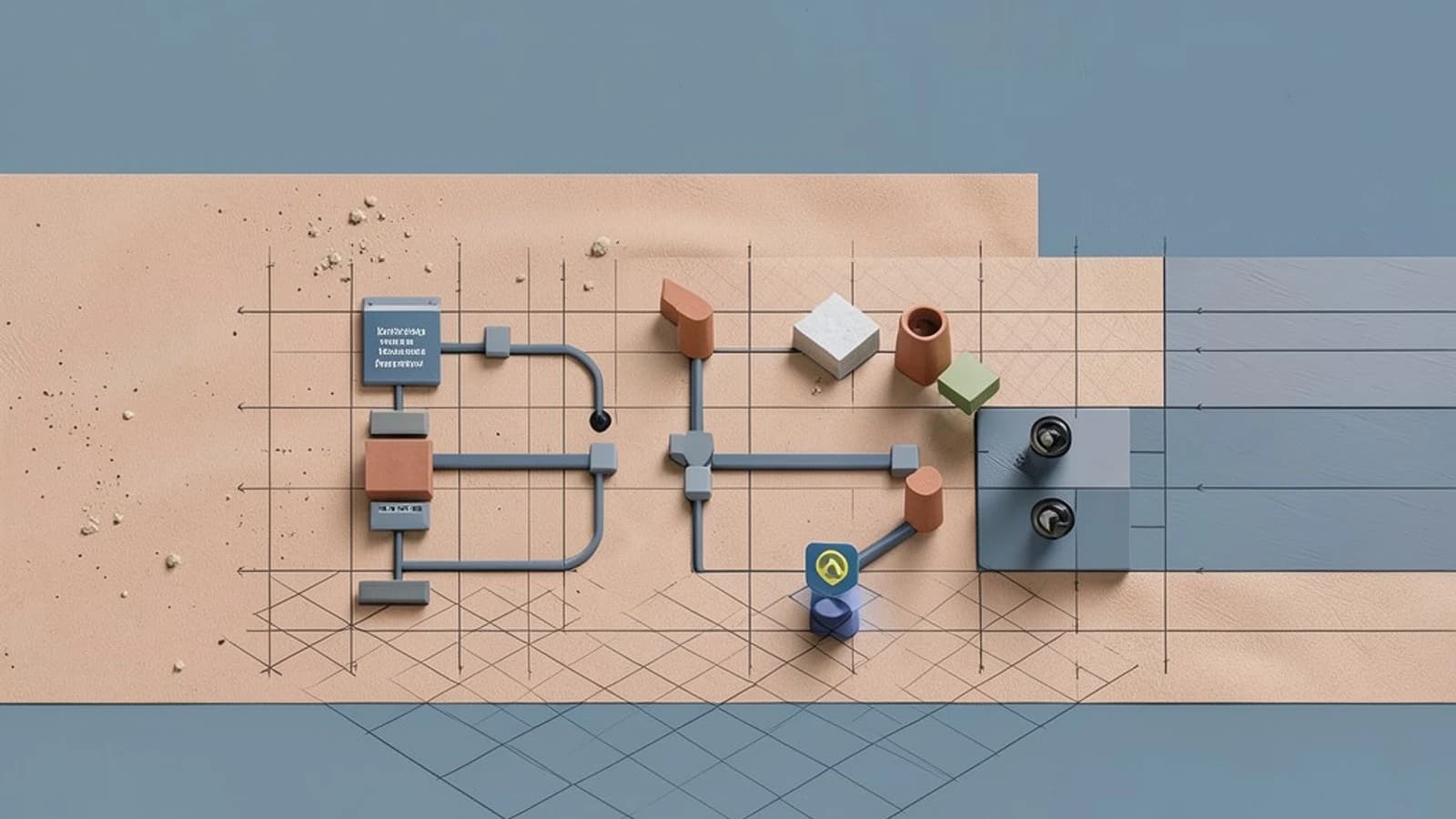
The Problem: The 'Many-Chart' Deployment Headache
As a microservices architecture grows, managing individual Helm charts often becomes a manual burden. When an application requires a database, a cache, an API gateway, and several backend services to function, executing five or six separate helm install commands introduces configuration drift and increases the risk of deployment errors.
The takeaway: Instead of treating every service as a standalone deployment unit, use an Umbrella Chart. This pattern allows you to wrap multiple independent sub-charts into a single parent chart, enabling a one-click deployment of your entire application stack while maintaining the independence of each service's internal logic.
Structuring the Umbrella Pattern
An umbrella chart does not typically contain its own application templates. Instead, it acts as an orchestrator. Its primary role is to define the dependencies and the shared configuration that binds the sub-charts together.
In this architecture, the Chart.yaml file of the parent chart becomes the source of truth for the stack's composition. You define your microservices as dependencies, specifying their versions and the repositories where they reside. This ensures that the environment is deterministic; every developer and CI/CD pipeline deploys the exact same versions of every component.
Controlling the Stack with Global Values and Conditions
One of the biggest challenges in microservices is shared configuration—parameters like the environment name (prod vs staging) or the container registry URL. Rather than duplicating these in every sub-chart's values.yaml, the umbrella chart uses Global Values.
Any value placed under the global key in the parent chart is accessible to all sub-charts. This reduces duplication and ensures that a single change in the parent chart propagates across the entire stack.
Furthermore, you can use the condition field in the dependencies list. This allows you to make certain components optional. For example, you might deploy a monitoring stack in production but disable it in a local development environment by toggling a single boolean flag in the parent values.
Worked Example: A Multi-Service Application Stack
Assume a parent chart called my-app-stack that depends on a frontend chart and a backend chart, both hosted in a private Helm repository. This example assumes Helm v3.
Parent Chart.yaml
apiVersion: v2
name: my-app-stack
version: 1.0.0
dependencies:
  - name: frontend
    version: 2.1.0
    repository: "https://charts.mycompany.com"
    condition: frontend.enabled
  - name: backend
    version: 1.4.5
    repository: "https://charts.mycompany.com"
Parent values.yaml
global:
  environment: production
  registry: myregistry.azurecr.io

# Control optional dependencies
frontend:
  enabled: true
  replicaCount: 3

# Override a specific value in the backend sub-chart
backend:
  service:
    port: 8080
Deployment Workflow
To deploy this stack, run these commands from your terminal. These require permissions to access the specified Helm repository and the target Kubernetes cluster.
- Update dependencies: Run
helm dependency update. This downloads the specified sub-charts into thecharts/directory. Check that thecharts/folder is populated with.tgzfiles. - Verify rendering: Run
helm install --dry-run --debug my-release .. This outputs the generated Kubernetes manifests without applying them, allowing you to verify that global values and overrides are correctly applied to the sub-charts. - Install: Run
helm install my-release .to deploy the entire stack as a single release.
Trade-offs and Limitations
While umbrella charts simplify deployment, they introduce a risk of tight coupling. If you rely too heavily on global values, sub-charts may lose their ability to be deployed independently because they expect the parent to provide critical configuration.
Additionally, deep dependency nesting can lead to "dependency hell," where it becomes difficult to trace which value in the parent chart is overriding which value in a sub-chart. To mitigate this, keep your hierarchy flat; avoid nesting umbrella charts within other umbrella charts.
Verification and Safety
To ensure your umbrella chart is behaving as expected, check the following:
- Version Pinning: Use exact versions (e.g.,
1.4.5) rather than ranges inChart.yamlto prevent non-deterministic deployments across different environments. - Condition Check: Toggle the
enabledflag for an optional component and runhelm listorkubectl get podsto verify the resource was either created or removed.
Rollback: Because the umbrella chart manages the release as a single unit, you can revert the entire stack to a previous known-good state using helm rollback my-release [REVISION].
 helm
helm kubernetes
0 replies
A thoughtful contribution can make all the difference. Be the first to share one.