Simplifying Kubernetes External Access with the ngrok Ingress Controller
Stop fighting with LoadBalancers for dev environments. Learn how the ngrok Kubernetes Ingress Controller automates public tunnels using native YAML manifests.
05 Oct 2026, 14:13 UTC
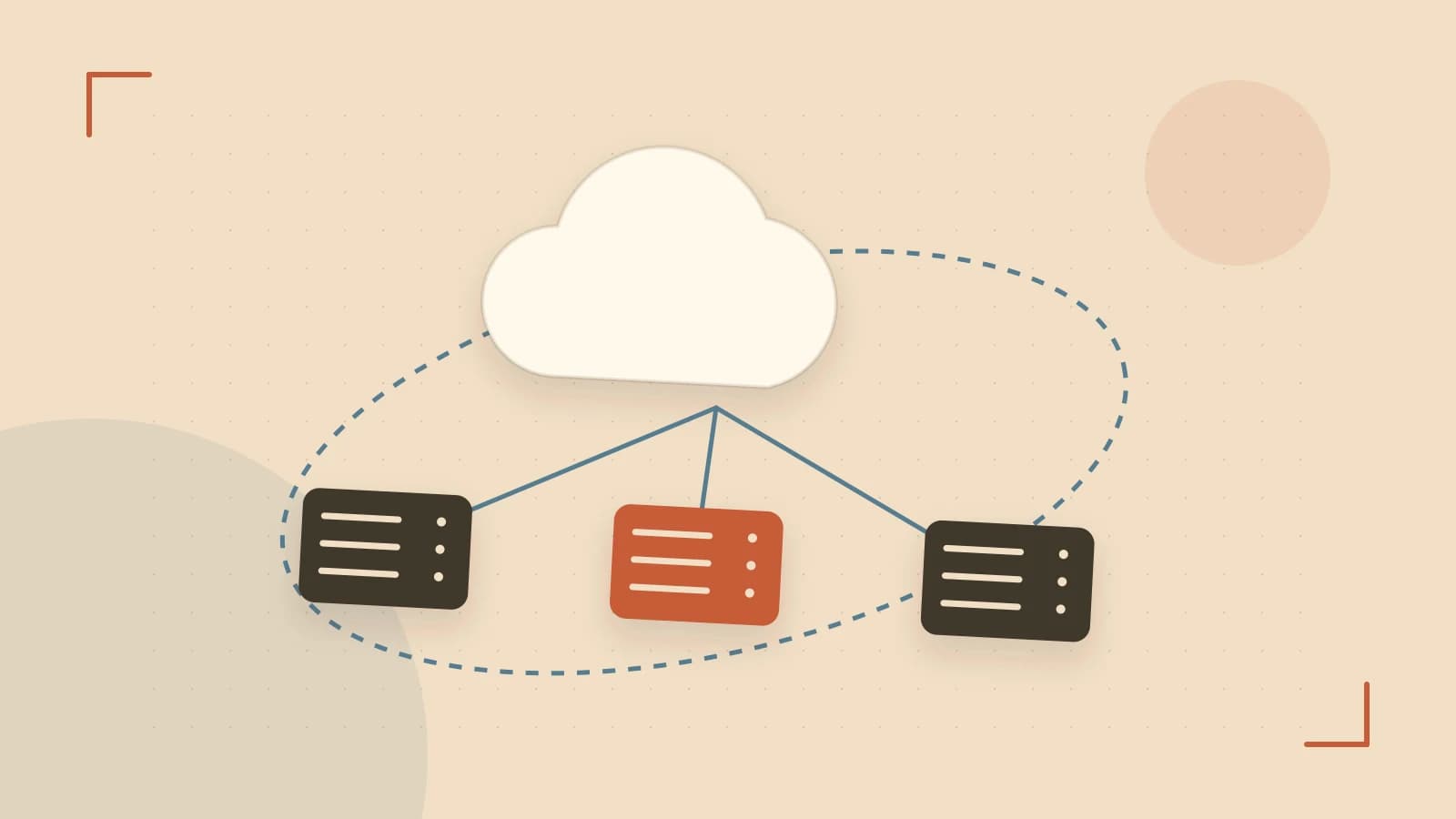
The 'Last Mile' Problem in Kubernetes Development
Getting a service running inside a Kubernetes cluster is straightforward, but exposing that service to the public internet for a webhook test, a client demo, or a third-party API callback is often a friction point. Traditionally, this requires configuring a Cloud Load Balancer which costs money and takes minutes to provision or manually running an ngrok agent inside a pod—a process that is fragile and difficult to scale across multiple services.
The ngrok Kubernetes Ingress Controller solves this by treating public tunnels as native Kubernetes resources. Instead of managing individual tunnels via a CLI, you define your external access requirements in a standard Ingress YAML file, and the controller handles the tunnel lifecycle automatically.
How the Ingress Controller Shifts the Workflow
In a standard setup, an Ingress controller like Nginx manages traffic inside the cluster. The ngrok Ingress Controller extends this by bridging the gap between the ngrok cloud and your cluster services. It runs as a deployment within your namespace, maintaining a persistent connection to the ngrok edge.
When you apply an Ingress resource, the controller detects the rule and instructs the ngrok cloud to route traffic from a specific public domain directly to your internal service. This removes the need for NodePort configurations or manual kubectl port-forward sessions that drop whenever your terminal closes.
Implementing a Public Tunnel via YAML
To use this feature, you must first have an ngrok authtoken stored as a Kubernetes Secret. Assuming the ngrok agent is already deployed via Helm or manifest, you can expose a service using the following configuration.
Example: Exposing a Webhook Listener
# Run this on your local machine with cluster-admin permissions
# Target: A service named 'webhook-api' in the 'dev' namespace

apiVersion: networking.k8s.io/v1
kind: Ingress
metadata:
  name: webhook-ingress
  namespace: dev
  annotations:
    # This tells Kubernetes to use the ngrok controller
    kubernetes.io/ingress.class: ngrok
spec:
  rules:
  - host: my-webhook-app.ngrok-free.app
    http:
      paths:
      - path: /
        pathType: Prefix
        backend:
          service:
            name: webhook-api
            port:
              number: 80
Verification Steps:
- Apply the manifest:
kubectl apply -f ingress.yaml. - Check the ngrok dashboard to confirm the tunnel status is "Online".
- Test the endpoint:
curl -I https://my-webhook-app.ngrok-free.app. A successful response indicates traffic is flowing through the ngrok edge into your cluster pod.
Trade-offs and Security Constraints
While this removes infrastructure overhead, it introduces specific risks and limitations:
- Security Exposure: By default, the ngrok Ingress Controller provides a public HTTPS endpoint. If your internal service does not have its own authentication like OAuth or API keys, anyone with the URL can access your internal pods.
- Tier Limitations: Users on the free tier are limited in the number of simultaneous tunnels and may not have access to static domains, meaning the URL could change if the tunnel is recreated.
- Dependency: Your external availability depends on the health of the ngrok agent pod. If the pod crashes or the cluster loses outbound internet access, the tunnel collapses.
Practical Summary
The ngrok Ingress Controller is most effective for development and staging environments where the overhead of a full Cloud Load Balancer is unjustified. To maintain a secure posture, always pair this setup with ngrok's edge security features like IP restrictions or Basic Auth or ensure your application handles authentication internally.
 kubernetes
 ngrok
ngrok0 replies
A thoughtful contribution can make all the difference. Be the first to share one.