Setting Up an AWS EventBridge Custom Event Bus for Microservice Decoupling
Step‑by‑step guide to create an AWS EventBridge custom event bus, route filtered events to a Lambda target, add a dead‑letter queue, and monitor failures with CloudWatch alarms.
11 May 2026, 05:17 UTC
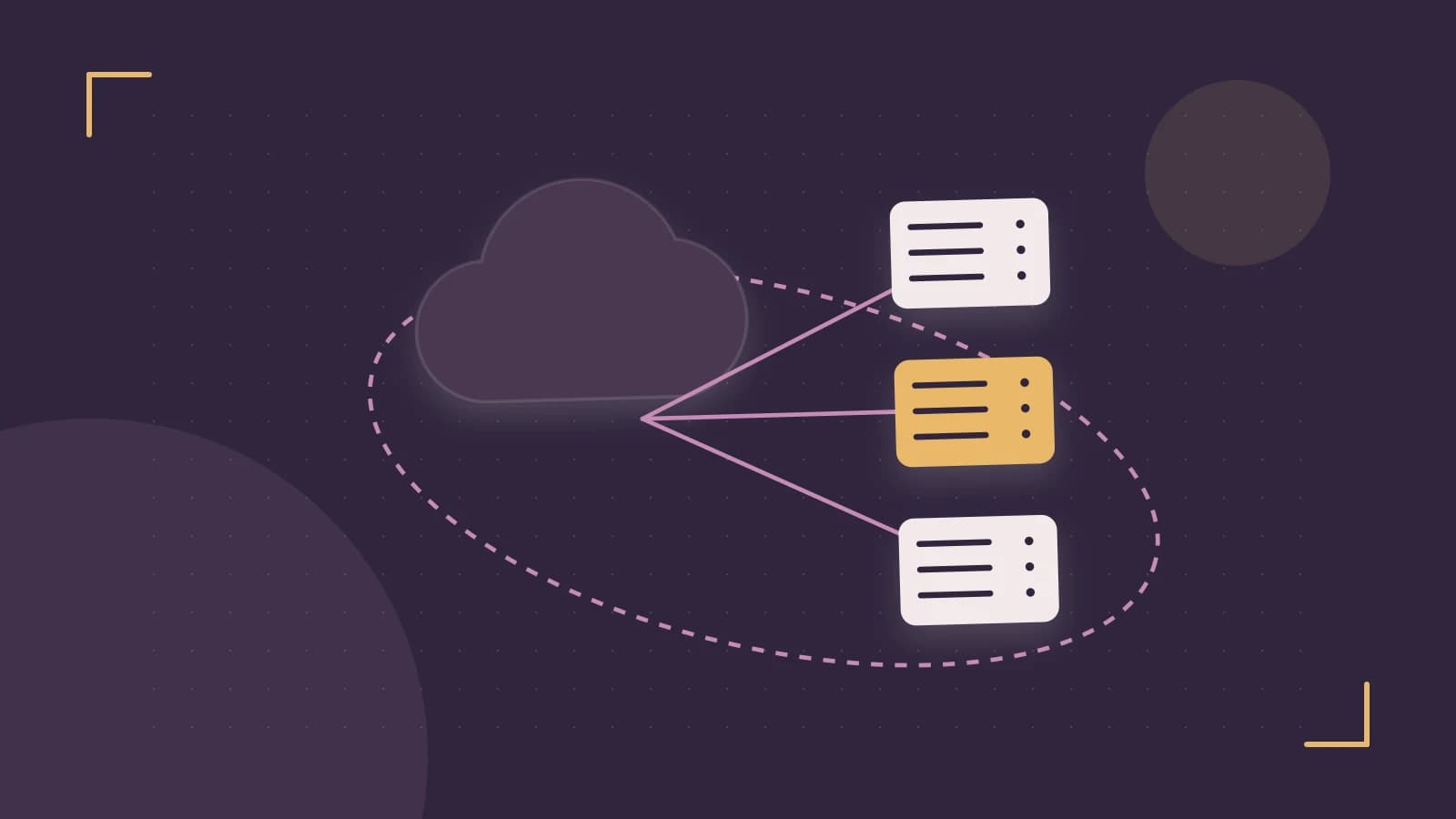
Desired outcome
Create a dedicated EventBridge custom event bus, define a rule that filters specific application events, route those events to a Lambda consumer (or other target), attach a dead‑letter queue for failed deliveries, and add a CloudWatch alarm to monitor invocation failures. This isolates your microservice traffic from the default bus and gives you observable error handling.
Prerequisites
- An AWS account with permissions to create EventBridge resources, Lambda functions (or other targets), SQS queues, IAM roles, and CloudWatch alarms.
- AWS CLI v2 installed and configured with a profile that has the required permissions.
- A target Lambda function (or SQS queue, Step Functions state machine) already deployed and ready to receive events. Note its ARN as
TARGET_ARN. - Optional: an existing SQS queue for the dead‑letter queue; note its ARN as
DLQ_ARN.
Procedure
Create the custom event bus
Run the following command, replacing
MY_BUSwith your chosen bus name:aws events create-event-bus \ --name MY_BUS \ --description "Event bus for microservice decoupling"The command returns the bus ARN; keep it for later steps.
Define an event rule
Create a rule that matches events from a specific source and detail‑type. Adjust the pattern to suit your application.
aws events put-rule \
    --name MY_RULE \
    --event-bus MY_BUS \
    --event-pattern '{"source":["myapp.orders"],"detail-type":["OrderCreated"]}' \
    --description "Route OrderCreated events to Lambda"
Add a target with input transformation
Specify the Lambda (or other target) ARN and optionally transform the input to reduce payload size.
aws events put-targets \
    --event-bus MY_BUS \
    --rule MY_RULE \
    --targets "Id"="1","Arn"="TARGET_ARN","InputTransformer"='{"InputPathsMap":{"orderId":"$.detail.orderId","amount":"$.detail.amount"},"InputTemplate":"{\"orderId\":,\"amount\":}"' \
    --dead-letter-config Arn=DLQ_ARN
If you do not need input transformation, omit the
InputTransformerargument and let the full event be delivered.Grant permission for EventBridge to invoke the target
For a Lambda target, add the required permission:
aws lambda add-permission \
    --function-name TARGET_FUNCTION_NAME \
    --statement-id EventBridgeInvoke \
    --action 'lambda:InvokeFunction' \
    --principal events.amazonaws.com \
    --source-arn arn:aws:events:REGION:ACCOUNT_ID:rule/MY_BUS/MY_RULE
Replace
REGIONandACCOUNT_IDwith your values.Create a CloudWatch alarm on invocation failures
Monitor the
InvocationFailedmetric for the rule.aws cloudwatch put-metric-alarm \ --alarm-name EventBridgeRuleFailures \ --metric-name InvocationFailed \ --namespace AWS/Events \ --statistic Sum \ --period 300 \ --evaluation-periods 1 \ --threshold 0 \ --comparison-operator GreaterThanThreshold \ --dimensions Name=EventBus,Value=MY_BUS Name=Rule,Value=MY_RULE \ --alarm-actions ALARM_ACTION_ARN \ --unit CountALARM_ACTION_ARNcan be an SNS topic ARN for notifications.
Expected checks
- Publish a test event to the custom bus and verify it reaches the target:
aws events put-events \
    --entries '[{"EventBusName":"MY_BUS","Source":"myapp.orders","DetailType":"OrderCreated","Detail":"{\"orderId\":\"12345\",\"amount\":99.99}"}]'
Check the Lambda logs (or target queue) for the transformed payload. If a dead‑letter queue is configured, confirm that the queue remains empty on success.
- Inspect CloudWatch metrics:
InvokedCountfor the rule should increase.SuccessandFailedmetrics on the target should reflect expected outcomes.- Verify the alarm state is
OKwhen no failures occur.
Recovery options (rollback)
If you need to undo the changes, delete the resources in the reverse order of creation:
- Remove the CloudWatch alarm:
- Remove the target permission (for Lambda):
- Delete the targets from the rule:
- Delete the rule:
- Delete the custom event bus:
- Optionally delete the dead‑letter queue if it was created solely for this setup.
aws cloudwatch delete-alarms --alarm-names EventBridgeRuleFailuresaws lambda remove-permission \
--function-name TARGET_FUNCTION_NAME \
--statement-id EventBridgeInvoke
aws events remove-targets \
    --event-bus MY_BUS \
    --rule MY_RULE \
    --ids 1
aws events delete-rule \
    --event-bus MY_BUS \
    --name MY_RULE
aws events delete-event-bus --name MY_BUSLimitations and practical verification
- EventBridge enforces a maximum event size of 256 KB. Larger payloads must be stored elsewhere (e.g., S3) and referenced by a pointer in the event.
- Event ordering is not guaranteed across different partitions; if strict ordering is required, use a FIFO SQS queue as a target or implement sequencing logic in the consumer.
- Each custom event bus incurs a modest monthly charge per event published. Monitor usage with the
PublishCountCloudWatch metric to avoid unexpected costs in high‑volume scenarios. - To verify end‑to‑end delivery, repeatedly publish test events and check both the target’s success metric and the dead‑letter queue depth.
 aws
aws0 replies
A thoughtful contribution can make all the difference. Be the first to share one.