Scaling ClickHouse Reads with Distributed Tables: A Practical Guide
Learn how ClickHouse’s Distributed table engine can eliminate read bottlenecks in reporting dashboards. Step‑by‑step setup, a real query example, trade‑offs, and practical next steps to scale your cluster without rewriting code.
16 May 2026, 21:51 UTC
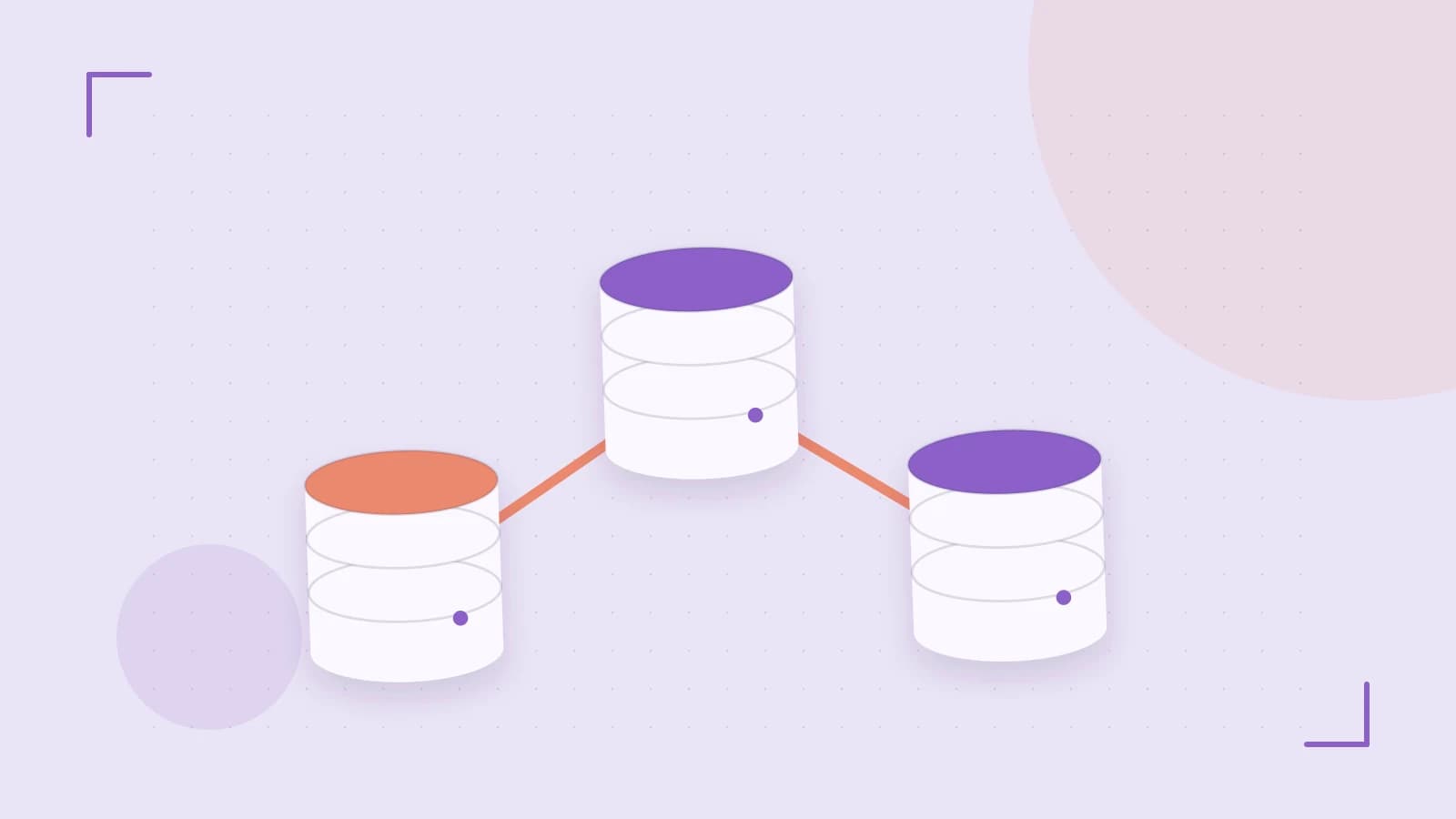
Problem: Single‑Node Read Bottlenecks
When a reporting dashboard hits a ClickHouse instance with millions of rows, a single node can become a choke point. Even with a powerful CPU, the latency of aggregations and joins can grow linearly with the data size. Applications that rely on real‑time insights often need to keep query times under a few seconds, which is hard to achieve on a single shard.
Thesis: Use a Distributed Table to Parallelize SELECTs
ClickHouse’s Distributed table engine lets you expose a single logical table name that automatically routes SELECT statements to all shards in a cluster. The engine executes sub‑queries in parallel, collects the results, and returns a single result set to the client. This approach scales read workloads without changing application code.
Setting Up the Cluster
Define the cluster configuration on every node. Create
/etc/clickhouse-server/config.d/cluster.xmlwith the same content on all servers:<clickhouse> <remote_servers> <cluster> <shard> <replica>shard1-1</replica> <replica>shard1-2</replica> </shard> <shard> <replica>shard2-1</replica> <replica>shard2-2</replica> </shard> </cluster> </remote_servers> </clickhouse>Replace replica hostnames with your actual server addresses. Restart ClickHouse after editing.
Create local tables on each shard. On every node, run:
CREATE TABLE local_sales (
    id UInt64,
    date Date,
    amount Float64
) ENGINE = MergeTree()
ORDER BY (date, id);
Populate each table with a subset of your data (e.g., by date range) to keep shards balanced.
Define the Distributed table. On any node, execute:
CREATE TABLE distributed_sales ENGINE = Distributed(
    'cluster',   -- cluster name from cluster.xml
    'default',   -- database name
    'local_sales',
    rand()        -- sharding key; rand() distributes evenly
);
The Distributed engine does not store data; it merely forwards queries to the appropriate local tables.
Running a Parallel Query
Now a simple aggregation runs across all shards:
SELECT
    date,
    sum(amount) AS total
FROM distributed_sales
GROUP BY date
ORDER BY date;
ClickHouse will issue a sub‑query to each shard, aggregate locally, then merge the partial results. You can confirm parallelism by checking system.query_log for multiple query_start_time entries from different nodes.
Trade‑offs and Limitations
- INSERT routing: The Distributed engine only distributes
SELECTs. Inserts go to a single replica unless you explicitly route them. Use aReplicatedMergeTreewith a write‑through proxy or manually target a shard. - Data skew: If one shard holds significantly more data, it becomes the slowest sub‑query, limiting overall performance. Keep shard sizes balanced.
- Network overhead: Parallel queries increase traffic between nodes. Ensure sufficient bandwidth and monitor
system.network_events. - Complex JOINs: Joins that reference the Distributed table still hit the slowest shard. For heavy cross‑shard joins, consider pre‑aggregated tables.
Actionable Next Steps
- Verify that
/etc/clickhouse-server/config.d/cluster.xmlis identical on all nodes. A simplediffacross servers is a quick sanity check. - Run
SELECT COUNT(*) FROM local_saleson each shard to confirm data distribution. - Execute a test
SELECTon the Distributed table and comparesystem.query_logentries against a single‑node query to measure speedup. - Implement a write‑routing strategy: either use a
ReplicatedMergeTreewith a proxy or add a sharding key to inserts. - Set up monitoring for
system.network_eventsandsystem.mergesto detect stragglers early.
By following these steps, you can expose a horizontally scalable read layer in ClickHouse, keeping your dashboards responsive while keeping the application code unchanged.
 clickhouse