Running Terraform Only on Changed Stacks with Terramate in a Monorepo
Set up Terramate stacks, git-based change detection, and generated backend config so CI runs terraform plan only on the monorepo directories that actually changed.
20 Jun 2026, 04:25 UTC
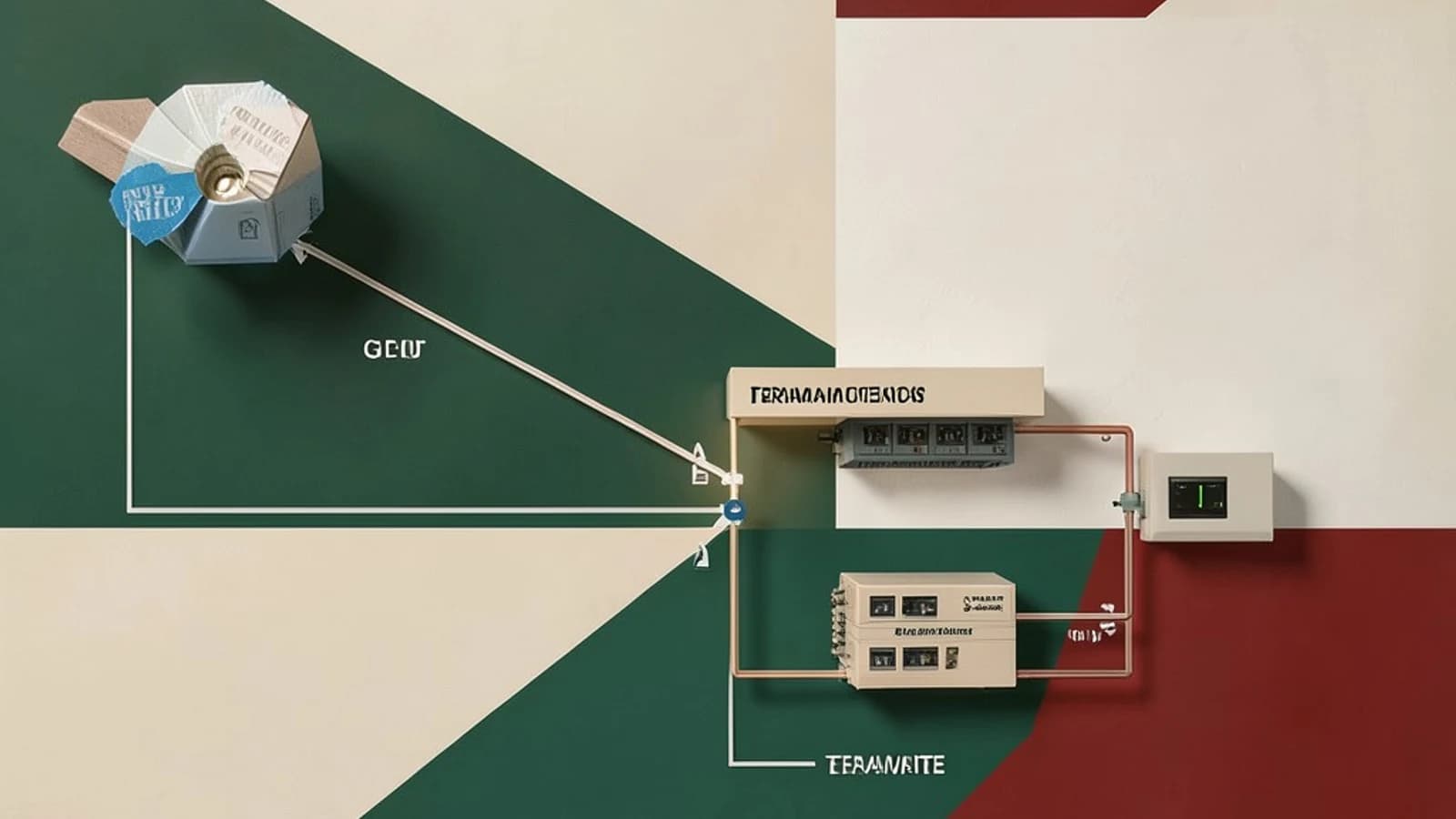
In a Terraform monorepo, the default CI behavior is painful: every pull request triggers terraform plan across every environment directory, even though the change touched one. Terramate solves this by treating each environment directory as a "stack" and using git history to run Terraform only where files actually changed. This guide sets up that workflow: stacks, change detection, generated provider/backend config, and an ordered CI run.
Everything below assumes Terramate CLI v0.4.x-era syntax and Terraform 1.5+. Terramate evolves quickly, so pin the CLI version in CI and check terramate --version against the docs for the release you use before copying blocks verbatim.
Prerequisites
- A git repository containing Terraform root modules, one directory per deployable unit (e.g.,
stacks/prod/vpc,stacks/prod/app). - Terramate CLI installed locally and in CI (pin the exact version; do not float on
latest). - CI clones with enough git history for change detection. A shallow clone (
fetch-depth: 1) breaks--changedbecause Terramate diffs against the base branch. Use full history or at least depth covering the merge base. - Permission to run
terraform init/planagainst your existing state backend. Terramate does not replace your backend; it orchestrates the Terraform you already have.
Step 1: Mark directories as stacks
A stack is any directory containing a stack.tm.hcl file. The fastest way to create one, run from the repo root with normal user permissions:
terramate create stacks/prod/vpcThis scaffolds the directory and the stack file. Confirm detection:
terramate listExpected check: every directory you created appears in the output. If a directory is missing, verify the stack.tm.hcl file exists there and that you are running from the repository root.
Step 2: Verify change detection before wiring CI
Change detection is the feature you are buying, so test it explicitly. Modify any .tf file in exactly one stack, commit the change on a branch, then from the repo root run:
terramate list --changedExpected check: only the edited stack is listed. If every stack appears, or none does, the usual cause is git history depth — run git fetch --unshallow (or increase fetch-depth in your CI checkout step) and retry. Do not proceed to CI until this behaves correctly; a broken --changed silently plans everything or nothing.
Step 3: Generate shared provider and backend config
Monorepos typically duplicate the same provider and backend blocks in every directory, and they drift. Terramate's generate_hcl block renders one definition into every stack. Place this in a config.tm.hcl at the repo root:
generate_hcl "_backend.tf" {
  content {
    terraform {
      backend "s3" {
        bucket = "my-tf-state"
        key    = "${terramate.stack.path.relative}/terraform.tfstate"
        region = "eu-west-1"
      }
    }
  }
}
Run terramate generate from the repo root, then inspect the produced _backend.tf inside a stack. Expected check: the file exists in each stack, carries a header marking it as generated, and the key reflects the stack's path. Two rules follow:
- Never hand-edit generated files — the next
terramate generateoverwrites them. Edit thegenerate_hclblock instead. - Commit the generated files. Keeping them in git means plain
terraform planstill works in any stack without Terramate installed, which is your exit ramp if you ever drop the tool.
Step 4: Parameterize with globals
Globals defined at the root are inherited down the tree and can be overridden per stack, which keeps environment differences explicit:
# /config.tm.hcl
globals {
  environment = "prod"
  vpc_cidr    = "10.0.0.0/16"
}
A stack can override environment in its own globals block, and generated files or Terraform variables can reference global.environment. Check by running terramate debug show globals inside a stack directory to see the resolved values.
Step 5: Orchestrated execution in CI
The CI job, run from the repo root with credentials for your state backend and cloud provider:
terramate run --changed -- terraform init -input=false
terramate run --changed -- terraform plan -input=false -out=tfplan
Terramate executes the command in each changed stack, and respects declared ordering (before/after attributes in stack files) so a VPC stack plans before the app stack that depends on it. Expected check: the log shows execution only for stacks from terramate list --changed, in dependency order.
Important limitation: ordering only covers dependencies you declare. If one stack reads another's outputs via terraform_remote_state, Terramate does not infer that — model it with after (or the wants attribute) explicitly, or applies can run out of order.
Recovery options
This setup is low-risk to reverse because it is additive:
- Bad generation: since generated files are committed,
git checkout -- .restores the last good state, then fix thegenerate_hclblock and re-runterramate generate. - Dropping Terramate entirely: delete the
.tm.hclfiles. Committed generated files keep every stack as a plain, working Terraform root module. - Suspect change detection in a PR: fall back to a full run with
terramate run -- terraform plan(no--changed) while you fix clone depth.
The practical outcome: CI time scales with what changed rather than repo size, and each apply's blast radius shrinks to the stacks that actually differ. Add Terramate Cloud later if you want drift detection and deployment history, but the CLI workflow above stands alone against any standard Terraform backend.
 terraform
 terramate
0 replies
A thoughtful contribution can make all the difference. Be the first to share one.