Running AWS Lambda Functions from Container Images in Amazon ECR
Learn how to package AWS Lambda functions as container images in Amazon ECR to bypass the 250 MB ZIP limit, with a concrete Python/pandas example and guidance on size‑latency trade‑offs.
03 Jan 2026, 06:30 UTC
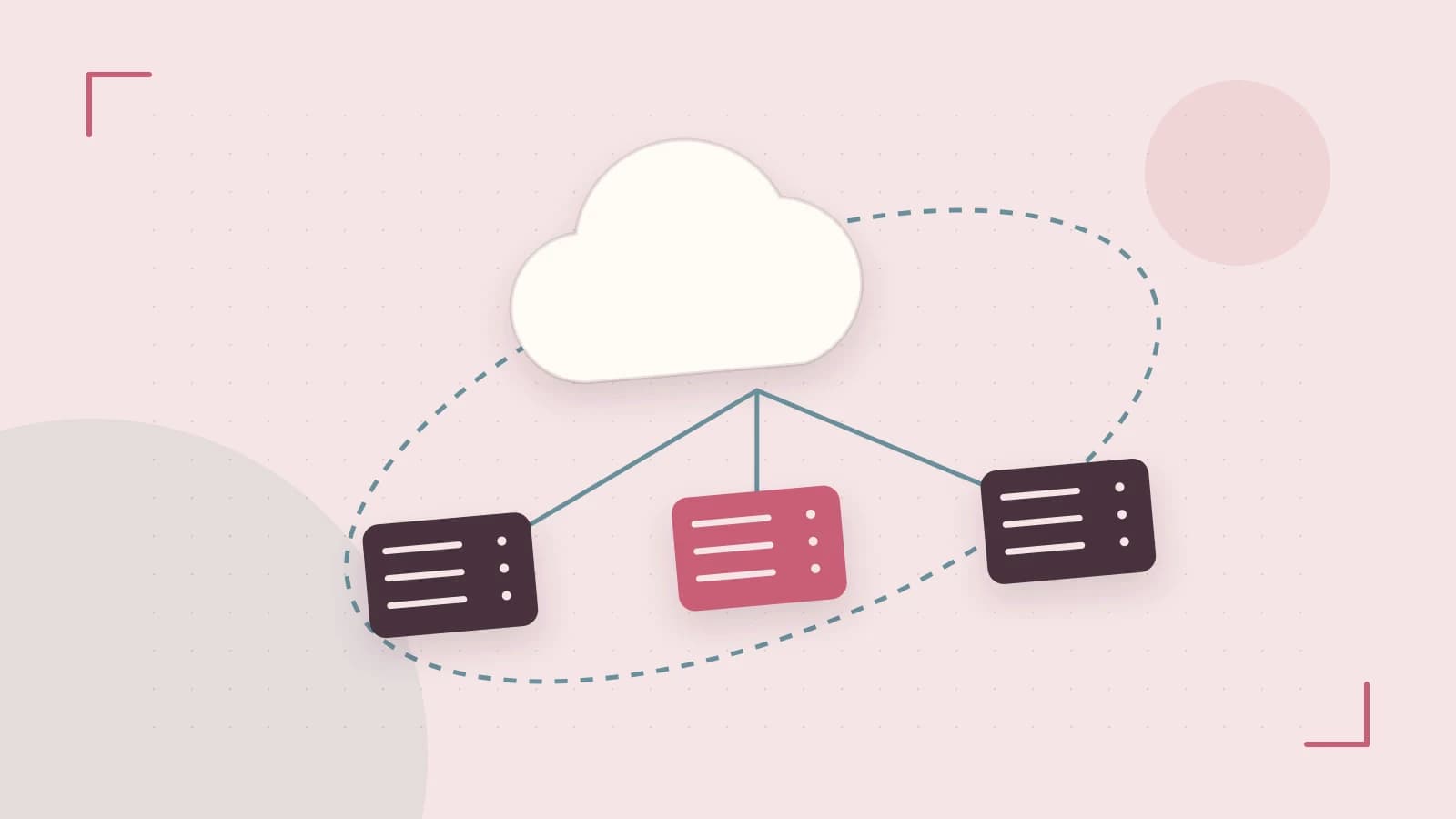
Problem: hitting the Lambda deployment package limit
When a Lambda function needs libraries that push the uncompressed size beyond the 250 MB ZIP limit (for example, machine‑learning frameworks, native binaries, or large SDKs), the standard zip‑based deployment fails. You either have to strip dependencies, split code across multiple functions, or accept a less‑optimal runtime.
Thesis: container images let you bypass the ZIP limit while keeping the same Lambda invocation model
AWS Lambda supports OCI‑compatible container images up to 10 GB. By packaging your function, runtime, and dependencies in an image stored in Amazon Elastic Container Registry (ECR), you retain the familiar Lambda invocation API, versioning, and concurrency controls, while gaining the flexibility of a full container build process.
Worked example: a Python function that uses pandas and numpy
1. Create an ECR repository
# Run in a terminal with AWS CLI configured (requires ecr:CreateRepository, ecr:GetAuthorizationToken)
aws ecr create-repository --repository-name lambda-pandas-demo --image-scanning-configuration scanOnPush=true --image-tag-mutability MUTABLE
The command returns a repository URI, e.g., 123456789012.dkr.ecr.us-east-1.amazonaws.com/lambda-pandas-demo. Save this value for later steps.
2. Write a multi‑stage Dockerfile
# Stage 1: build dependencies
FROM public.ecr.aws/lambda/python:3.12 AS builder
# Install system packages needed for pandas/numpy (if any)
RUN yum install -y gcc gcc-c++ make
# Copy only requirements to leverage Docker cache
COPY requirements.txt  .
RUN pip install --target /var/task -r requirements.txt

# Stage 2: runtime image
FROM public.ecr.aws/lambda/python:3.12
# Copy the installed packages from the builder stage
COPY --from=builder /var/task  /var/task
# Copy function code
COPY app.py   ${LAMBDA_TASK_ROOT}/
# Set the handler to match the file
CMD ["app.handler"]
Place a simple requirements.txt containing:
pandas
numpy
And an app.py with a basic handler:
def handler(event, context):
    import pandas as pd
    df = pd.DataFrame({'a': [1, 2, 3]})
    return {'rows': len(df)}
3. Build, tag, and push the image
# Build (requires Docker daemon access)
docker build -t lambda-pandas-demo .

# Authenticate Docker to ECR (requires ecr:GetAuthorizationToken)
aws ecr get-login-password --region us-east-1 | docker login --username AWS --password-stdin 123456789012.dkr.ecr.us-east-1.amazonaws.com

# Tag the image with the repository URI and a version tag
docker tag lambda-pandas-demo:latest 123456789012.dkr.ecr.us-east-1.amazonaws.com/lambda-pandas-demo:v1

# Push (requires ecr:BatchGetImage, ecr:PutImage)
docker push 123456789012.dkr.ecr.us-east-1.amazonaws.com/lambda-pandas-demo:v1
4. Create the Lambda function from the image
aws lambda create-function \
    --function-name lambda-pandas-demo \
    --package-type Image \
    --code ImageUri=123456789012.dkr.ecr.us-east-1.amazonaws.com/lambda-pandas-demo:v1 \
    --role arn:aws:iam::123456789012:role/lambda-exec-role \
    --timeout 30 \
    --memory-size 512
The execution role must grant lambda:InvokeFunction and any permissions your code needs (e.g., S3 read).
5. Invoke and verify
aws lambda invoke --function-name lambda-pandas-demo response.json
cat response.json
You should see a JSON payload similar to { "rows": 3 }. In the Lambda console, check the Configuration tab for Image size and Image URI. In CloudWatch Logs, look for the Init Duration field to gauge cold‑start latency.
Trade‑off: image size versus start‑up latency
While container images remove the ZIP size ceiling, larger images increase the time required to snapshot the container during a cold start. If you notice Init Duration growing substantially compared with an equivalent zip deployment, consider:
- Using a multi‑stage build to exclude build‑time tools.
- Choosing a slimmer base image (e.g.,
public.ecr.aws/lambda/python:3.12‑al2vs. a full‑size variant). - Loading large assets lazily from Amazon S3 or Amazon EFS inside the handler rather than baking them into the image.
Another limitation is that Lambda layers cannot be attached to image‑based functions; any shared code must be baked into the image or accessed externally.
Actionable closing
If your function’s dependencies exceed the 250 MB ZIP limit, start by drafting a minimal Dockerfile that copies only the runtime dependencies, builds them in a separate stage, and pushes the result to an ECR repository. Create the Lambda function with --package-type Image, invoke it, and compare the reported Init Duration against a zip‑based baseline. Adjust the base image or move bulky assets to S3/EFS if latency becomes a concern. This approach gives you the flexibility of containers while preserving the serverless invocation model you already use.
 docker
 aws
aws0 replies
A thoughtful contribution can make all the difference. Be the first to share one.