Run Grunt Tasks Automatically with grunt-contrib-watch
Configure grunt-contrib-watch to rerun Grunt tasks when watched source files change, with install steps, checks, and recovery.
03 Apr 2026, 06:15 UTC
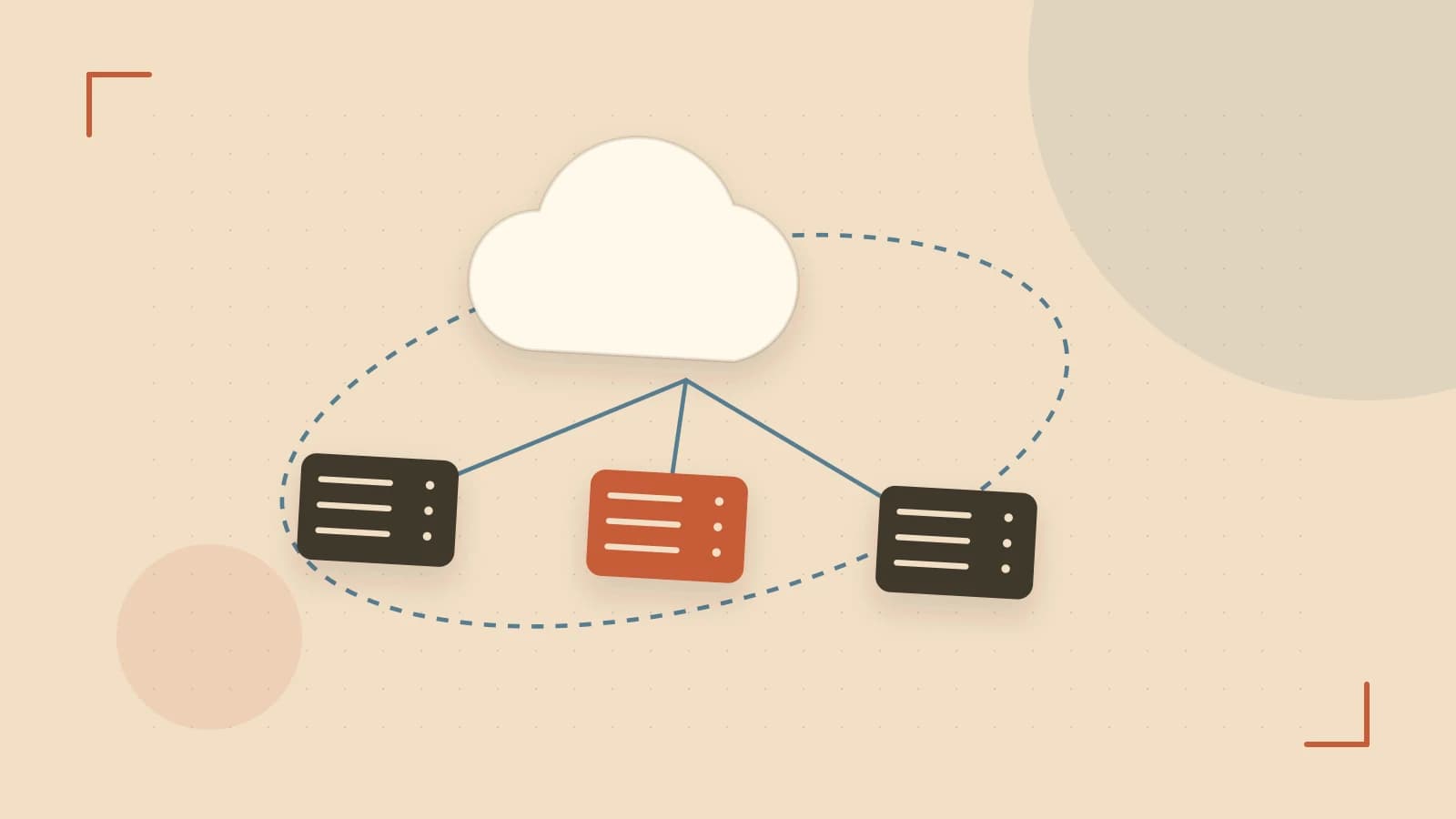
What this solves
After editing a source file, you must switch to the terminal and run Grunt again to lint, compile, or bundle the change. That manual step breaks focus and slows iteration. The useful takeaway is that grunt-contrib-watch can monitor files and run the tasks you choose whenever a watched file is saved, so the build runs in the background while you keep editing.
Before you start
You need a Node.js project with a package.json. Grunt is configured through a Gruntfile.js in the project root. A devDependency is a package listed under devDependencies in package.json; it is installed for development tooling and is not part of production runtime.
- Node.js and npm installed.
- Terminal access to the project root.
- No administrator privileges are required for a local install.
Install Grunt and the watch plugin
Run the following command in the project root. It installs Grunt, its command-line interface, and the official watch plugin as development dependencies.
cd path/to/project
npm install --save-dev grunt grunt-cli grunt-contrib-watch
This command modifies package.json and creates or updates node_modules/. It requires network access to the npm registry. If you already have grunt-cli installed globally, you can omit it from this command and run grunt directly.
Check that the packages were recorded:
cat package.json | grep -E '"grunt"|"grunt-contrib-watch"'
Expected result: both package names appear under devDependencies. Do not use sudo; a local install avoids permission changes to system directories.
Create or update Gruntfile.js
Gruntfile.js is the JavaScript file that loads plugins and registers tasks. This example watches JavaScript files and runs a simple task when they change. Replace log-change with your own lint, preprocessing, or concatenation task; those tasks require their own Grunt plugins.
module.exports = function(grunt) {
  grunt.initConfig({
    watch: {
      scripts: {
        files: ['src/js/**/*.js'],
        tasks: ['log-change'],
        options: {
          spawn: false,
          livereload: false,
        },
      },
    },
  });

  grunt.loadNpmTasks('grunt-contrib-watch');

  grunt.registerTask('log-change', function() {
    grunt.log.ok('A watched JavaScript file changed. Insert lint or build step here.');
  });
};
Key parts of this configuration:
files: glob pattern for source files to monitor. Edit the path to match your project.tasks: task names to run when any matching file changes.spawn: whenfalse, tasks run in the Grunt process instead of a child process. This can reduce startup delay, but a failing task may interrupt the watcher.livereload: set tofalsehere because automatic browser refresh requires additional server and browser extension setup.
Run the watcher and verify behavior
Start the watcher from the project root using the locally installed binary:
./node_modules/.bin/grunt watchExpected checks:
- The terminal prints a confirmation that Grunt is watching and stays running.
- Save a change to a watched file, for example:
echo "// test change" >> src/js/example.js- The terminal shows the
log-changetask running without you typing another Grunt command. - Press
Ctrl+Cto stop the watcher. The terminal returns to the shell prompt.
Diagnostic decisions
| Watch option | Behavior | When to use |
|---|---|---|
spawn: true | Runs each task in a separate child process. | Use when task isolation matters or a failing task should not stop the watcher. |
spawn: false | Runs tasks in the Grunt process. | Use for faster response on small projects; test that a task failure does not break watching. |
If file changes do not trigger tasks, consider these causes:
- Some editors save through temporary files. Disable atomic save or watch the parent directory.
- Watching many files or deep directory trees increases CPU usage and can delay events. Narrow
filespatterns and excludenode_modulesand build output. - Multiple watch targets writing to the same output file can collide. Combine targets or run tasks sequentially and verify output after each change.
Limitations
grunt-contrib-watchis not bundled with Grunt and must be installed separately.- Grunt is mature but less actively maintained than modern frontend build tools such as Vite, esbuild, or webpack.
- Filesystem event handling differs by operating system and editor, so behavior may vary between macOS, Windows, and Linux.
Recovery options
- Stop the watcher at any time with
Ctrl+C. - Remove the watch block from
Gruntfile.jsto disable automatic execution without uninstalling anything. - Uninstall the plugin and its devDependency entry with:
npm uninstall --save-dev grunt-contrib-watchIf package.json was changed unintentionally, restore it from version control before reinstalling.
 grunt
grunt nodejs
0 replies
A thoughtful contribution can make all the difference. Be the first to share one.