Routing Read-Only Queries to Azure SQL Database Secondary Replica with ApplicationIntent
Route read-only workloads to a secondary replica in Azure SQL Database using ApplicationIntent=ReadOnly, with notes on consistency, tier coverage and verification caveats.
20 Jun 2026, 15:14 UTC
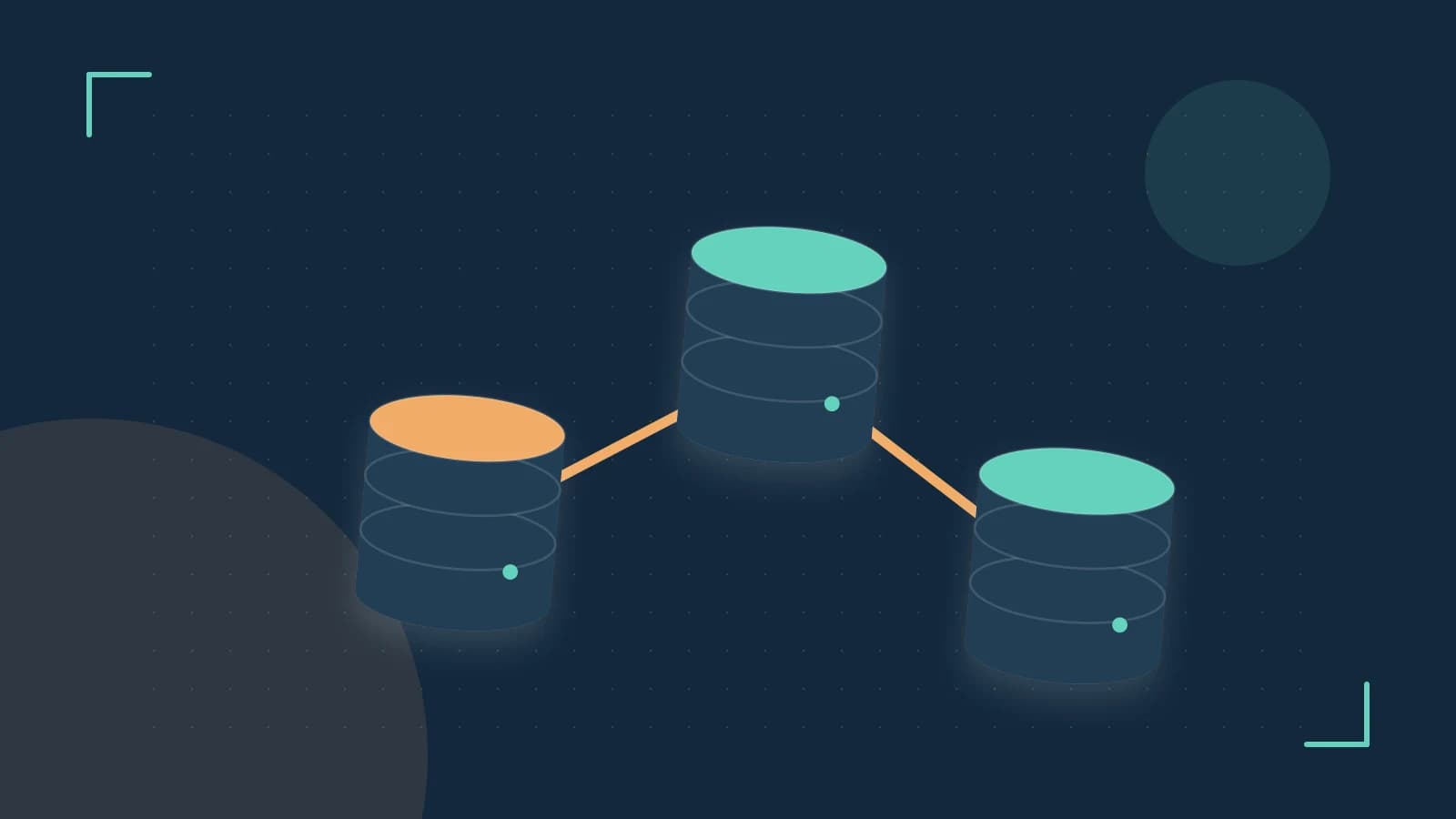
Offload read traffic without adding a new server endpoint
When reporting, analytics or read-heavy APIs add CPU and memory pressure to the primary replica, write latency can rise even though the workload is read-only. The engineering decision is to route those reads to a secondary read-only replica that is part of the same Azure SQL Database instance, leaving the primary to serve writes and consistency-sensitive reads.
The useful takeaway is that routing is done at connection time with ApplicationIntent=ReadOnly. The same logical server name and database name are used; the Azure SQL Database gateway interprets the intent and, for tiers where the feature is offered, directs the session to a secondary replica. No separate replica endpoint is created by the customer.
How the routing works
Read Scale-Out is a gateway-level routing feature. The client driver sends a connection request with ApplicationIntent=ReadOnly. If the target database is in a service tier and configuration where read scale-out is supported, the gateway can attach the session to a secondary replica that is kept up to date from the primary. The secondary is read-only: T-SQL SELECT statements are allowed, Data Manipulation Language such as INSERT, UPDATE and DELETE is rejected.
Replication to the secondary is asynchronous. That means a write committed on the primary is not guaranteed to be visible on the secondary immediately. Applications that need read-your-writes consistency must stay on the primary.
Worked connection string example
ApplicationIntent requires client driver support. .NET SqlClient, ODBC and JDBC drivers have historically exposed the parameter, but the exact driver version that supports it should be confirmed for your stack.
Server=tcp:your-server.database.windows.net,1433;Initial Catalog=your-db;User ID=your-user;Password=your-password;Encrypt=True;TrustServerCertificate=False;Connection Timeout=30;ApplicationIntent=ReadOnly;Without ApplicationIntent=ReadOnly the connection defaults to the primary replica. The same connection string without the intent flag is used for write and strong-consistency reads.
Verification of routing is version-sensitive. The research brief notes checks such as running SELECT @@SERVERNAME on the intent connection and comparing it to a default connection, and attempting a write to confirm a read-only violation. Server name presentation and DMV visibility can vary by driver, platform and Azure SQL Database version. Because the brief requires current verification, confirm the exact verification method in current Azure documentation before relying on it in production.
Limits, tier coverage and common mistakes
Tier and feature availability
Model knowledge describes Read Scale-Out as historically associated with Premium and Business Critical service tiers. Premium is a legacy DTU-based tier and Business Critical is vCore-based. Azure SQL Database tier naming and feature availability change over time, and Hyperscale uses a separate read replica model. Current support for a given database should be verified in the Azure portal and current documentation for the date 2026-10-16.
The secondary replica shares the compute resources of the service tier. Offloading query execution can reduce contention on the primary, but heavy reads on the secondary still consume vCores/DTUs from the same capacity pool and can affect overall system health.
Consistency and workload placement
- Read-your-writes: Do not route sessions that must see their own recent writes to the secondary. Use the primary for balance checks, immediate post-write reads and other strong consistency requirements.
- Read-only enforcement: The secondary rejects DML. Stored procedures that perform logging, temp table inserts or other writes will fail when run with ApplicationIntent=ReadOnly.
- Driver prerequisites: ApplicationIntent is ignored by drivers that do not support it. Confirm driver support before assuming routing occurs.
Common implementation mistakes
- Assuming the primary is write-only. The primary continues to serve default connections, which include both reads and writes. Routing is opt-in per connection.
- Using the feature on tiers where it is not offered. Availability varies by tier and service model; attempting to use ApplicationIntent on an unsupported tier may result in all traffic staying on the primary.
- Treatings the secondary as instantly consistent. Asynchronous replication introduces a lag window. Design read workloads to tolerate eventual consistency.
- Assuming server name differences reliably identify the replica. Behavior may differ by driver and platform; rely on documented verification guidance rather than undocumented DMV differences.
Because the supplied research requires current verification, treat tier support, default enablement and routing behavior as subject to change. Validate against current Azure SQL Database documentation and test in a non-production environment before deploying to production.
 azuresqldatabase
0 replies
A thoughtful contribution can make all the difference. Be the first to share one.