Reusable GitHub Actions workflows: a practical engineering decision for cross‑repo CI
How to share CI pipelines across multiple GitHub repositories without copy‑paste drift, using reusable workflow syntax, version pinning, and explicit secrets passing.
18 Nov 2025, 03:39 UTC
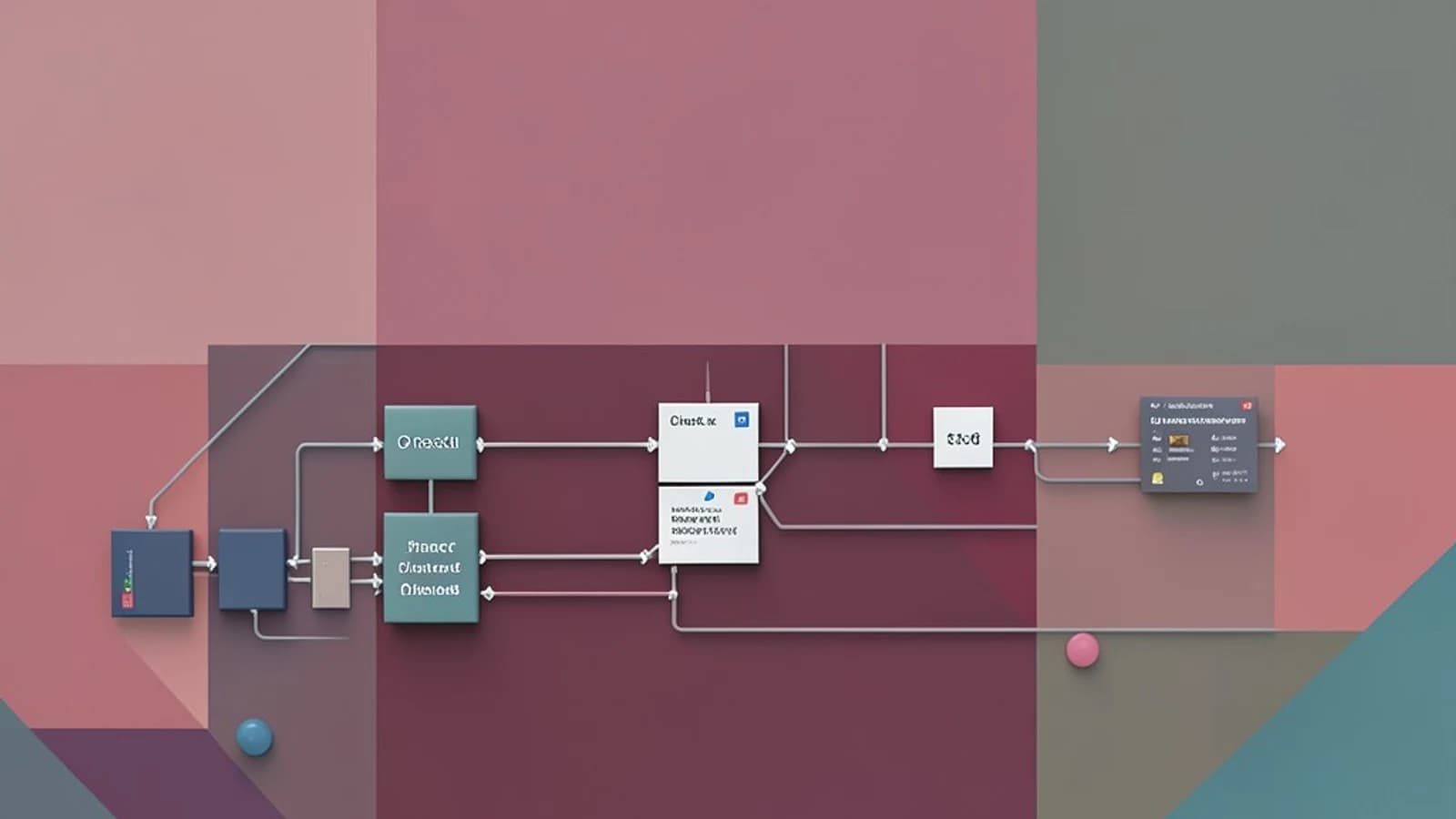
The CI duplication problem across repositories
Many engineering teams maintain nearly identical CI pipelines across two or more repositories. Copy‑pasting YAML works until a test command changes, a secret rotation happens, or a new dependency is added – then three repos need simultaneous updates, and drift creeps in. Reusable GitHub Actions workflows solve this by letting you define a pipeline once and call it from any repository, with controlled inputs, explicit secrets, and version‑stable references.
Designing a reusable workflow: inputs, outputs, and version pins
A reusable workflow is a standard GitHub Actions file that uses the workflow_call trigger instead of the default on. It declares what the outside world can pass in, what it can pull out, and which secrets it requires.
name: Build and test
on:
  workflow_call:
    inputs:
      environment:
        description: 'Target environment'
        required: true
        type: choice
        options: [staging, production]
      registry_token:
        description: 'Token for container registry'
        required: false
    outputs:
      artifact_url:
        description: 'URL of the published artifact'
        value: ${{ jobs.build.outputs.artifact_url }}
    secrets:
      registry_credentials:
        description: 'Credentials for push access'
        required: true
A concrete cross‑repo example: calling and passing secrets
Suppose two repositories: org/platform-tools and org/service-api. The former owns the reusable workflow.
name: Reusable Build
on:
  workflow_call:
    inputs:
      ref:
        description: 'Git reference to build'
        required: true
        type: string
    outputs:
      build_sha:
        description: 'SHA of the built artifact'
        value: ${{ jobs.build.outputs.sha }}
    secrets:
      npm_token:
        description: 'Token for private npm registry'
        required: true
Inside the workflow, a job builds and publishes:
jobs:
  build:
    runs-on: ubuntu-latest
    permissions:
      contents: read
      packages: write
    steps:
      - uses: actions/checkout@v4
      - name: Install dependencies
        run: npm ci
      - name: Build
        run: npm run build
      - name: Publish artifact
        uses: actions/upload-artifact@v4
        with:
          name: build-${{ inputs.ref }}
          path: dist/
        env:
          NPM_TOKEN: ${{ secrets.npm_token }}
      - name: Export SHA
        run: echo sha=$(git rev-parse HEAD) >> $GITHUB_OUTPUT
Trade‑offs, limitations, and the case for tag pinning
- No nesting. A reusable workflow cannot call another reusable workflow. If you need deeper sharing, consider a composite action for the lowest level and reusable workflows for cross‑repo boundaries.
- Permission boundaries. The caller's default
GITHUB_TOKENpermissions apply. If the reusable workflow needscontents: writeorpackages: write, the caller must grant them with apermissionsblock at the job or workflow level. - Debugging surface area. Logs from the reusable workflow appear in the caller's run timeline. There is no separate run history for the reusable workflow itself, so correlating failures requires reading the caller's output.
- Matrix separation. If the caller uses a matrix strategy, each matrix combination triggers a separate reusable workflow run. The strategy does not expand inside the called workflow.
- Version pinning. Using
@mainor a branch name as therefrisks breaking changes. Always pin to a semver tag (@v1.0.0) or a commit SHA for production pipelines.
To verify a pin works as expected, tag a version v1.0.0 in the reusable workflow repository, have a dependent workflow reference @v1.0.0, then update the repository and tag v1.0.1. The dependent workflow on @v1.0.0 should continue unchanged, confirming isolation.
Useful takeaway: If you're tired of syncing CI changes across multiple repos, start with a single reusable workflow, pin it to a semver tag, and pass secrets explicitly. The pattern pays off quickly in reduced drift and faster onboarding for new services.
 githubactions
0 replies
A thoughtful contribution can make all the difference. Be the first to share one.