Resolving Git Dependencies with Bower: A Decision Guide
How to add Git-based dependencies to a Bower project, pin versions for reproducible builds, and decide whether to migrate to npm or Yarn.
08 Apr 2026, 22:23 UTC
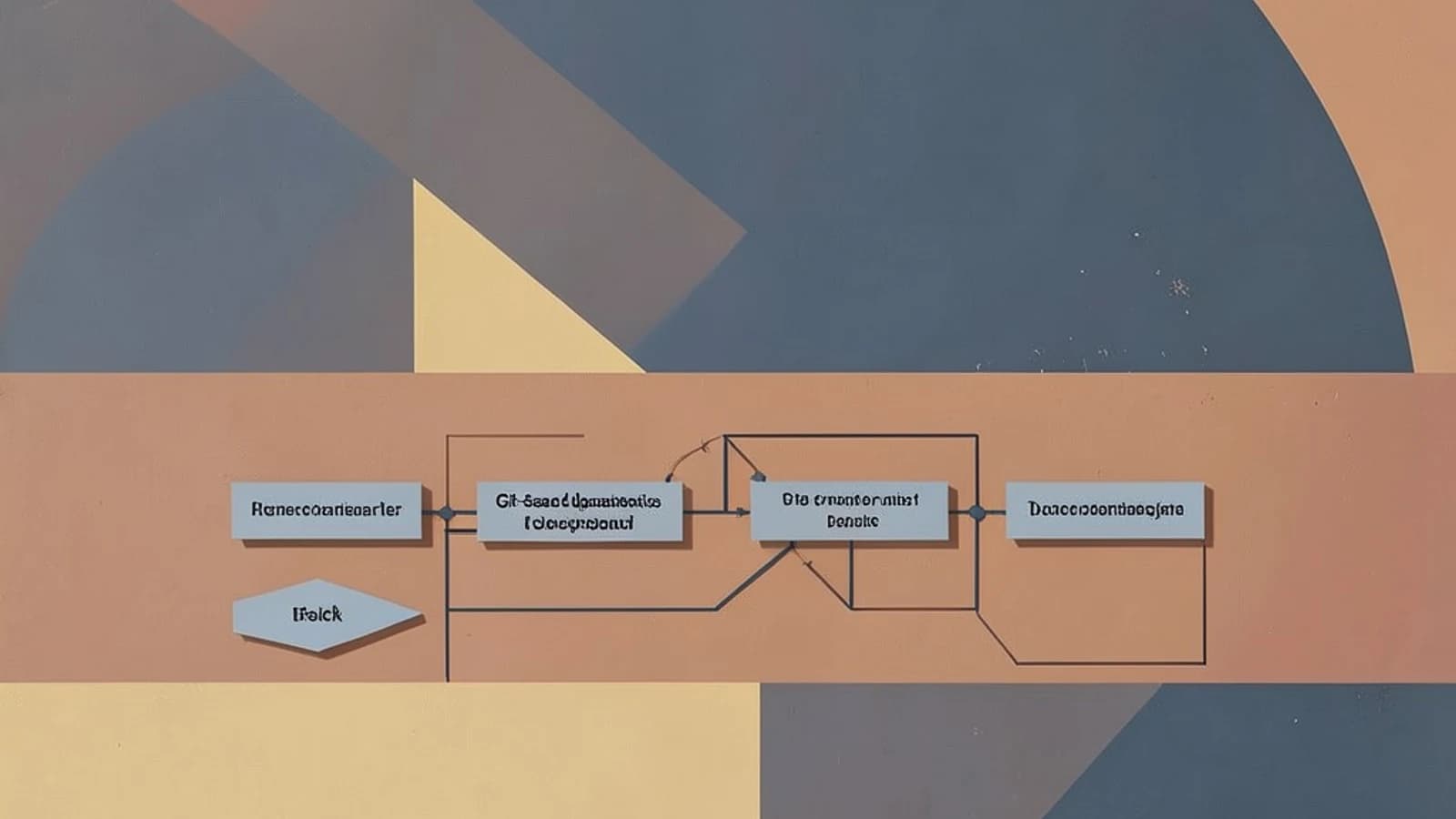
Decision point: Bower Git dependencies and version pinning
You maintain a legacy front‑end project that relies on a bower.json to manage UI libraries and frameworks. You need to add a component from a Git repository, or you're evaluating whether Bower still fits your workflow. This guide covers using Bower's Git dependency resolution, pinning versions for reproducible builds, and comparing the options against modern package managers.
Supported options compared
| Option | Dependency source | Version pinning | ES module support | Maintenance status |
|---|---|---|---|---|
bower install <git-url> | Git (HTTP, SSH) | bower.json commit hash or tag | No — delivers files as static assets | Unmaintained |
npm install <git-url> | Git (any URL) | package.json version range | Yes — native exports and type fields | Active |
yarn add <git-url> | Git (any URL) | package.json version range | Yes — native exports | Active |
Trade‑offs
Bower's flat dependency graph places every installed package's assets directly under bower_components, which simplifies adding script tags but can conflict with libraries that expect nested folder structures. Version pinning via bower.json—using a commit SHA or Git tag—ensures reproducible builds, but Bower does not resolve transitive npm dependencies or generate a lockfile. npm and Yarn provide broader ecosystem coverage, native ES module handling, and lockfile integrity, but require re‑configuring build pipelines that were designed around Bower's asset layout.
Concrete implementation: adding a Git dependency with Bower
Run the following command in the project root directory. You need read access to the target repository and, for private repos, SSH keys or HTTPS credentials must be available on the machine where the command runs.
bower install https://github.com/example/ui-library.git#v1.2.3Where the placeholders are:
https://github.com/example/ui-library.git— the repository URL hosting the library#v1.2.3— a Git tag or commit SHA that pins the version
After execution, verify the dependency was recorded correctly:
bower listCheck that ui-library appears with the expected version tag and that no unintended packages were resolved. The folder bower_components/ui-library should contain the files as they exist on the pinned commit.
Risk: If the Git repository removes the tagged commit or changes its public URL, subsequent bower install runs may fail or resolve to a different version. Pinning to a commit SHA is more reliable than a semver tag because it locks to an immutable identifier.
Verification and limitations
Run bower list and compare the output with the dependencies section of your bower.json. The research brief notes that bower list inspects the resolved dependency tree, and that version pinning in bower.json should match the intended commit or tag. Note that Bower does not produce a lockfile equivalent; running the command again may re‑resolve if the source changes.
If your project can migrate, consider converting the Git dependency to an npm or Yarn package by adding a git+ URL in package.json, or replace the library with a modern alternative that provides native module support and lockfile integrity.
 bower
bower0 replies
A thoughtful contribution can make all the difference. Be the first to share one.