Reducing Draw Call Overhead with OpenGL Vertex Array Objects (VAOs)
Learn how to use Vertex Array Objects (VAOs) in OpenGL 3.0+ to encapsulate vertex attribute state, reduce CPU overhead, and prevent state-leak bugs during rendering.
06 Oct 2025, 20:28 UTC
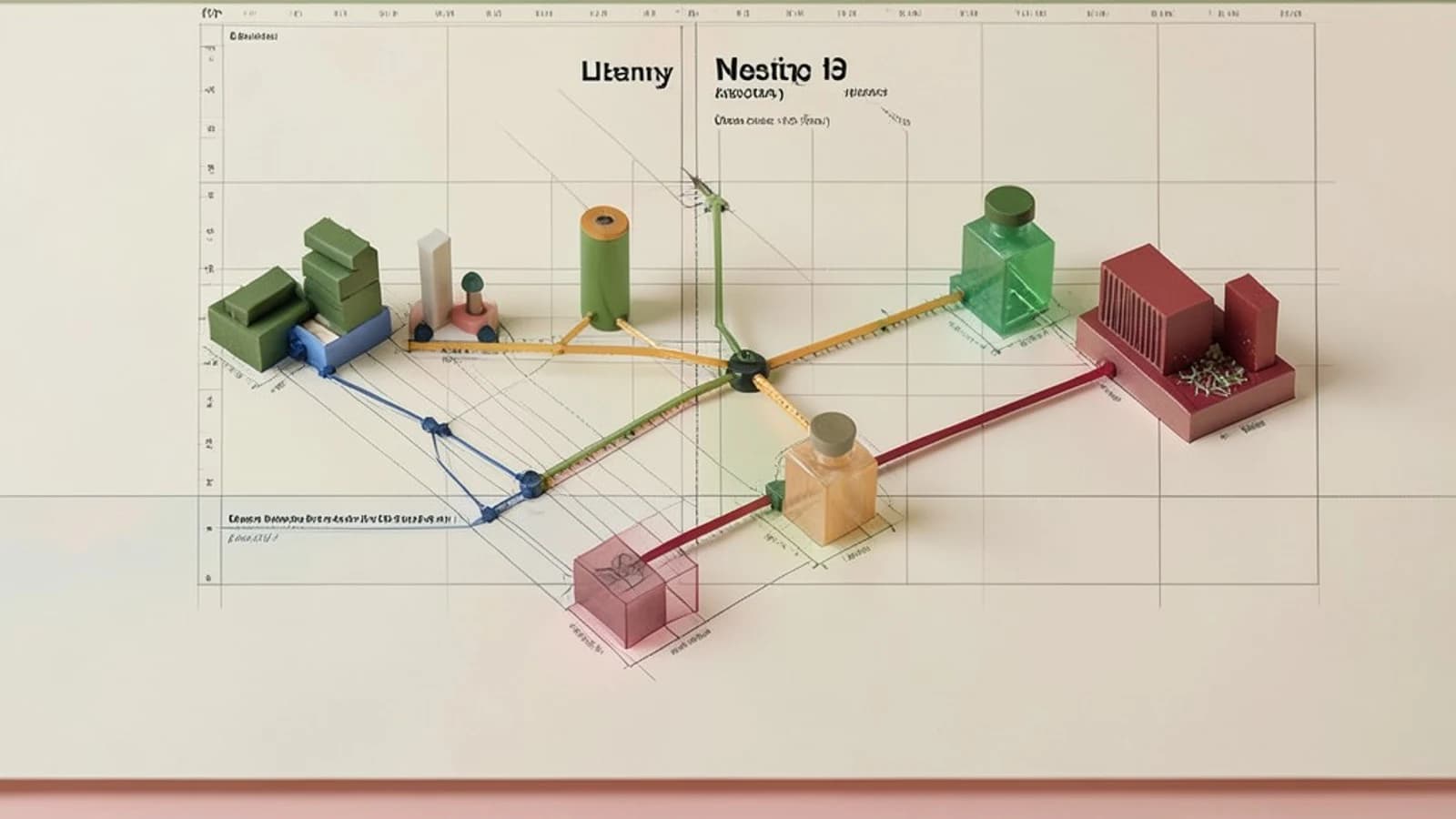
The Problem: State Leakage and API Overhead
In OpenGL, configuring vertex data requires multiple calls: binding a Vertex Buffer Object, enabling attribute arrays, and defining the memory layout with stride, offset and type. Repeating these calls for every mesh creates CPU overhead and state leakage where configuration for one mesh affects the next.
The solution is the Vertex Array Object. A VAO encapsulates all vertex attribute state into a single object. Instead of five or six calls per mesh, you bind the VAO and issue a draw call, and OpenGL restores the entire configuration including which VBOs are linked to which shader attributes.
Prerequisites
- OpenGL Context: Version 3.0+ Core Profile or OpenGL ES 3.0+.
- Loader: GLAD, GLEW or glLoadGen for function pointers.
- Shader Program: A compiled GLSL program with defined attribute locations, e.g. layout(location = 0) in vec3 aPos.
- Vertex Data: Data uploaded to one or more VBOs using glBufferData.
Implementing the VAO Workflow
The VAO must be bound before you configure attributes. Any glVertexAttribPointer or glBindBuffer(GL_ELEMENT_ARRAY_BUFFER) calls made while a VAO is bound are recorded into that VAO's state.
- Generate and Bind: Create the VAO handle and make it active.
GLuint vao; glGenVertexArrays(1, &vao); glBindVertexArray(vao); - Configure Attributes: Bind the VBO and define the layout for each attribute.
glBindBuffer(GL_ARRAY_BUFFER, vbo); glEnableVertexAttribArray(0); glVertexAttribPointer(0, 3, GL_FLOAT, GL_FALSE, 5 * sizeof(float), (void*)0); glEnableVertexAttribArray(1); glVertexAttribPointer(1, 2, GL_FLOAT, GL_FALSE, 5 * sizeof(float), (void*)(3 * sizeof(float))); - Bind Index Buffer: If using indexed drawing, bind the element buffer while the VAO is active. This binding is stored inside the VAO.
glBindBuffer(GL_ELEMENT_ARRAY_BUFFER, ebo); - Unbind: Unbind the VAO to prevent accidental modifications.
glBindVertexArray(0);
Manual Binding vs VAO
Rendering two meshes with manual setup requires repeated attribute calls per mesh. With VAOs the per-mesh cost is one bind and one draw.
| Manual Setup Per Mesh | VAO Setup Per Mesh |
|---|---|
| glBindBuffer(GL_ARRAY_BUFFER, vbo1) | glBindVertexArray(vao1) |
| glEnableVertexAttribArray(0) | glDrawElements(...) |
| glVertexAttribPointer(...) | |
| glEnableVertexAttribArray(1) | |
| glVertexAttribPointer(...) | |
| glBindBuffer(GL_ELEMENT_ARRAY_BUFFER, ebo1) | |
| glDrawElements(...) |
Expected Checks
- After setup, glGetError returns GL_NO_ERROR. GL_INVALID_OPERATION indicates misuse such as configuring attributes without a bound VAO in core profile.
- Inspect VAO state with glGetVertexArrayiv for element buffer binding and glGetVertexAttribiv for enabled, size, type, stride and pointer while the VAO is bound.
- A test draw call with the VAO bound renders the mesh correctly without additional attribute setup.
Recovery Options
If rendering is corrupted, verify the VAO was bound during attribute configuration. Configuring attributes while VAO 0 is bound is a common mistake in core profile.
Re-create the VAO if state becomes inconsistent. Use glBindVertexArray(0) before deleting VBOs to avoid dangling references. For driver bugs with VAO name reuse, prefer a VAO pool and reuse handles instead of frequent gen and delete cycles. As a last resort, fall back to manual attribute binding per draw without a VAO.
 opengl
0 replies
A thoughtful contribution can make all the difference. Be the first to share one.