Real‑Time Sync with MongoDB Change Streams: A Practical Guide
Learn how MongoDB Change Streams let you stream data changes in real time, with a Node.js example, trade‑offs, and concrete steps to set up a resilient consumer.
13 Jan 2026, 04:54 UTC
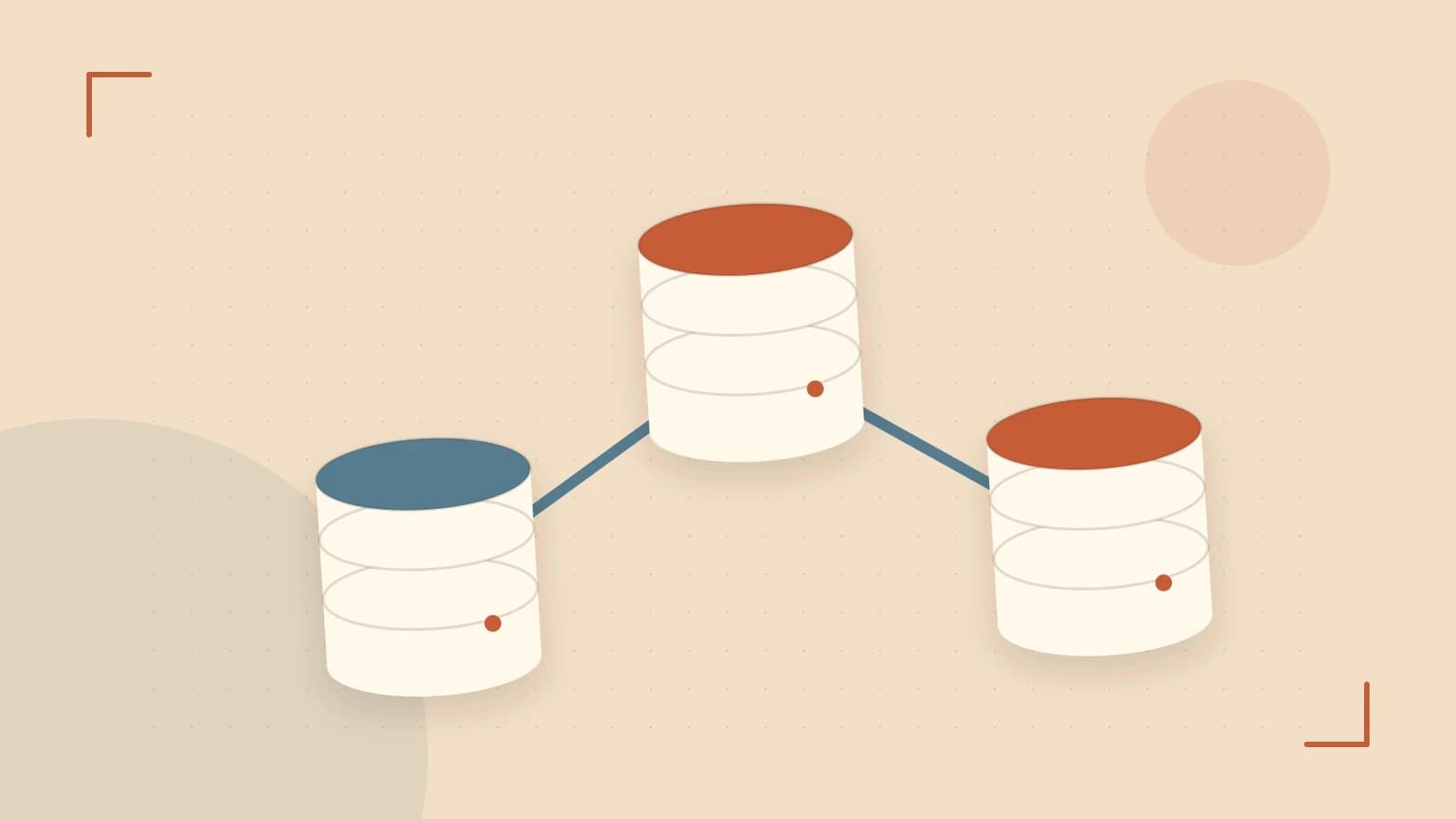
Problem: Syncing Data Between Services in Real Time
When two micro‑services share a database, keeping them in sync is a common pain point. Traditional approaches use polling or custom triggers, which add latency, consume resources, and can miss events if a service is temporarily down. In many cases you need a push‑style, low‑latency stream that guarantees every change is delivered.
Thesis: MongoDB Change Streams Provide a Server‑Side Push of Change Events
Change Streams expose a cursor that emits documents for every write operation (insert, update, replace, delete, drop) on a collection, database, or entire cluster. Built on the oplog, they deliver events without extra infrastructure, making them ideal for real‑time data pipelines.
Core Concepts
- Replica Set / Sharded Cluster: Change Streams require a replica set or sharded cluster. A standalone mongod cannot provide the oplog needed for streaming.
- Oplog: The on‑disk operation log that records all changes. The stream pulls from this log, so its size and retention affect reliability.
- Resume Tokens: Each event contains a token that lets a consumer resume from a specific point if the connection drops.
- Pipeline: You can filter events with an aggregation pipeline (e.g., only watch updates to a specific field).
Concrete Node.js Example
Below is a minimal consumer that logs every change in the orders collection. Run it in a Node.js environment that has the mongodb driver installed.
const { MongoClient } = require("mongodb");

async function run() {
  const uri = "mongodb://localhost:27017"; // adjust host/port
  const client = new MongoClient(uri, { useUnifiedTopology: true });
  await client.connect();
  const db = client.db("shop");
  const changeStream = db.collection("orders").watch();

  changeStream.on("change", (change) => {
    console.log("Change event:", change);
  });

  changeStream.on("error", err => {
    console.error("Change stream error:", err);
    // In production, implement retry & resume logic here
  });
}

run().catch(console.error);
**What to verify**: Insert or update a document in orders and watch the console output. If you see a change event, the stream is working.
Trade‑offs and Limitations
- Deployment Requirement: Must run on a replica set or sharded cluster. Verify with
rs.status()orsh.status(). - Oplog Retention: Default retention is 10 minutes. If the consumer lags longer than this, events are lost. Increase
oplogSizeMbviadb.serverStatus().oplogSizeMbor scale the replica set. - Resource Usage: The stream keeps a cursor open, consuming memory on the primary. Monitor
oplogSizeMband the number of active streams. - Security: Ensure the MongoDB user has
changeStreamprivileges on the target collection.
Actionable Next Steps
- Confirm Deployment Type
- Run
mongod --versionto ensure MongoDB 3.6+. - Connect to the instance and execute
rs.status()– a non‑empty array confirms a replica set. If you only see"OK"without members, you need to enable replication.
- Run
- Set Up a Dedicated Consumer
- Create a separate Node.js service that runs the example above.
- Use
changeStream.resumeAfter(resumeToken)to resume after a crash. - Implement exponential back‑off on connection errors.
- Monitor Oplog Size
- Periodically check
db.serverStatus().oplogSizeMb. - If you see frequent rollover warnings, increase the oplog size or add more nodes to the replica set.
- Periodically check
- Secure the Stream
- Assign a role with
changeStreamprivileges to the consumer’s MongoDB user. - Use TLS/SSL for connections in production.
- Assign a role with
- Test Resilience
- Simulate a network drop and verify the consumer resumes from the last token.
- Use unit tests that mock the
changeStreamevents to ensure downstream logic handles all operation types.
Conclusion
MongoDB Change Streams turn your database into a real‑time event bus, eliminating the need for polling or custom triggers. By ensuring your deployment is a replica set or sharded cluster, monitoring the oplog, and building a resilient consumer with resume tokens, you can build scalable, low‑latency data pipelines that react instantly to changes.
 nodejs
 mongodb
0 replies
A thoughtful contribution can make all the difference. Be the first to share one.