Rancher Fleet Label Targeting: A Practical Rollout Pattern for 10–500 Downstream Clusters
Rancher Fleet's hub-and-spoke GitOps model lets platform teams sync apps across many clusters using label selectors. Here is a concrete rollout pattern, verification steps, and the limits to plan around.
15 Jul 2025, 21:39 UTC
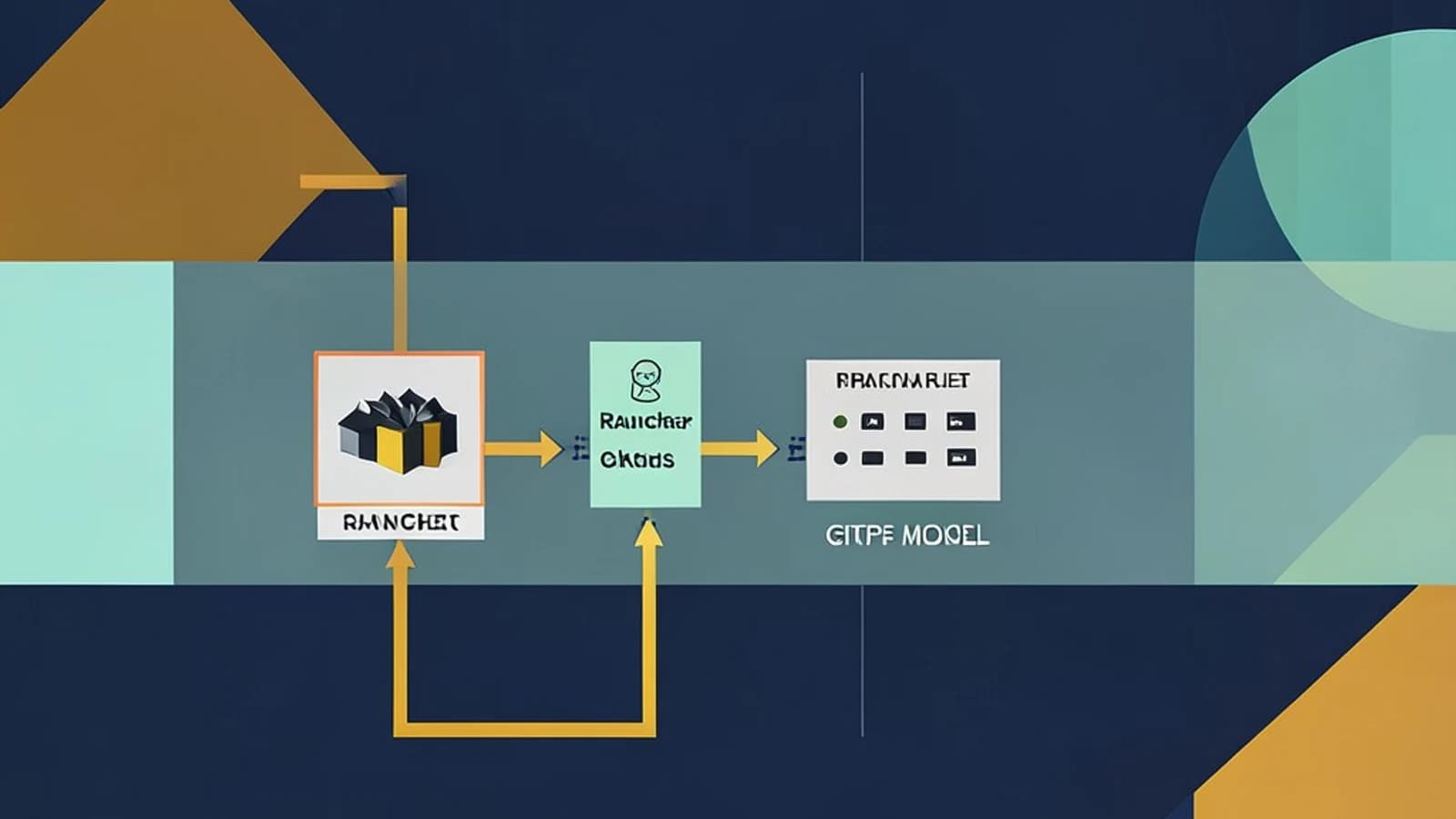
Managing the same application across ten Kubernetes clusters is annoying. Managing it across five hundred is an operational hazard. Per-cluster pipelines drift, manual kubectl apply sessions become unreproducible, and nobody can answer “which version is actually running where?” without a spreadsheet. Rancher Fleet addresses this with a hub-and-spoke GitOps controller that lives on the Rancher management cluster, but its most useful feature for platform teams is label-based targeting: one repository, many cluster groups, and per-target overrides without duplicating manifests.
The short version: Fleet is excellent at fleet-wide declarative sync. It is not a traffic-shifting tool. If you need canary or blue/green rollouts inside a single cluster, Argo CD or Flux remain better choices. If you need to push the same desired state to hundreds of downstream clusters and see drift in one place, Fleet’s architecture is built for exactly that scale.
Hub-and-spoke control plane and label targeting
Fleet runs two pieces. On the Rancher management cluster, the fleet-controller watches GitRepo custom resources. In every downstream cluster, a lightweight fleet-agent runs with minimal RBAC—just enough to create namespaces, CRDs, and the resources defined in a Bundle—and maintains a single outbound WebSocket connection to the management cluster. That one connection simplifies firewall rules: downstream clusters do not need inbound access to the management plane.
When you commit manifests to a Git repository, the controller does not copy raw YAML to every agent. Instead, it computes a Bundle per target group. A Bundle is a Fleet CRD that packages the desired resources, their dependencies, and any target-specific overrides. The agent receives the Bundle, applies it, and reports status back. The result is a single control plane that can reconcile Helm charts, raw manifests, or Kustomize overlays across the fleet.
The core pattern is a mono-repo organized by cluster group, for example /clusters/edge/ and /clusters/prod/. A single GitRepo resource points at the repository and defines targets using label selectors. Downstream clusters carry labels such as fleet.cattle.io/cluster-group=edge. The controller matches those labels, computes the appropriate Bundle for each group, and applies changes in parallel with a configurable batchSize and rollout strategy. Because overrides are expressed as Kustomize patches or Helm values files inside the same repo, you avoid the “copy the folder and change one line” anti-pattern.
A concrete rollout configuration
Assume you have a Rancher v2.9+ management cluster and two imported downstream clusters. You want to deploy a sample web service to clusters labeled edge and a tuned variant to clusters labeled prod. The repository layout looks like this:
platform-apps/
├── clusters/
│   ├── edge/
│   │   ├── base/
│   │   │   ├── deployment.yaml
│   │   │   └── kustomization.yaml
│   └── prod/
│       ├── base/
│       │   ├── deployment.yaml
│       │   └── kustomization.yaml
│       └── overlays/
│           └── patch-replicas.yaml
A representative GitRepo resource applied to the management cluster might resemble the following. Field names and API versions vary by Fleet release, so verify the schema against the CRDs installed in your Rancher version before committing to production.
apiVersion: fleet.cattle.io/v1alpha1
kind: GitRepo
metadata:
  name: platform-apps
  namespace: fleet-default
spec:
  repo: https://github.com/example/platform-apps.git
  branch: main
  paths:
    - /clusters/edge
    - /clusters/prod
  targets:
    - name: edge
      clusterSelector:
        matchLabels:
          fleet.cattle.io/cluster-group: edge
    - name: prod
      clusterSelector:
        matchLabels:
          fleet.cattle.io/cluster-group: prod
Apply it from a workstation with cluster-admin access to the management cluster:
kubectl apply -f gitrepo.yamlExpected checks: List Bundles in the fleet-default namespace and confirm one appears per target group. If you have the Fleet CLI installed, compare its output with the Rancher UI.
kubectl -n fleet-default get bundles -o wide
fleet status --namespace fleet-default
Risk: If the repository is private, the controller needs a credentials Secret. If paths do not match committed directories, no Bundles are created and the GitRepo shows zero targets.
Drift, connectivity, and status reporting
Fleet reports per-cluster status as Applied, Modified, or Error. To see drift detection work, manually scale a Deployment in a downstream cluster that Fleet manages. On the next sync interval—15 seconds by default, configurable via spec.syncInterval—the agent should report Modified and reconcile the resource back to the Git-defined state.
Connectivity is handled pragmatically. The agent caches desired state locally. If a downstream cluster loses its WebSocket for longer than the default 30-minute threshold, Fleet marks it Unavailable and pauses further rollouts to that cluster until it reports healthy again. This prevents a half-connected cluster from receiving a partial update, but it also means a long network partition can silently stall a fleet-wide release.
Trade-offs and a practical verification path
| Limitation | Practical impact |
|---|---|
| Not a progressive delivery tool | Fleet syncs desired state; it does not shift traffic between versions inside one cluster. |
| Large mono-repo indexing | Repos with more than roughly 5,000 manifests can slow fleet-controller indexing. Split by team or use .fleetignore. |
| CRD ordering races | Installing a CRD and a custom resource in the same commit may race. Use dependsOn or separate commits. |
| Agent TLS | The agent WebSocket uses a self-signed certificate by default. Air-gapped or strict TLS environments need a pre-provisioned Secret named fleet-agent-tls in cattle-fleet-system. |
| Upgrade coupling | Upgrading Rancher may upgrade Fleet CRD versions. Test the path in a staging management cluster first; downgrades are not supported. |
If you are evaluating Fleet for 10–500 clusters, begin with a staging management cluster and two downstream clusters. Label one group, commit a minimal app, and create the GitRepo. Then verify the full loop:
- Label a downstream cluster from the management cluster context:
kubectl label cluster <cluster-name> fleet.cattle.io/cluster-group=edge --overwrite - Confirm Bundles appear:
kubectl -n fleet-default get bundles -o wide - Introduce drift by editing a managed Deployment in the downstream cluster, then confirm the status flips to
Modifiedand self-heals within one sync cycle. - Remove the label and confirm Fleet removes the resources from that cluster.
That loop—commit, target, apply, detect drift, reconcile—is the entire value proposition. If it works for two clusters, it will work for two hundred, provided you respect the repository size and CRD ordering limits. If you find yourself needing per-application canary analysis inside a single cluster, that is the signal to add a dedicated delivery tool alongside Fleet rather than stretching it beyond its design.
 rancher
0 replies
A thoughtful contribution can make all the difference. Be the first to share one.