Railway Private Networking: Keep Your Database Off the Public Internet
Wire a Node/Express API to Railway Postgres using only internal DNS—no public database endpoint, no egress charges, and a stable hostname that survives redeploys.
29 Jun 2026, 07:25 UTC
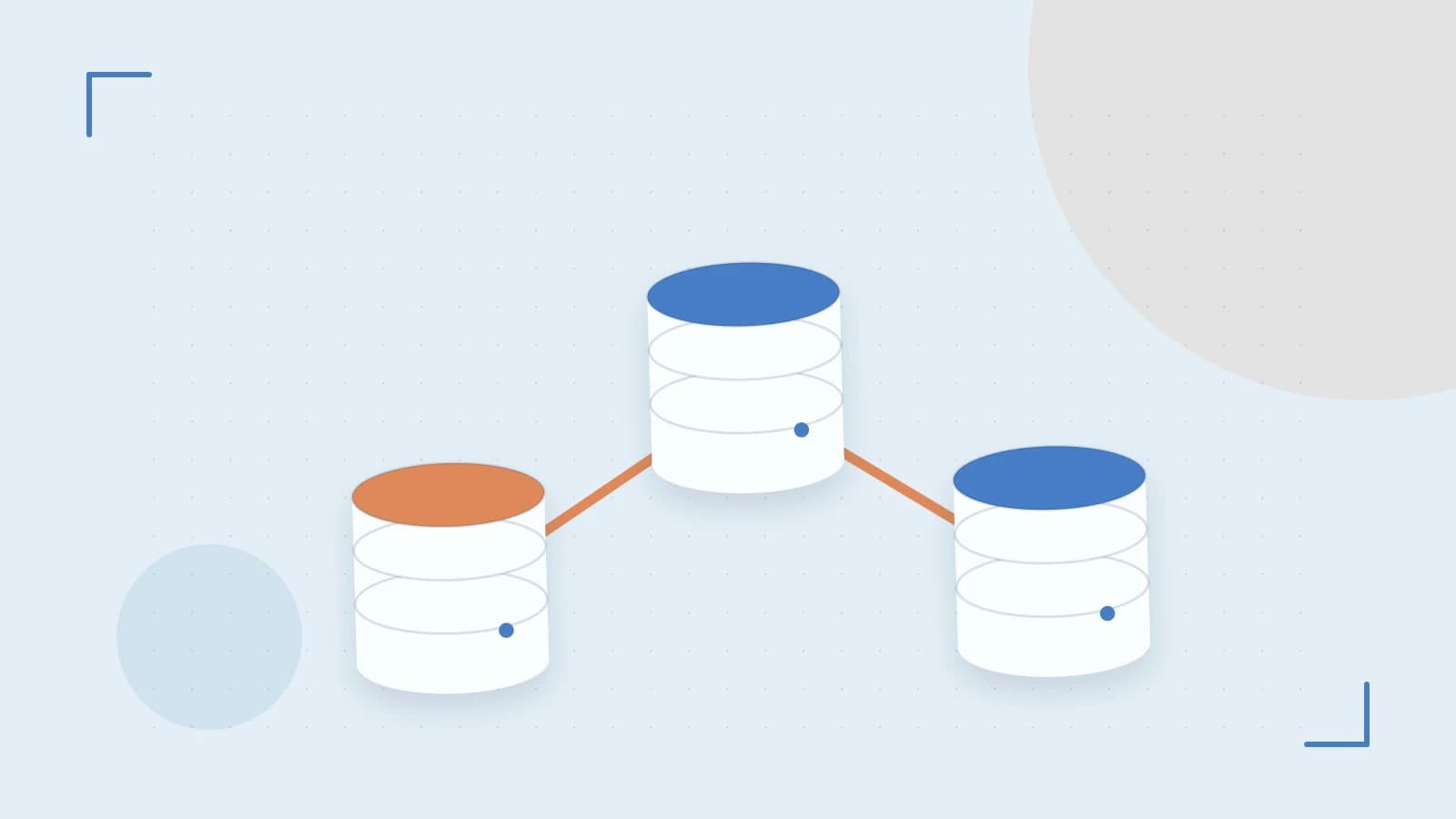
The Problem: Every Open Port Is a Liability
You deploy a web API and a Postgres database on Railway. By default, the database gets a public TCP proxy so you can connect from your laptop. That proxy is convenient, but it also means your database is reachable from anywhere—one leaked credential or misconfigured firewall rule away from exposure. Meanwhile, every byte between your API and database travels over the public internet, incurring egress charges and adding latency.
Railway's private networking solves both problems: services in the same project communicate over an internal IPv6 network, no public endpoint required. This post walks through wiring a Node/Express API to a Railway Postgres instance using only internal DNS, then verifying the database stays off the public internet.
How Private Networking Works on Railway
Each Railway project is an isolated network. Every service gets an internal hostname following the pattern <service-name>.railway.internal (the exact suffix may vary by region; check current docs). These names resolve to IPv6 addresses inside Railway's backbone. Traffic between them never leaves that backbone, so it doesn't count against your egress allowance.
Railway also injects connection details as environment variables. For a Postgres service named postgres, you'll see variables like PGHOST, PGPORT, PGDATABASE, PGUSER, and PGPASSWORD. Crucially, PGHOST points to the internal hostname, not a public proxy. You can reference these variables in another service using Railway's reference syntax: ${{ postgres.PGHOST }}.
Worked Example: Express API + Postgres, Zero Public Database Access
Assume you have the Railway CLI installed and authenticated (railway login). Run the following commands from a clean directory on your local machine.
1. Create the project and services
railway init --name private-net-demo
railway add --template postgresql  # creates a service named "postgres"
railway service create --name api --dockerfile Dockerfile
The railway add command provisions a managed Postgres instance. The service create command registers an empty service called api that we'll push a Docker image to.
2. Minimal Express app that reads injected vars
Create package.json:
{
  "name": "api",
  "version": "1.0.0",
  "main": "index.js",
  "dependencies": {
    "express": "^4.18.2",
    "pg": "^8.11.3"
  }
}
Create index.js:
const express = require('express');
const { Pool } = require('pg');

const app = express();
const pool = new Pool(); // pg reads PGHOST, PGPORT, PGDATABASE, PGUSER, PGPASSWORD from env

app.get('/health', async (req, res) => {
  try {
    const result = await pool.query('SELECT now() as server_time, version()');
    res.json({ ok: true, db: result.rows[0] });
  } catch (err) {
    console.error(err);
    res.status(500).json({ ok: false, error: err.message });
  }
});

const port = process.env.PORT || 3000;
app.listen(port, () => console.log(`API listening on ${port}`));
Create Dockerfile:
FROM node:20-alpine
WORKDIR /app
COPY package*.json ./
RUN npm ci --omit=dev
COPY . .
EXPOSE 3000
CMD ["node", "index.js"]
3. Wire the API to the database via reference variables
In the Railway dashboard, open the api service → Variables → Add Reference Variable. Add each Postgres variable you need, e.g.:
PGHOST→${{ postgres.PGHOST }}PGPORT→${{ postgres.PGPORT }}PGDATABASE→${{ postgres.PGDATABASE }}PGUSER→${{ postgres.PGUSER }}PGPASSWORD→${{ postgres.PGPASSWORD }}
Alternatively, use the CLI (requires railway variables subcommand support; check your CLI version):
railway variables set PGHOST="${{ postgres.PGHOST }}" --service api
railway variables set PGPORT="${{ postgres.PGPORT }}" --service api
# ... repeat for PGDATABASE, PGUSER, PGPASSWORD
Reference variables are resolved at deploy time, so the API container sees plain environment variables with the internal hostname already populated.
4. Deploy and verify
railway up --service apiWait for the build to finish. Open the api service in the dashboard, copy the generated public domain (e.g., api-production-xxxx.up.railway.app), and hit /health:
curl https://api-production-xxxx.up.railway.app/healthYou should see JSON with ok: true and a server_time from Postgres. The API reached the database over the private network.
5. Confirm the database has no public endpoint
In the Railway dashboard, open the postgres service → Networking. The "Public Networking" toggle should be off. No TCP proxy address is shown. If you try psql -h -U postgres from your laptop, it will fail (connection refused or timeout). That's the desired state.
Trade-offs and Limitations
- IPv6-only internal network. Very old client libraries that hardcode IPv4 literals or disable IPv6 may fail. The
pgdriver for Node handles this fine; if you hit issues, ensure your client library supports IPv6 or setPGHOSTto the IPv6 literal (rarely needed). - Project-scoped. Private networking only connects services within the same project and environment. Cross-project or cross-region communication requires a different architecture (e.g., a VPN, VPC peering, or public endpoints with mTLS).
- Hostname format can change. Railway has adjusted the internal DNS suffix in the past. Always verify the current format in the docs or by inspecting
PGHOSTin a deployed service. - No direct local debugging. You can't
psqlinto the private database from your laptop. Userailway connect postgres(which opens a tunnel through the Railway CLI) or add a temporary sidecar service for admin tasks.
Quick Verification Checklist
- Deploy the API and Postgres in the same project.
- Confirm
PGHOSTin the API container resolves to an.railway.internaladdress (runrailway run --service api -- nslookup $PGHOST). - Verify the Postgres service shows "Public Networking: Disabled" in the dashboard.
- Run a load test (e.g.,
hey -n 1000 -c 10 https://api-.../health) and check Railway's usage metrics: service-to-service traffic should appear under "Private Network" bandwidth, not "Egress". - Redeploy the Postgres service (
railway redeploy --service postgres) and confirm the API reconnects automatically—internal DNS handles the IP change.
Closing: Ship It, Then Lock It Down
Private networking on Railway is a sensible default: expose only your public-facing service, keep data stores and internal APIs on the internal network, and let Railway's reference variables handle the wiring. The setup takes a few minutes, eliminates a whole class of exposure risks, and saves egress costs on chatty app-to-database traffic. Before you ship, verify the current hostname suffix and egress pricing in Railway's docs—they've changed before and will again. Then deploy, confirm the database has no public toggle enabled, and move on to the next feature.
 railway
 postgresql
0 replies
A thoughtful contribution can make all the difference. Be the first to share one.