Protecting Microservices with Traefik’s Built‑in Rate Limiting: A Practical Guide
Discover how to protect your microservices from traffic spikes using Traefik’s built‑in rate‑limiting middleware. Follow a step‑by‑step Docker Compose example, verify behavior, and learn trade‑offs for production.
29 Oct 2025, 08:56 UTC
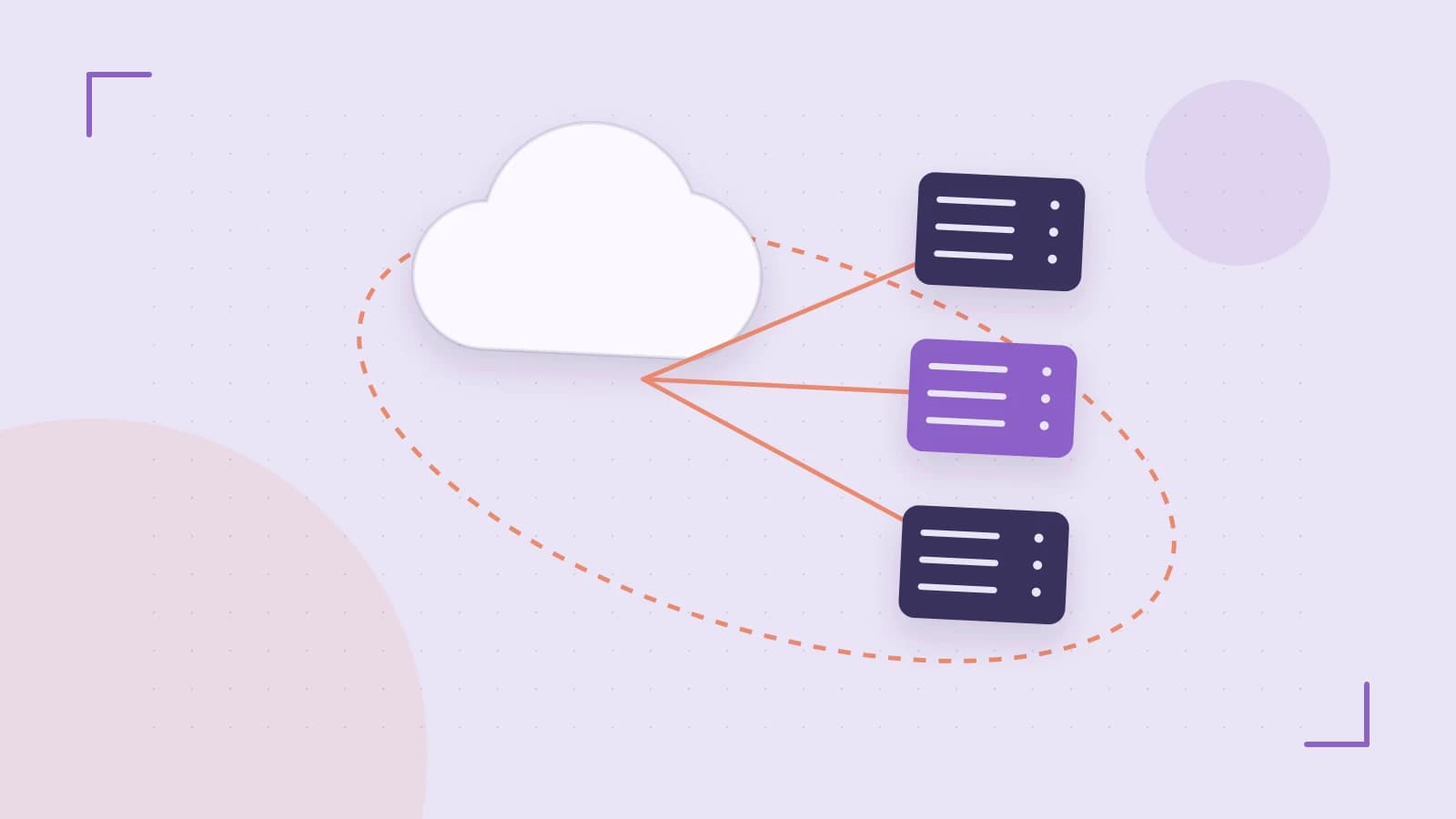
Why Rate‑Limiting Matters at the Edge
When a microservice is exposed to the internet, traffic spikes—whether from legitimate users or a simple denial‑of‑service attack—can overwhelm the backend and degrade the entire system. Instead of letting the spike hit the service, you can stop it at the reverse proxy. Traefik’s built‑in rate‑limiting middleware does exactly that by applying a token‑bucket algorithm per route or service.
1. The Token‑Bucket Algorithm in Traefik
Traefik’s rate‑limit middleware accepts two key values:
- rateSet – the number of tokens added per second (the steady rate).
- burst – the maximum number of tokens that can accumulate, allowing short bursts.
When a request arrives, Traefik checks if a token is available. If yes, the token is consumed and the request passes. If no tokens remain, Traefik returns HTTP 429 (Too Many Requests). The middleware also supports a headers sub‑middleware that injects X‑RateLimit‑Remaining and X‑RateLimit‑Reset headers, giving clients feedback on their quota.
2. Configuring Rate‑Limiting via Docker Compose
Below is a minimal docker-compose.yml that demonstrates a service protected by a rate‑limit middleware. The configuration is placed in the labels section of the Traefik container, which is the most common deployment scenario.
version: "3.8"
services:
  traefik:
    image: traefik:v3.0
    command:
      - --providers.docker=true
      - --entrypoints.web.address=:80
    ports:
      - "80:80"
    volumes:
      - /var/run/docker.sock:/var/run/docker.sock
    labels:
      # Define the rate‑limit middleware named "ratelimit"
      - traefik.http.middlewares.ratelimit.rateLimit.rateSet=10
      - traefik.http.middlewares.ratelimit.rateLimit.burst=20
      - traefik.http.middlewares.ratelimit.headers.accessControlAllowOrigin="*"
      - traefik.http.middlewares.ratelimit.headers.addVaryHeader=true
      # Attach the middleware to the backend service
      - traefik.http.services.myapp.loadbalancer.server.port=8080
      - traefik.http.routers.myapp.rule=Host(`example.com`)
      - traefik.http.routers.myapp.entrypoints=web
      - traefik.http.routers.myapp.middlewares=ratelimit

  myapp:
    image: myregistry/myapp:latest
    expose:
      - "8080"
    labels:
      - traefik.enable=true
      - traefik.http.routers.myapp.rule=Host(`example.com`)
      - traefik.http.routers.myapp.entrypoints=web
      - traefik.http.services.myapp.loadbalancer.server.port=8080
Key points:
- Place the
rateLimitlabels on the Traefik container so the middleware is available globally. - Attach the middleware to the router that serves your microservice.
- The
headerslabels are optional but useful for client feedback.
3. Observing & Verifying the Middleware
- Deploy the stack:
docker compose up -d - Send burst traffic:
This tool sends 200 requests with 50 concurrent connections, exceeding the 10 req/s steady rate.hey -n 200 -c 50 http://localhost - Check the response codes:
- Requests up to the burst limit (20) should return
200 OK. - Subsequent requests within the same second will receive
429 Too Many Requests.
- Requests up to the burst limit (20) should return
- Validate headers:
Look forcurl -i http://localhostX-RateLimit-RemainingandX-RateLimit-Reset. - Inspect Traefik logs:
You should see entries like:docker logs traefikrateLimit middleware: 429 response sent, 0 tokens left
4. Trade‑offs & Limitations
- Granularity: The middleware applies per‑router or per‑service. If you need per‑client IP limits, you must use the
clientIPoption (available in newer Traefik releases). Without it, all clients share the same bucket. - Stateful behavior: The token bucket is stored in Traefik’s in‑memory state. In a multi‑instance deployment, you need a shared state (Redis, etc.) to keep limits consistent across replicas.
- Performance impact: The algorithm is lightweight, but each request incurs a small lookup. In extremely high‑throughput environments, monitor latency.
- TLS offloading: If TLS termination occurs outside of Traefik (e.g., a load balancer), the rate limits won’t be enforced uniformly. Make sure Traefik is the first point of contact.
5. Next Steps for Production Readiness
- Define per‑service limits based on expected traffic patterns. Start with conservative values and adjust after monitoring.
- Enable the
clientIPoption to enforce per‑client limits if needed:traefik.http.middlewares.ratelimit.rateLimit.clientIP=true - Consider a distributed state store for multi‑instance setups.
- Add automated alerts for frequent 429 responses—this can indicate a misconfiguration or a need to raise the limit.
- Document the limits in your API specification so clients know what to expect.
By configuring Traefik’s rate‑limiting middleware, you add a robust first line of defense against traffic spikes without touching your application code. Start with the example above, monitor the behavior, and iterate to match your service’s capacity.
 traefikproxy
0 replies
A thoughtful contribution can make all the difference. Be the first to share one.