Preventing Performance Degradation with Kubernetes Horizontal Pod Autoscaler
Learn how to implement the Kubernetes Horizontal Pod Autoscaler (HPA) to maintain application performance during traffic spikes while avoiding common pitfalls like memory-scaling traps.
07 Mar 2026, 11:03 UTC
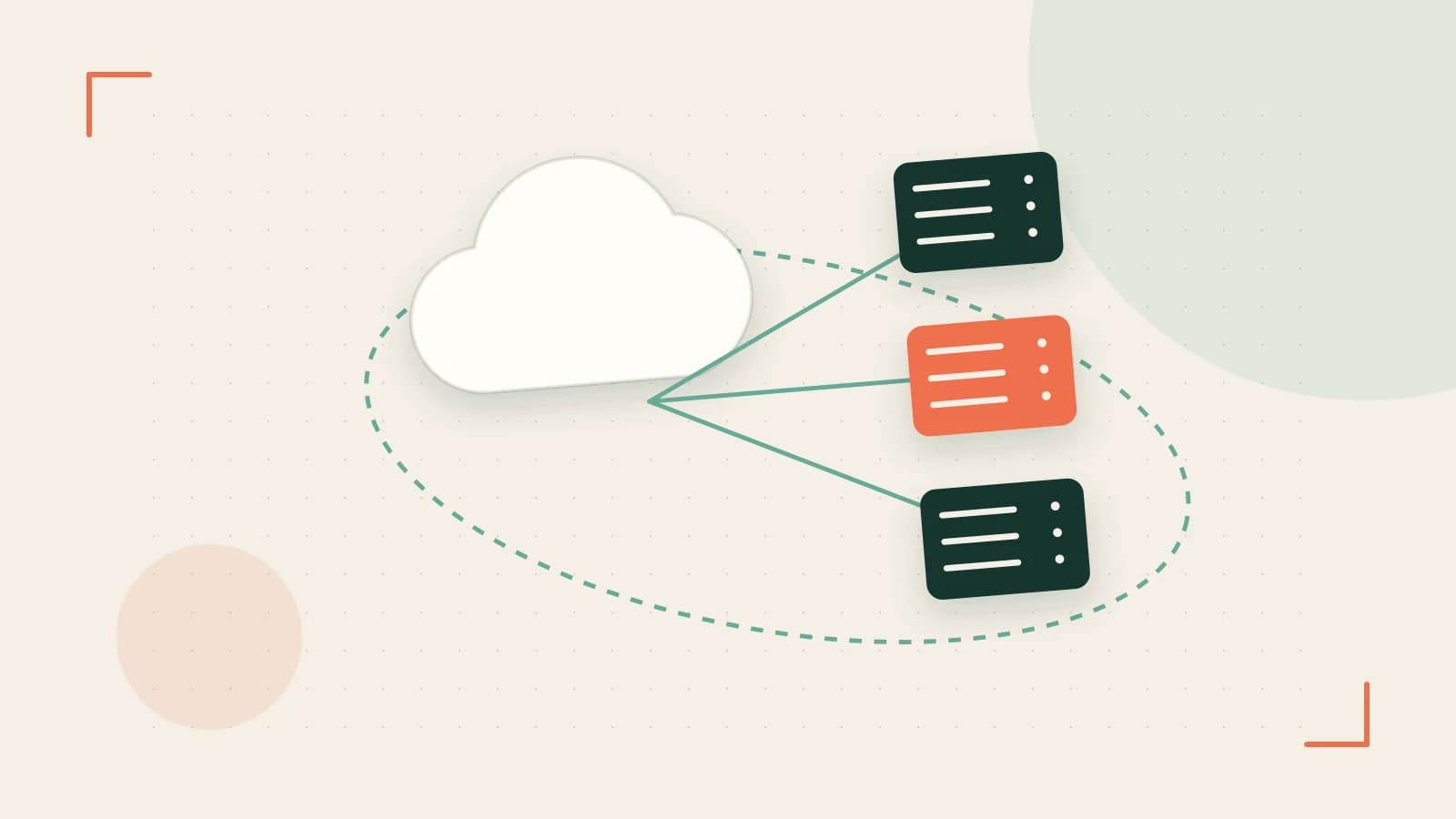
The Scaling Gap: When Static Replicas Fail
Deploying a fixed number of pods is a gamble. If you over-provision, you waste cloud spend on idle resources. If you under-provision, a sudden spike in traffic leads to CPU throttling, increased latency, and eventually, 5xx errors as your application collapses under load. The goal is to maintain a consistent performance profile regardless of the current request volume.
The Horizontal Pod Autoscaler (HPA) solves this by dynamically adjusting the number of pod replicas in a Deployment or ReplicaSet. Instead of guessing your peak load, you define a target utilization percentage, and Kubernetes handles the expansion and contraction of your workload.
How HPA Makes Scaling Decisions
HPA operates as a control loop. It periodically queries the Metrics Server—a cluster-wide aggregator of resource usage—to check the current utilization of your pods. The decision to scale is based on a simple ratio:
desiredReplicas = ceil[currentReplicas * ( currentMetricValue / desiredMetricValue )]For example, if you have 2 pods running at 150% of their target CPU utilization, the HPA will calculate that 3 pods are needed to bring the average back down to the target threshold.
The Stabilization Window
To prevent "flapping"—a scenario where pods are rapidly created and deleted because a metric is hovering exactly on the threshold—Kubernetes uses a stabilization window. This is a cool-down period that ensures the HPA doesn't scale down too aggressively, providing a buffer for the application to stabilize before removing capacity.
Implementation: Scaling Based on CPU
To use HPA, your containers must have resource requests defined. Without a request, the Metrics Server cannot calculate a percentage of utilization, and the HPA will remain in an unknown state.
Step 1: Define Resource Requests
Ensure your Deployment manifest includes a resources.requests section. Run this on your local machine with kubectl configured for your cluster:
# Example snippet for a Deployment manifest
resources:
  requests:
    cpu: "200m"
    memory: "256Mi"
  limits:
    cpu: "500m"
    memory: "512Mi"
Step 2: Apply the HPA Configuration
Create an HPA resource that targets your deployment. This example targets a deployment named web-app, maintaining a minimum of 2 and maximum of 10 pods, targeting 50% CPU utilization.
# Run as a cluster administrator
kubectl apply -f - <<EOF
apiVersion: autoscaling/v2
kind: HorizontalPodAutoscaler
metadata:
  name: web-app-hpa
spec:
  scaleTargetRef:
    apiVersion: apps/v1
    kind: Deployment
    name: web-app
  minReplicas: 2
  maxReplicas: 10
  metrics:
  - type: Resource
    resource:
      name: cpu
      target:
        type: Utilization
        averageUtilization: 50
EOF
Step 3: Verification
Check the status of the HPA to ensure it is reading metrics correctly:
kubectl get hpa web-app-hpaLook for the TARGETS column. If it shows <unknown>/50%, verify that the Metrics Server is installed in your cluster. If it shows a percentage (e.g., 12%/50%), the HPA is active.
Critical Trade-offs and Limitations
Memory Scaling Risks
While CPU is a reliable metric for scaling, memory is often deceptive. Many runtimes, such as the JVM, allocate a large heap upfront and do not release it back to the OS immediately. This can lead to a "one-way trip" where HPA scales up because memory usage is high, but never scales down because the runtime holds onto the memory, even when the load drops.
The Infrastructure Ceiling
HPA only scales pods, not nodes. If your HPA triggers a scale-up to 20 pods but your physical cluster only has enough capacity for 10, the new pods will remain in a Pending state. To solve this, HPA must be paired with a Cluster Autoscaler, which adds virtual machines to the cluster when pods cannot be scheduled due to resource exhaustion.
Summary Checklist for Deployment
- Metrics Server: Confirmed installed and reachable.
- Resource Requests: Explicitly defined for every container in the deployment.
- Scaling Limits:
maxReplicasset to a value that won't bankrupt the budget or crash the database. - Monitoring: Verified that
kubectl get hpashows actual utilization percentages.
 kubernetes
0 replies
A thoughtful contribution can make all the difference. Be the first to share one.