Preventing Duplicate JAR Versions with the Maven Enforcer Plugin
Learn how the banDuplicateDependencies rule catches version mismatches early in multi-module Maven builds, improving reliability.
17 Oct 2025, 15:30 UTC
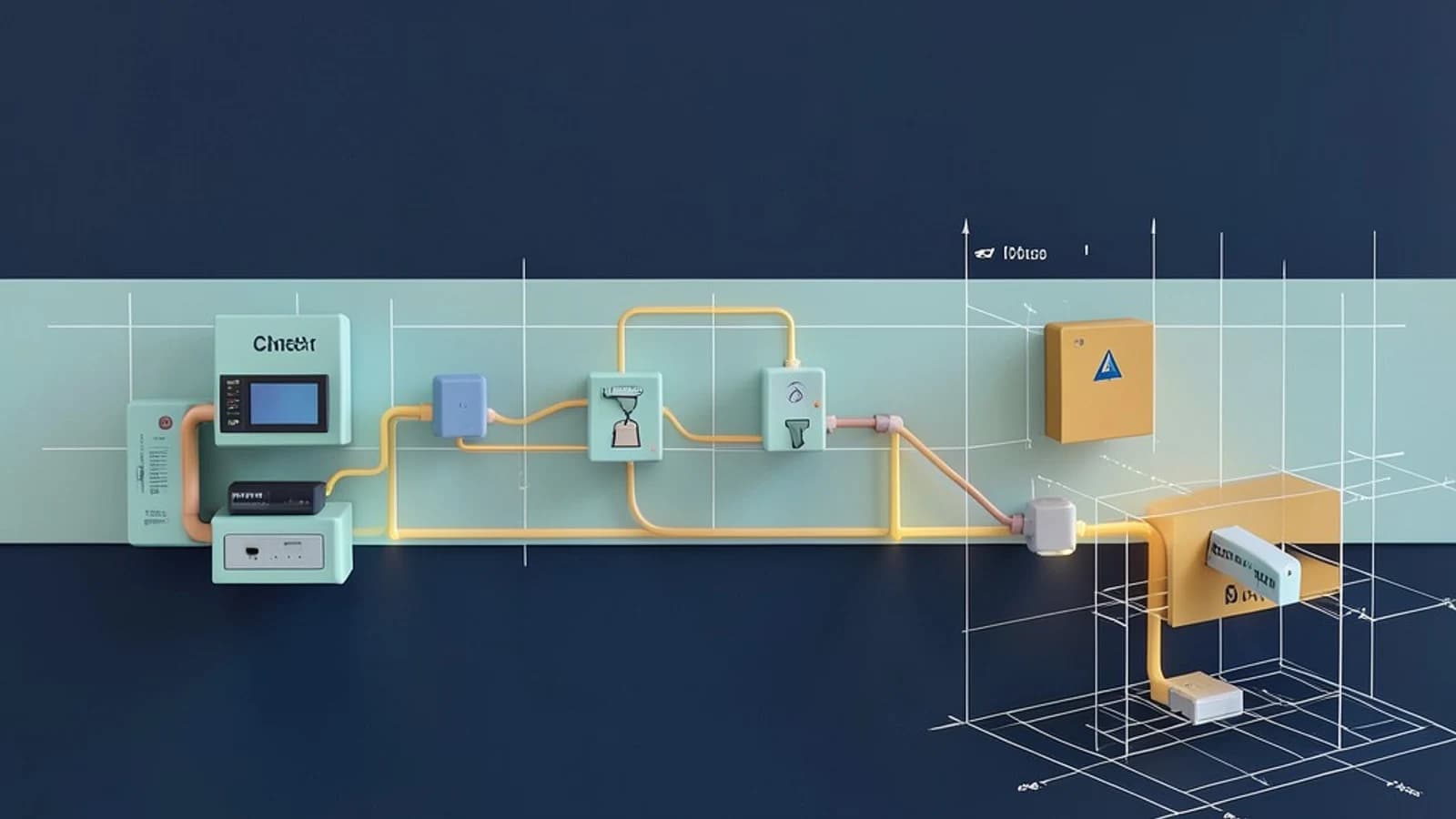
The problem: hidden version drift in multi‑module builds
In a large Maven reactor it is easy for two modules to declare the same library with different versions. One module might rely on org.apache.commons:commons-lang3:3.12.0 while another pulls in 3.13.0. At compile time Maven picks a version based on dependency mediation, but the mismatch can surface as:
- Classpath conflicts that cause
NoSuchMethodErrorat runtime. - Flaky unit tests that pass on a developer’s machine but fail in CI.
- Difficult‑to‑trace bugs because the effective version varies with the order of modules.
Detecting these mismatches manually is tedious, especially as the number of modules grows.
Thesis: enforce a single version early with the Enforcer plugin
The Maven Enforcer Plugin provides a declarative way to fail the build when the effective dependency tree contains the same artifact more than once with differing versions. By binding the banDuplicateDependencies rule to the verify phase, teams get immediate feedback whenever a version drift is introduced.
How the rule works
When the plugin runs, Maven first resolves the full dependency tree for the reactor. The Enforcer then scans that tree for any groupId:artifactId pair that appears more than once. If the resolved versions differ, the build is halted and a diagnostic message is emitted. The rule can be configured with a whitelist to allow known‑safe duplicates (e.g., different classifiers), but the whitelist should be kept minimal to avoid masking real problems.
Adding the Enforcer to the parent POM
Place the following configuration in the <pluginManagement> section of your parent POM so that all submodules inherit it:
<plugin>
    <groupId>org.apache.maven.plugins</groupId>
    <artifactId>maven-enforcer-plugin</artifactId>
    <version>3.4.1</version>
    <executions>
        <execution>
            <id>enforce-ban-duplicates</id>
            <goals>
                <goal>enforce</goal>
            </goals>
            <phase>verify</phase>
            <configuration>
                <rules>
                    <banDuplicateDependencies>
                        <!-- optional whitelist: <ignore>org.slf4j:slf4j-api</ignore> -->
                    </banDuplicateDependencies>
                </rules>
                <fail>true</fail>
            </configuration>
        </execution>
    </executions>
</plugin>
Run the command from the repository root (you need read/write access to the POM files):
mvn clean verifyIf the build succeeds, no duplicate versions were detected. If a conflict exists, the build will fail and the console will contain a line similar to:
[ERROR] Failed to execute goal org.apache.maven.plugins:maven-enforcer-plugin:3.4.1:enforce (enforce-ban-duplicates) on project parent:
[ERROR] banDuplicateDependencies: org.apache.commons:commons-lang3 appears in versions 3.12.0 and 3.13.0
Worked example: catching a version mismatch
Consider a reactor with two modules:
apideclaresorg.apache.commons:commons-lang3:3.12.0impldeclaresorg.apache.commons:commons-lang3:3.13.0
After adding the Enforcer configuration above, executing mvn clean verify from the root directory produces a failure because the plugin finds commons-lang3 in two different versions. The error message points to the offending artifact and the versions involved.
To resolve the conflict you have two main options:
- Align the versions: update one module’s dependency to match the other (usually the newer, stable release).
- If a module truly needs a different version, declare the preferred version in the parent’s
<dependencyManagement>and add an explicit exclusion in the module that should not inherit it, or add the pair to the Enforcer whitelist after careful review.
Once the versions are aligned (or a justified whitelist entry is added), running mvn clean verify again results in a successful build, confirming that the rule is working as intended.
Trade‑offs and limitations
While the rule protects against accidental version drift, it introduces a few considerations:
- Build overhead: The Enforcer must compute the full dependency tree on each verification run, which adds a small amount of time (typically a few seconds for medium‑sized reactors).
- Whitelist maintenance: Any exception you allow must be reviewed; an overly permissive whitelist can hide real conflicts and defeat the purpose of the rule.
- Legitimate version differences: Some projects intentionally use a newer library in a leaf module (e.g., to access a new API). In those cases you must either adjust
dependencyManagementor document the exception in the whitelist, which adds maintenance overhead.
These drawbacks are usually outweighed by the gain in build predictability, especially when the check is enforced on CI pipelines.
Actionable closing: adopt the rule in your pipeline
- Add the Enforcer plugin configuration to the parent POM as shown above.
- Run
mvn clean verifylocally to see if any duplicates exist. - Address each failure by aligning versions or, after careful review, adding a minimal whitelist entry.
- Commit the updated POMs and push to your version‑control system.
- Configure your CI system to run
mvn verify(ormvn clean verify) on every pull request and merge. - Periodically audit the whitelist to ensure it remains minimal and justified.
By catching duplicate JAR versions early, you reduce the risk of runtime classpath errors and make your builds more reliable across environments.
 maven
maven0 replies
A thoughtful contribution can make all the difference. Be the first to share one.