Podman Architecture: Daemonless Container Management for Secure Multi-Tenant Environments
Podman eliminates Docker's privileged daemon by running containers as direct processes under user namespaces. This architecture reduces attack surface for multi-tenant environments while maintaining Docker-compatible tooling through the podman-docker package.
25 Aug 2025, 13:43 UTC
The Problem with Docker's Daemon Model
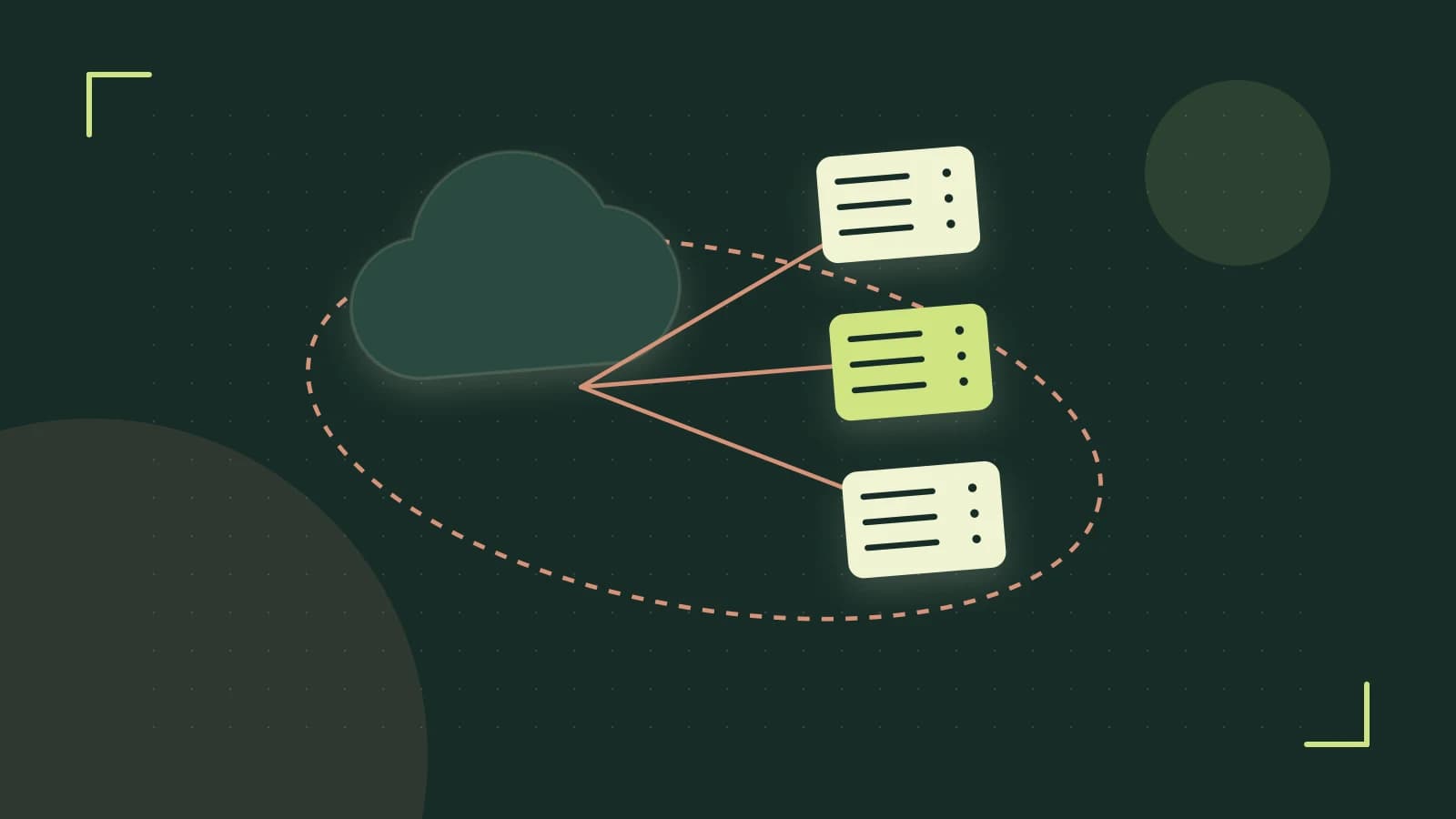
Docker's client-daemon architecture creates a persistent root-owned daemon (dockerd) that becomes a single point of failure and privilege escalation target. For organizations running containers in multi-tenant environments or requiring least-privilege security models, this design introduces unacceptable risk. The daemon must run as root to manage containers, meaning any vulnerability in the Docker daemon potentially compromises the entire host system.
Podman's Process-Based Architecture
Podman eliminates the daemon entirely by using direct process management. Each container runs as a regular child process of the Podman CLI, managed through cgroups and namespaces without requiring privileged system services. This architecture reduces attack surface because there's no long-running privileged process to exploit.
The key difference: docker run communicates with a root-owned daemon, while podman run executes container processes directly under the invoking user's permissions.
Rootless Containers: User Namespace Isolation
Rootless containers use user namespaces to map the unprivileged host user to root inside the container. This requires kernel 4.18+ with CONFIG_USER_NS enabled and unprivileged_userns_clone=1 in sysctl. The mapping allows containers to run with root privileges internally while maintaining host security boundaries.
Verification Steps
uname -r- Confirm kernel version 4.18 or highercat /proc/sys/kernel/unprivileged_userns_clone- Should return 1podman run --rm hello-world- Test basic functionality
Trust and Data Boundaries
When using rootless containers, volume mounts require careful consideration. SELinux on Fedora/CentOS adds another layer: container contexts must be properly labeled. Use :Z for private content or :z for shared content to allow proper labeling.
Example with SELinux labeling:
podman run -v /host/path:/container/path:Z alpine ls /container/pathSystemd Integration for Production Workloads
Podman generates native systemd unit files that integrate containers into the host's process supervision. Use podman generate systemd --new --files --name container_name to create properly managed services with restart policies, dependency management, and logging integration.
Operational Check
# Generate systemd units
podman generate systemd --new --files --name myapp

# Import into systemd
systemctl import-systemd /run/systemd/generator/myapp.service

# Enable and start
systemctl enable --now myapp.service
Failure Modes and Design Constraints
Rootless containers cannot perform certain privileged operations:
- Device passthrough (GPUs, specialized hardware)
- Host network interface binding below port 1024
- Certain iptables operations
- Full capabilities required by some security tools
For these cases, rootful Podman remains necessary, requiring sudo access or dedicated host resources.
When This Architecture Won't Suffice
Switch to rootful Podman or alternative orchestration when:
- Hardware device access is required (NVIDIA GPUs, USB devices)
- Binding to privileged ports (< 1024) without port forwarding
- Running containers that require full system capabilities
- Network performance is critical and slirp4netns overhead is unacceptable
Build Considerations: Layer Caching Differences
Podman's build engine (Buildah integration) handles layer caching differently than Docker. In CI environments, explicitly manage cache with --cache-from and --cache-to flags to ensure consistent build times. The daemonless architecture means no shared cache daemon, so each build may have different caching behavior.
Practical Migration Path
Install podman-docker package to provide Docker-compatible CLI symlinks. This allows existing Docker commands and scripts to work unchanged while benefiting from Podman's architecture. Test critical workflows with explicit Podman commands first, then migrate tooling.
Summary
Podman's daemonless, rootless architecture provides superior security for multi-tenant environments by eliminating the privileged daemon and using user namespace isolation. Verify kernel support before deployment, plan for SELinux labeling requirements, and understand that some privileged operations require rootful containers. The Docker-compatible interface enables gradual migration without rewriting existing tooling.
 podman
0 replies
A thoughtful contribution can make all the difference. Be the first to share one.