Parallel Test Execution in Karate: An Architecture Note for CI Pipelines
Karate’s parallel runner can cut CI wall-clock time, but only when feature files are independent and shared state is isolated. Learn the minimal design, trust boundaries, and operational checks.
08 Jan 2026, 23:01 UTC
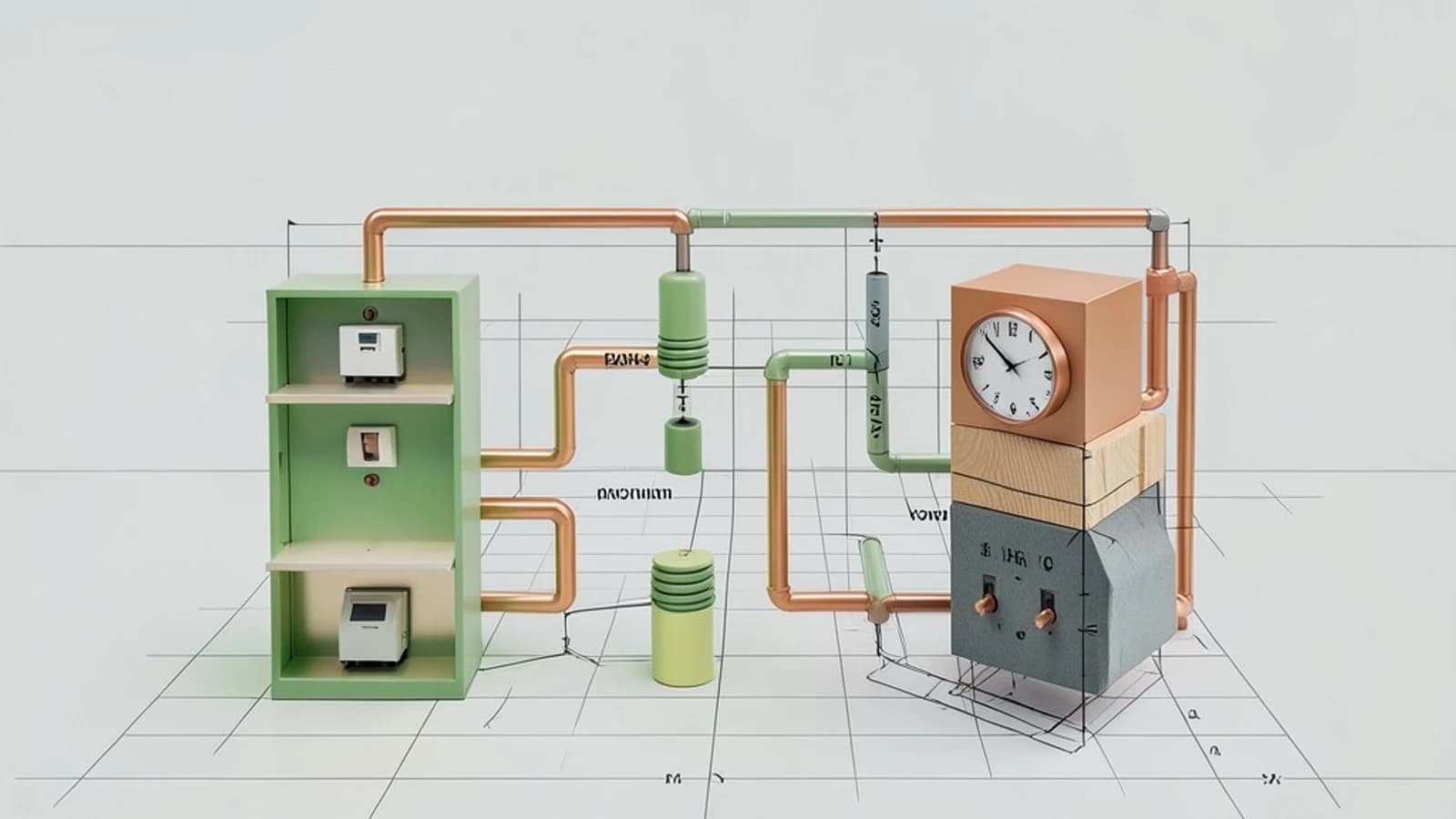
The problem: serial API suites block CI feedback
When an integration suite runs feature files one at a time, wall-clock time—the real time a pipeline takes—grows linearly with the number of scenarios. A suite that takes 20 minutes serially can delay every pull request and encourages developers to batch changes, which increases risk. Karate’s parallel runner executes independent feature files concurrently, but the speedup is only safe when tests do not share mutable state.
Requirements before enabling parallel execution
Parallel execution assumes each feature file is an independent unit. If scenario B depends on data created by scenario A, running them concurrently breaks the dependency. The same applies to external resources: if two tests write to the same database row or reuse a static authentication token, they can overwrite each other’s data.
- Independent scenarios: No ordering assumptions between feature files.
- No shared mutable state: Static variables, singleton services, or in-memory caches modified by one test must not be visible to another.
- Isolated external resources: Database records, message queues, and third-party stubs should be created or reserved per test.
Smallest suitable design
The minimal change is a dedicated JUnit runner class that tells Karate how many threads to use. Each feature file runs in its own thread context, typically within the same JVM. Local variables inside a scenario remain isolated; the danger comes from anything reachable outside that thread.
A typical runner looks like this:
@RunWith(Karate.class)
public class ParallelRunner {

    public static KarateOptions options() {
        return new KarateOptions().parallel(4);
    }
}
Version note: Karate’s API has changed across major versions. Confirm whether your dependency uses KarateOptions, a builder pattern, or annotations to set the thread count. The number 4 should match the number of scenarios you can safely isolate, not necessarily your CPU core count.
Trust and data boundaries
Treat the thread boundary as the trust boundary. Anything a test creates inside a scenario is private. Anything stored in a static field, a singleton, or a shared file is public and must be synchronized or avoided.
For shared resources such as database connections or authentication tokens, use per-test setup. Karate’s karate-config.js and callonce hooks can provision isolated data before a scenario starts. If a resource cannot be isolated—for example, a rate-limited sandbox API—serialize those specific tests rather than parallelizing them.
Operational checks
Run the suite locally before pushing the change to CI. In your project directory, execute the runner with Maven or Gradle:
mvn test -Dtest=ParallelRunnerExpected checks:
- The console or
karate.logshould show activity from the configured number of threads. - JUnit XML reports should not contain failures that disappear when the suite runs serially.
To verify thread utilization, identify the test JVM process ID and run:
jcmd <pid> Thread.printLook for worker threads matching your configured parallelism. For memory, attach a profiler such as VisualVM or expose JMX metrics. A healthy run shows stable heap usage; a run heading toward OutOfMemoryError will show sustained growth or frequent GC pauses.
| Check | Where to look | Warning sign |
|---|---|---|
| Thread saturation | jcmd output or JMX | Fewer active threads than configured |
| Memory pressure | VisualVM heap graph | Rising heap without plateau |
| Test independence | karate.log, JUnit XML | Intermittent failures absent in serial runs |
Failure modes
Thread contention and flakiness: When multiple tests compete for the same lock, port, or rate limit, results become nondeterministic. A test that passes alone may fail under load.
Shared mutable state: Static variables or singleton services modified by one thread can leak data into another. This is the most common cause of “works locally, fails in CI” parallel bugs.
Heap exhaustion: Each parallel thread holds request/response payloads in memory. Doubling threads does not simply double speed; it also raises peak heap demand. If the JVM heap is too small, the run fails with OutOfMemoryError rather than finishing faster.
Conditions that would change the design
Parallel threads inside one JVM stop scaling when the suite grows beyond a few hundred scenarios or when tests require heavy CPU work. At that point, consider sharding the suite across multiple CI jobs using tag-based selection, or moving to a distributed test runner. If a specific external dependency is not thread-safe, serialize only those feature files and keep the rest parallel.
Limitations and a practical verification
Parallel execution reduces wall-clock time; it does not make an individual slow API call faster. It also does not remove the need for deterministic test data. A practical check is to run the suite twice: once serially and once with the parallel runner. Compare total execution time and the set of failures. If the parallel run is faster and produces the same pass/fail results, the isolation boundaries are holding. If failures appear only in the parallel run, audit static state and shared resource setup before increasing thread count further.
 karatelabs
0 replies
A thoughtful contribution can make all the difference. Be the first to share one.