Optimizing OpenCL Memory: Choosing Between Global, Constant, and Local Storage
Learn how to choose between Global, Constant, and Local memory in OpenCL to eliminate memory latency bottlenecks and optimize kernel throughput using tiling and coalescing.
26 Dec 2025, 06:18 UTC
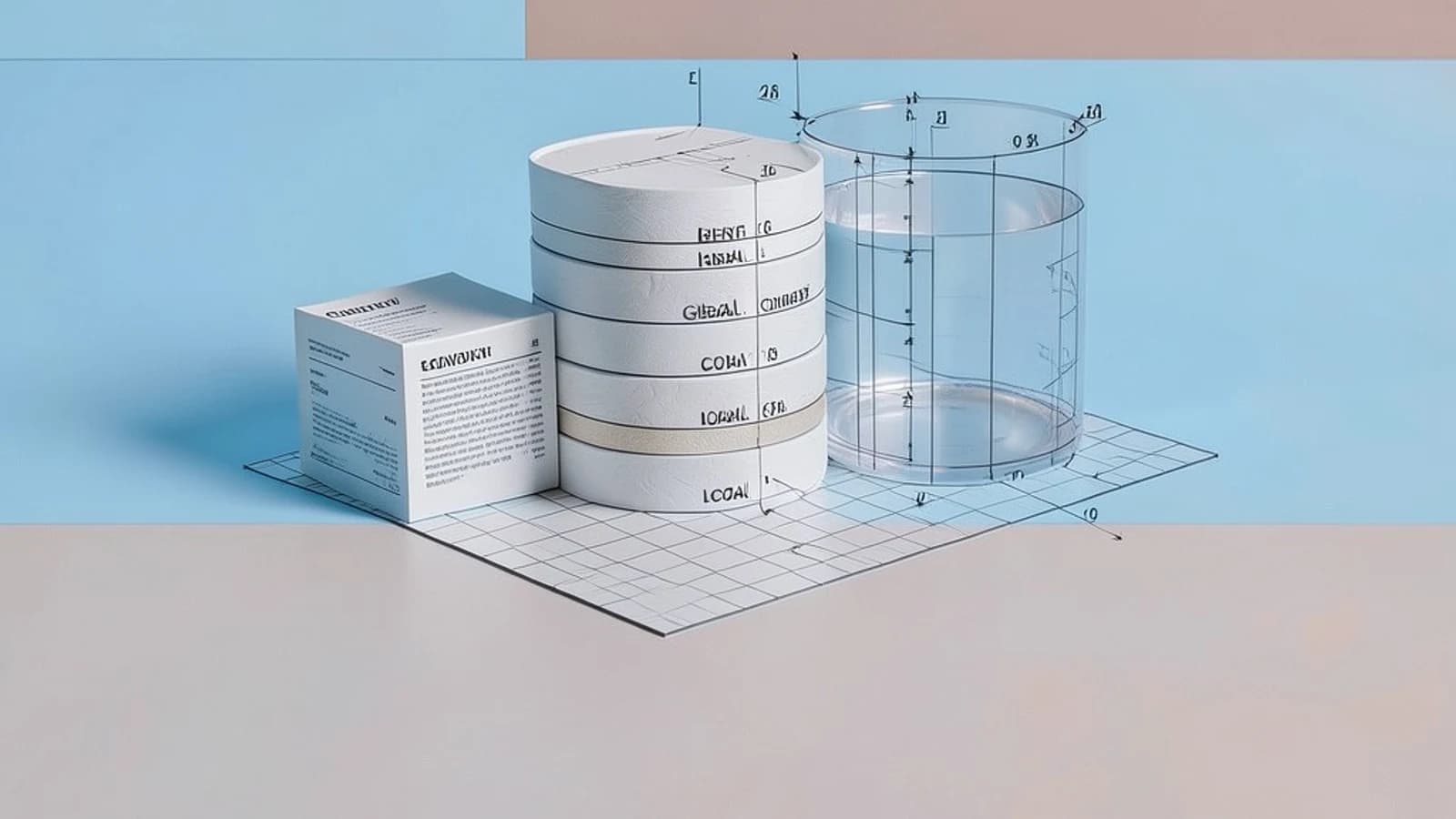
The Memory Latency Bottleneck
The primary performance bottleneck in OpenCL kernels is rarely the compute capability of the GPU, but the time spent waiting for data to arrive from memory. When a kernel requests data from Global memory, the latency can be hundreds of clock cycles. If your work-items are stalled waiting for data, your hardware utilization drops, regardless of how many compute units you have.
The goal is to move data as close to the execution unit as possible. The decision involves balancing the limited size of fast on-chip memory against the vast but slow capacity of off-chip VRAM.
Comparing OpenCL Memory Address Spaces
OpenCL provides distinct address spaces to allow the compiler and hardware to optimize data paths. The following table compares the three primary storage options available to the developer.
| Feature | Global Memory | Constant Memory | Local Memory |
|---|---|---|---|
| Location | Off-chip (VRAM) | Off-chip (Cached) | On-chip (SRAM) |
| Scope | All Work-Items | All Work-Items | Single Work-Group |
| Access Speed | Slowest | Fast (if broadcast) | Fastest |
| Mutability | Read/Write | Read-Only | Read/Write |
| Capacity | Gigabytes | Kilobytes (Small) | Kilobytes (Very Small) |
Decision Logic and Trade-offs
When to use Global Memory
Global memory is the default for large datasets. To maintain performance, you must ensure memory coalescing. This occurs when work-items in a wavefront (or warp) access contiguous memory addresses in a single transaction. If work-item 0 accesses index 0 and work-item 1 accesses index 1, the hardware can fetch the data in one burst. If access patterns are random or strided, the hardware must issue multiple requests, severely degrading bandwidth.
When to use Constant Memory
Use the __constant qualifier for data that does not change during kernel execution and is accessed by all work-items simultaneously. Constant memory is optimized for broadcast access. If every thread in a wavefront reads the same address, the value is fetched once and broadcast to all units. However, if threads read different addresses, the requests are serialized, and performance may drop below that of Global memory.
When to use Local Memory
Local memory (__local) acts as a programmer-managed cache. It is ideal for data reuse within a work-group. For example, in a stencil operation or matrix multiplication, multiple work-items often need the same piece of data. Instead of fetching it from Global memory multiple times, you load it into Local memory once, synchronize, and then perform multiple fast reads.
The Cost of Local Memory: Moving data from Global to Local memory is not free. You only gain a performance advantage if the number of reads from Local memory significantly outweighs the cost of the initial Global-to-Local copy.
Implementation: Tiled Memory Access
A classic application of Local memory is tiling. In a matrix multiplication, rather than reading entire rows and columns from Global memory, we load a small "tile" into Local memory.
// Example: Local Memory Tiling Concept (OpenCL C)
// Assume work-group size is TILE_SIZE x TILE_SIZE

__kernel void matrix_mul_tiled(__global float* A, __global float* B, __global float* C,
                                 int width) {
    // Local memory buffers for the tiles
    __local float tileA[TILE_SIZE][TILE_SIZE];
    __local float tileB[TILE_SIZE][TILE_SIZE];

    int row = get_global_id(1);
    int col = get_global_id(0);
    int localRow = get_local_id(1);
    int localCol = get_local_id(0);

    float sum = 0.0f;

    for (int t = 0; t < width / TILE_SIZE; t++) {
        // Collaborative load from Global to Local memory
        tileA[localRow][localCol] = A[row * width + (t * TILE_SIZE + localCol)];
        tileB[localRow][localCol] = B[(t * TILE_SIZE + localRow) * width + col];

        // Synchronize to ensure all items have finished loading the tile
        barrier(CLK_LOCAL_MEM_FENCE);

        // Compute using fast Local memory
        for (int k = 0; k < TILE_SIZE; k++) {
            sum += tileA[localRow][k] * tileB[k][localCol];
        }

        // Synchronize before loading the next tile to avoid overwriting data
        barrier(CLK_LOCAL_MEM_FENCE);
    }
    C[row * width + col] = sum;
}
Risk: Local Memory Overflow
Local memory is a finite hardware resource (often 32KB to 64KB). If your TILE_SIZE is too large, the kernel will fail to launch. To check your device's limits, use clGetDeviceInfo with the CL_DEVICE_LOCAL_MEM_SIZE attribute on the host side before calculating your tile dimensions.
Validation and Performance Checks
To verify if your memory decision improved performance, do not rely on total execution time alone, as this can be skewed by PCIe transfer overhead. Use the following diagnostic steps:
- Profiling: Use vendor tools (e.g., NVIDIA Nsight or Intel VTune) to monitor "Global Memory Load Efficiency." A low percentage indicates non-coalesced access.
- Scaling Test: Run the kernel with different
TILE_SIZEvalues. If performance peaks and then crashes, you have hit the Local memory capacity limit. - Baseline Comparison: Implement a version of the kernel using only Global memory. If the Local memory version is slower, the overhead of the
barrier()and the initial copy is outweighing the reuse benefit.
 opencl
0 replies
A thoughtful contribution can make all the difference. Be the first to share one.