Optimizing Babylon.js Performance: Choosing Between InstancedMesh and ThinInstances
Learn when to use InstancedMesh versus ThinInstances in Babylon.js to reduce draw calls and optimize rendering performance for large-scale 3D scenes.
21 Dec 2025, 02:44 UTC
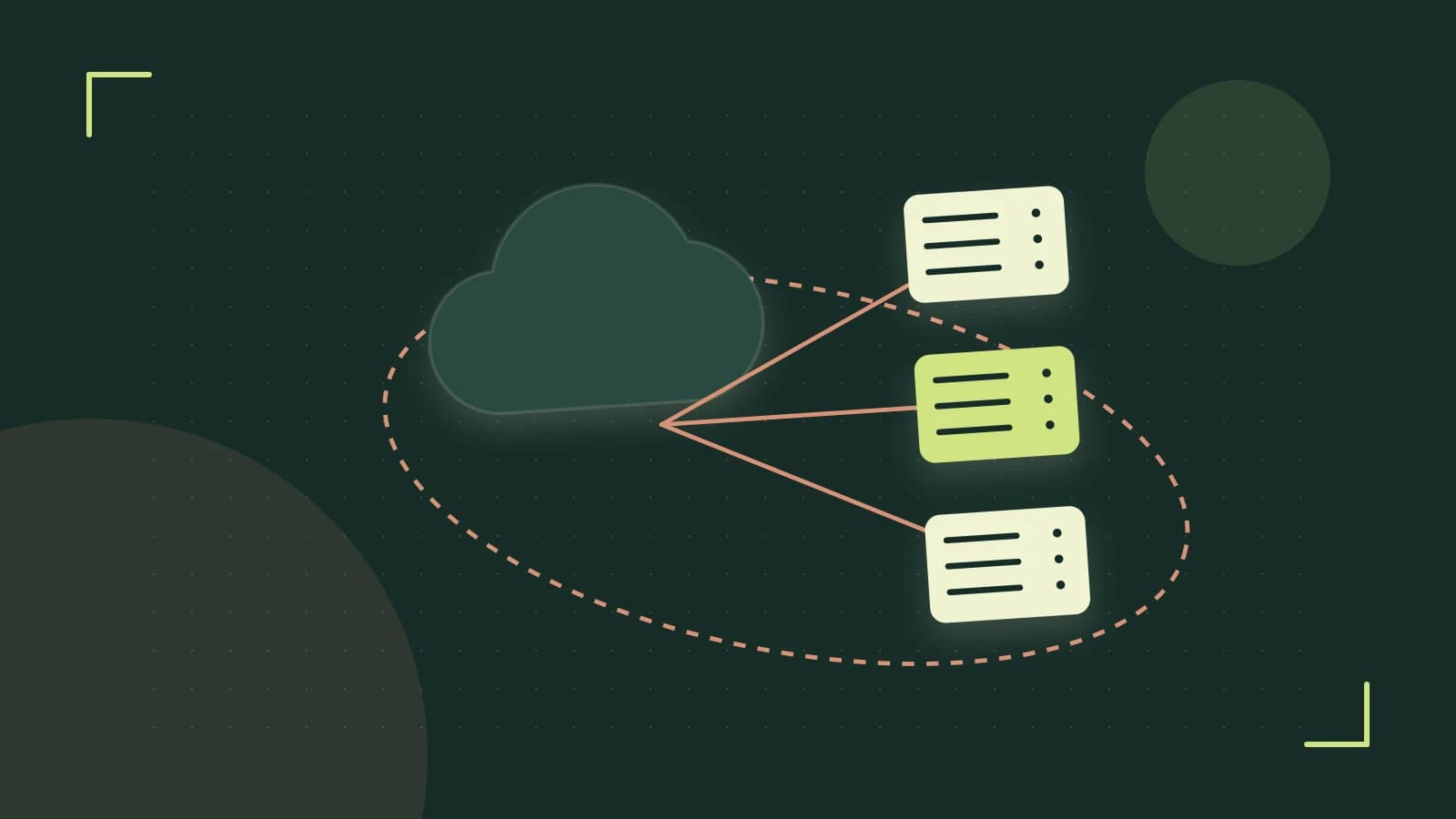
When building 3D environments like forests, asteroid fields, or city-scale crowds, the primary bottleneck is rarely the GPU's raw processing power; it is the draw call count. Each unique mesh in your scene typically requires the CPU to tell the GPU what to draw. If you have 5,000 individual trees, the overhead of managing those separate commands will cause your frame rate to plummet.
To solve this, Babylon.js provides instancing, which allows the GPU to render multiple copies of the same geometry in a single command. However, the engine offers two distinct paths to achieve this: InstancedMesh and ThinInstances. Choosing the right one depends on whether you need to interact with individual objects or simply maximize throughput.
InstancedMesh: High-Level Control
InstancedMesh is the standard approach when you need each copy to behave like a first-class Babylon object. Each instance is an instance of the Mesh class, meaning it has access to the full API: you can move them individually, attach particles to them, or use them in physics engines.
- Best for: Scenes with hundreds to a few thousand instances where you need per-object logic or interaction.
- Trade-off: Higher memory overhead because each instance is a full object in the scene graph.
// Create the base mesh
const box = BABYLON.Mesh.CreateBox("box", 1, scene);

// Create 100 instances
for (let i = 0; i < 100; i++) {
    const instance = box.createInstancedMesh("box_" + i);
    instance.position = new BABYLON.Vector3(Math.random() * 10, 0, Math.random() * 10);
}
ThinInstances: Maximum Throughput
When you need to render tens of thousands of objects—like individual blades of grass or debris—the overhead of InstancedMesh objects becomes the bottleneck again. ThinInstances solve this by not creating full mesh objects for every copy. Instead, you provide a single mesh and a large array of matrices representing the transformation of every instance.
- Best for: Massive counts (10,000+) where the instances are static or moved via custom shaders.
- Trade-off: You cannot call
instance.position.set(); you must rebuild the entire matrix buffer to move them.
Practical Example: Implementing ThinInstances
The following example demonstrates how to set up 5,000 instances using ThinInstances. We use a Float32Array to store the transformation matrices directly for the GPU.
const mesh = BABYLON.Mesh.CreateBox("thinBox", 1, scene);
const count = 5000;
const matrices = new Float32Array(count * 16); // 16 floats per matrix

for (let i = 0; i < count; i++) {
    const matrix = BABYLON.Matrix.Translation(
        Math.random() * 100 - 50,
        0,
        Math.random() * 100 - 50
    );
    // Copy matrix data into the flat array
    for (let j = 0; j < 16; j++) {
        matrices[i * 16 + j] = matrix.get(j);
    }
}

// Apply the thin instances to the mesh
mesh.addThinInstances(matrices, count);
Diagnosing Your Bottleneck
To verify if your instancing is working, use the Babylon.js Inspector (accessible via Ctrl+Shift+I in the playground or by calling scene.debugLayer.show() in your app). Look at the "Performance" tab and monitor the "Draw Calls" metric.
- If you have 5,000 meshes and 5,000 draw calls, instancing is not active.
- If configured correctly, those 5,000 instances should collapse to a single draw call (plus any additional passes for shadows or post-processing).
Limitations and Trade-offs
Instancing does not eliminate all per-object rendering work. Shadow rendering cost can still rise with instance count and light count because each light may require a separate depth pass. Also, all instances in one group share the same geometry and material; visually different meshes require separate instancing groups. Updating thousands of instance matrices every frame from JavaScript can become a CPU bottleneck; prefer GPU-side animation or compute shaders for motion.
Actionable Next Steps
- Profile your current scene with the Inspector to get a baseline draw call count.
- Identify groups of identical meshes that could be replaced by a single instanced mesh.
- Start with
InstancedMeshfor simplicity; switch toThinInstancesonly when instance count exceeds a few thousand and you don't need per-instance API access. - After implementation, re-open the Inspector and confirm the draw call reduction.
By matching the instancing strategy to your scene's interaction requirements, you can keep draw calls low and frame rates high without sacrificing flexibility.
 babylonjs
0 replies
A thoughtful contribution can make all the difference. Be the first to share one.