Opera Ad Blocker Architecture: Trust Boundaries and Operational Checks
An architectural analysis of Opera's built-in ad blocker, covering its split-process design, SHA-256 filter verification, and methods for operational testing.
21 May 2026, 15:39 UTC
Requirements
The primary goal is to suppress advertisements and tracking scripts without requiring third-party extensions, which often introduce overhead and security risks. The system must maintain low performance impact, provide per-site control, and ensure that filter lists—the rules defining what to block—are updated frequently without opening the browser to remote code execution or corrupted data injection.
Smallest Suitable Design
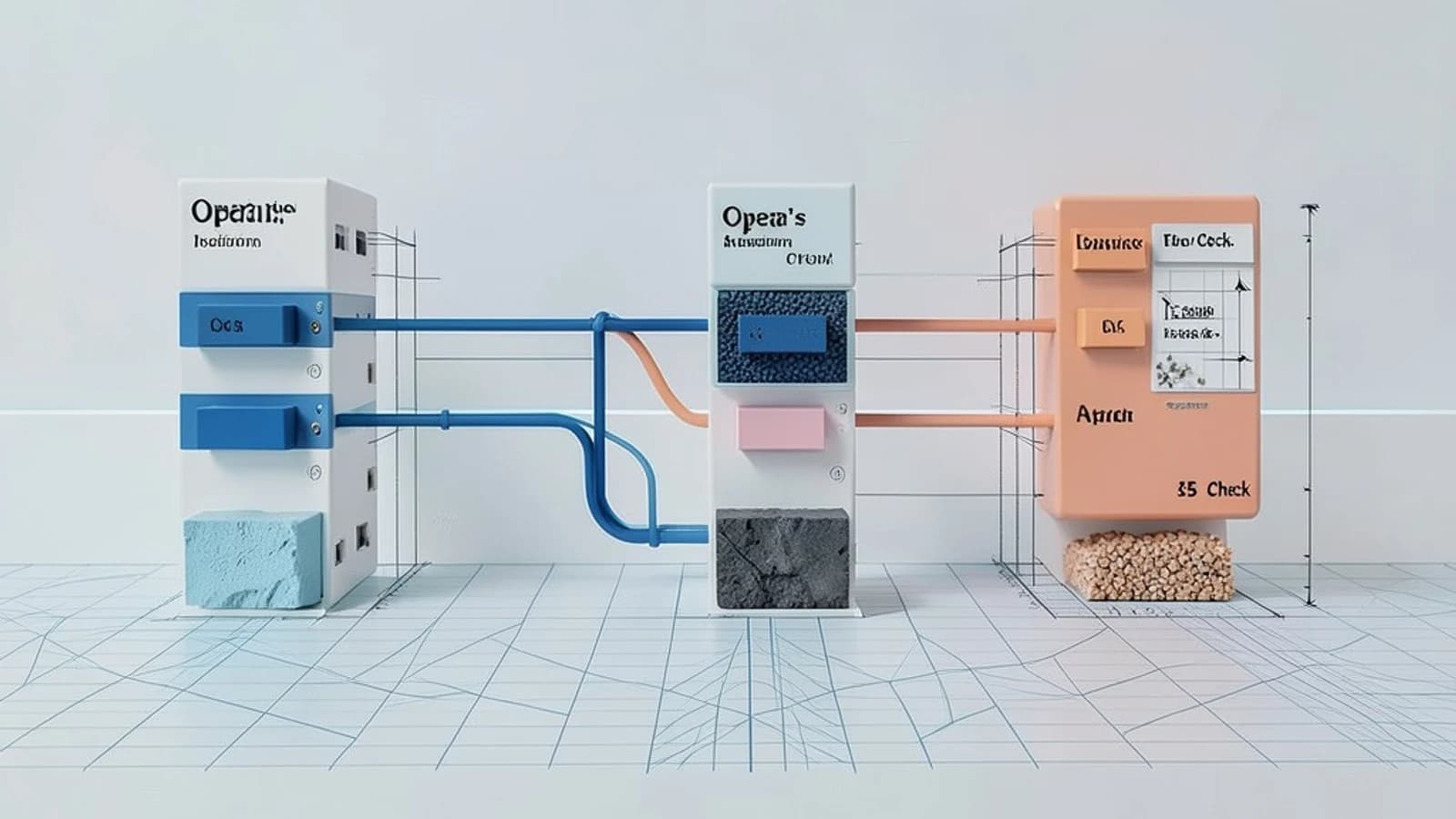
Opera implements a split-process architecture to balance performance and security. The core ad-blocking logic resides in the browser process, while a sandboxed content script (a script that runs in the context of a web page) operates within each page's renderer process.
Filter lists, specifically EasyList and EasyPrivacy, are fetched as plain text and stored locally. When a page loads, the browser process evaluates network requests against these lists. If a match is found, the request is aborted before it ever reaches the renderer. For elements already present in the DOM (Document Object Model), the blocker injects CSS hiding rules to remove them from view.
Trust and Data Boundaries
- Filter List Integrity: Lists are downloaded from Opera servers via HTTPS. To prevent man-in-the-middle attacks or server-side corruption, the browser verifies the download using a pinned SHA-256 hash. If the hash is invalid, the update is discarded.
- Privilege Separation: The content script in the renderer process has no access to privileged browser APIs (such as
chrome.*). It interacts with the blocker through a read-only interface. This ensures that even if a renderer process is compromised by a malicious website, the attacker cannot modify the global filter lists or disable the blocker for other tabs. - Update Control: The update mechanism is managed exclusively by the browser process. Renderer processes cannot trigger updates or point the browser to a malicious update URL.
Operational Checks
Administrators and users can verify the health of the ad blocker using the internal diagnostics page at opera://adblock. This page provides real-time status on filter counts and update timestamps.
Manual Update Verification
To verify that the update mechanism is functioning and communicating with the backend, follow these steps:
- Navigate to
opera://adblock. - Open Developer Tools (
Ctrl+Shift+I) and select the Network tab. - Click Check for updates now on the page.
- Look for a request to the Opera update domain (e.g.,
opera.com/adblocklists/). - Verify the response status is
200 OKand the Last update timestamp on the UI refreshes.
Functional Request Blocking
To confirm that the network-level blocking is active, attempt to load a known ad-serving asset. For example, if you load a URL like https://example.com/ads/banner.jpg, the Developer Tools Network tab should show the request status as (canceled) or the request should be absent entirely, while the rest of the page loads normally.
Failure Modes and Design Constraints
- Corrupted Filter Lists: If a downloaded list fails hash verification, the system falls back to the last known good version. This prevents a single bad update from leaving the user unprotected or breaking the browser.
- Over-blocking (False Positives): Because EasyList is community-maintained, some rules may hide legitimate site functionality. The design handles this via a per-site toggle and a custom exception list, allowing users to override the global rules for specific domains.
- Renderer Compromise: While the read-only interface protects the filter lists, a compromised renderer could still potentially ignore the CSS hiding rules. The primary defense is the network-level block occurring in the browser process, which the renderer cannot bypass.
Practical Verification Summary
To ensure the system is operational, perform these three checks:
| Check | Method | Expected Result |
|---|---|---|
| List Status | Visit opera://adblock |
Filter lists loaded count > 0 |
| Visual Block | Check opera://adblock test ad |
Test ad element is hidden |
| Update Flow | Click "Check for updates now" | Timestamp updates; Network tab shows 200 OK |
 opera
opera0 replies
A thoughtful contribution can make all the difference. Be the first to share one.