One Vue Codebase, Five Targets: When Quasar's Multi-Mode Builds Are Worth It
Quasar's multi-mode build system lets one Vue codebase ship as SPA, PWA, SSR, mobile, and Electron desktop apps. Here's how modes work, how to gate platform-specific code, and why each added mode is a maintenance commitment.
15 Sept 2026, 01:00 UTC
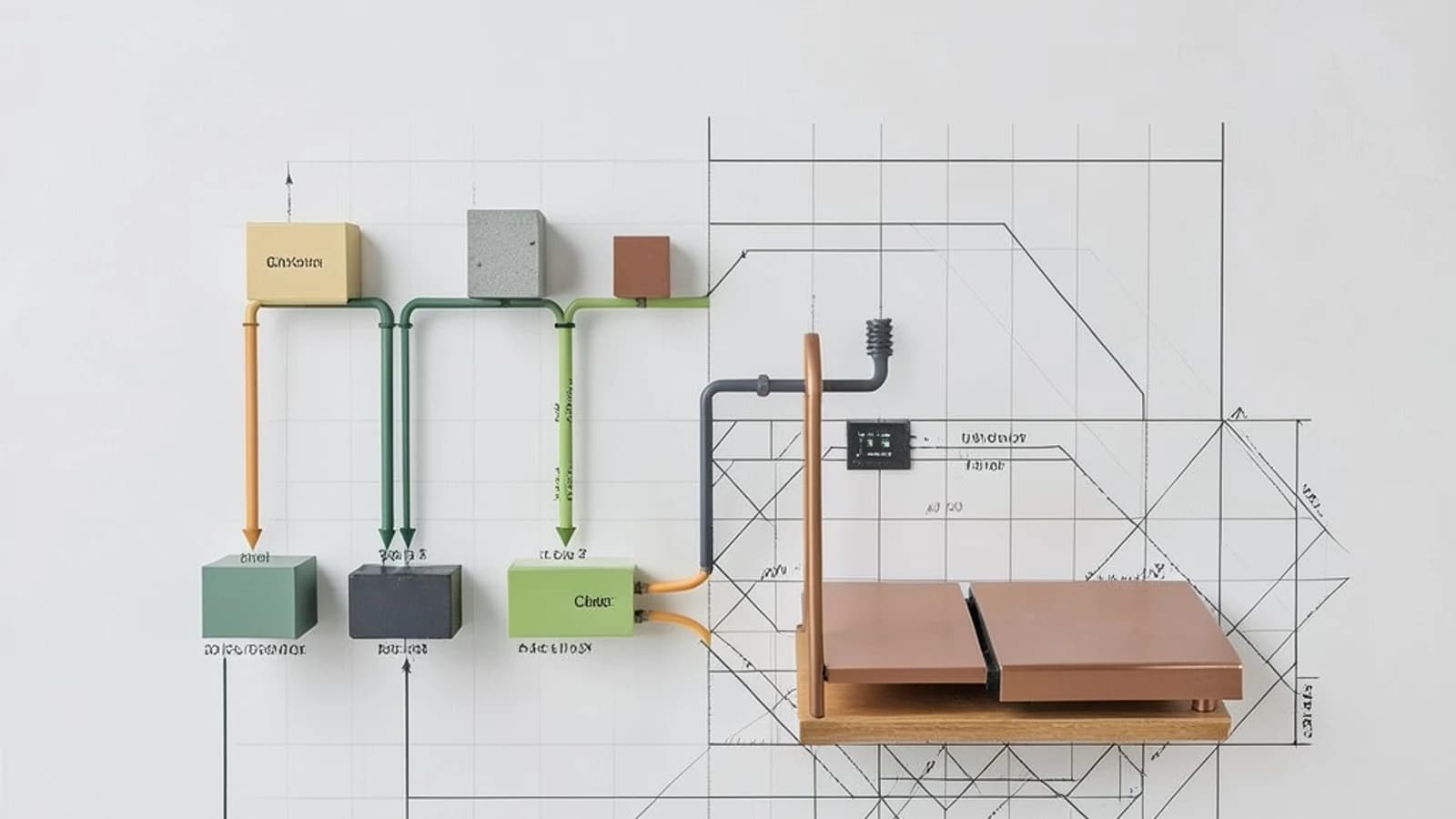
You have a Vue app running in the browser. Now the product team wants a desktop version, and someone mentions offline support. The usual answers are unappealing: fork the repo, or bolt on Electron and a service worker by hand and hope the build configs don't fight each other.
Quasar's answer is its multi-mode build system: one Vue codebase, one CLI, and separate build "modes" for SPA, SSR, PWA, mobile (via Capacitor or Cordova), desktop (via Electron), and browser extensions. This post is about how that actually works, where it helps, and where it quietly becomes a maintenance burden.
Modes are additive, not a rewrite
The key design decision is that modes are added incrementally to an existing project. You don't restructure your app to go from SPA to PWA. You run a command like quasar mode add pwa (in the project root, with the Quasar CLI installed) and the CLI scaffolds a mode-specific folder — src-pwa in this case — plus the relevant section in your Quasar config file. Your existing src code is untouched.
Each mode gets its own folder for code that only exists in that target: src-electron holds the Electron main-process files, src-capacitor holds the native wrapper config, and so on. The shared application code stays in src and is compiled into every target you build. Building is a flag: quasar build -m pwa or quasar dev -m electron.
One version caveat before you copy anything: the config file name and format differ between Quasar v1 (Vue 2, quasar.conf.js) and v2 (Vue 3, quasar.config.js with an ESM wrapper). Check quasar in your package.json and follow the conventions for your major version. The commands above are the v2 style.
Sharing code without forking it
The obvious question: if 95% of the code is shared, how do you handle the 5% that isn't? Quasar gives you two levers.
First, runtime platform detection. The Platform object (imported from quasar, or injected as $q.platform in components) tells you where the code is running — Platform.is.electron, Platform.is.capacitor, mobile vs desktop, and so on. Second, build-time detection via process.env.MODE, which is a compile-time constant ('spa', 'pwa', 'electron'…) so dead branches can be eliminated from bundles that don't need them.
A concrete example: gating a desktop-only "native menu" feature in an app that ships as both SPA and Electron.
// src/components/AppToolbar.vue (script setup)
import { Platform } from 'quasar'

const isDesktopApp = Platform.is.electron

async function openNativeMenu () {
  // Only reachable in the Electron build; the main-process
  // code lives in src-electron/ and exposes this via preload.
  await window.myDesktopApi.showContextMenu()
}
In the template: <q-btn v-if="isDesktopApp" @click="openNativeMenu" … />. The web build simply never renders the button, and the Electron-specific IPC wiring lives entirely in src-electron, not in your shared components. To verify the detection works, log Platform.is from a mounted component in both a web dev build (quasar dev) and an Electron dev build (quasar dev -m electron) and compare.
SSR is the mode that changes how you write code
Most modes add a wrapper around your app. SSR changes the app itself. Because components render on the server first, any direct access to browser-only globals (window, document, localStorage) during setup will crash the server render or cause hydration mismatches — the classic symptom being a page that flashes correct content and then re-renders differently in the browser.
Data fetching moves to Quasar's preFetch hook, which runs on the server for the initial render and on the client for subsequent navigation. If you're adding SSR to an existing SPA, expect to audit every component for browser-API assumptions. This is the mode where "just add it" most often turns into real work.
The trade-off: every mode is a dependency you now maintain
Here's the honest limitation. Each mode you add is not free surface area:
- Electron and Capacitor are third-party shells with their own release cadence, security advisories, and quirks. You inherit their bugs and their upgrade treadmill, not Quasar's.
- Each mode adds its own config section, its own build pipeline, and its own debugging context. A rendering bug that only appears in the Capacitor WebView is yours to reproduce on a device or emulator.
- Platform-conditional code fragments the UI over time.
v-if="isElectron"sprinkled across forty components becomes impossible to reason about. Prefer small conditional branches inside shared components over duplicated per-platform pages — once you're maintaining two copies of a screen, you've recreated the fork you were trying to avoid.
The practical rule: add only the modes you intend to ship and support. The scaffolding is cheap; the maintenance is not. A team that ships SPA + PWA gets real value from one codebase. A team that adds Electron "because it's easy" and then never staffs desktop releases has just acquired a liability.
Where to start
If you want to evaluate this without committing, spin up a throwaway project, run quasar mode add pwa, confirm the src-pwa folder and config entries appear, and build with quasar build -m pwa. Then add electron and check that a Platform.is.electron branch behaves differently across the two builds. An hour of that tells you more than any feature matrix — including whether your existing components are clean enough about browser APIs to survive the modes you actually care about.
 electron
 quasar
 vuejs
vuejs0 replies
A thoughtful contribution can make all the difference. Be the first to share one.