NetworkX Subgraph Views: Analyze Large Graphs Without Copying Them
NetworkX subgraph views create a read-only window into a large graph without duplicating nodes or edges. Learn when to use them, when to copy, and how to verify the behavior.
30 Nov 2025, 09:23 UTC
The memory problem with large graph subsets
When you are working with a network that has hundreds of thousands of nodes, extracting a neighborhood for analysis feels routine: you filter to the nodes you care about, run a shortest-path query, maybe check a few degree distributions. The naive approach—calling G.subgraph(nodes).copy()—works, but it duplicates the adjacency structures for that subset. If you are iterating over many candidate subsets in a script, those copies add up quickly.
NetworkX offers a lighter alternative: the subgraph view. Instead of building a new graph object with its own storage, G.subgraph(nodes) returns a read-only view that points back to the parent graph. This post walks through what that view actually does, where it saves memory, and the specific cases where you still need a copy.
What a subgraph view is (and is not)
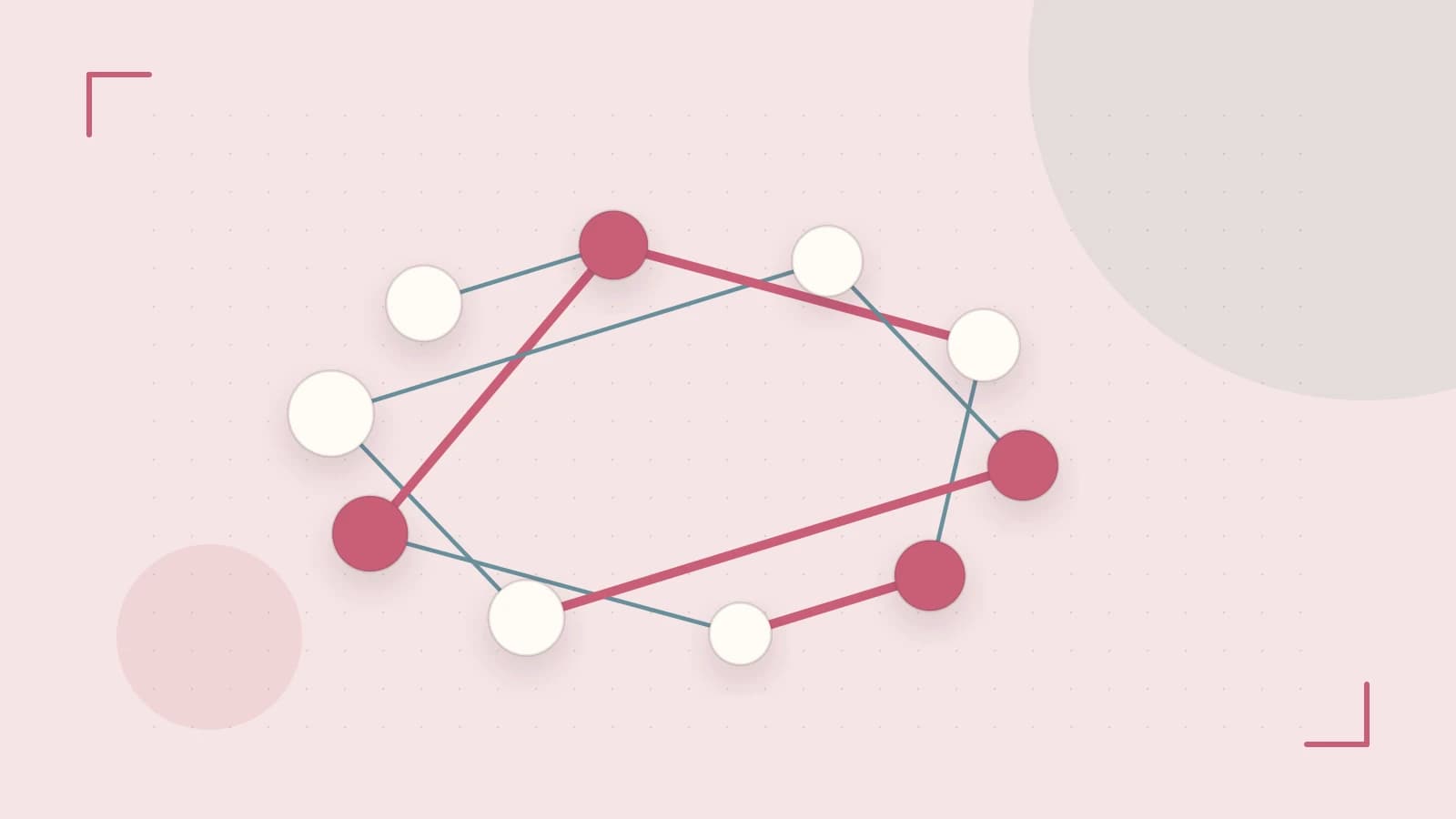
A subgraph view is a filtered projection of an existing graph. When you call G.subgraph(nodes) on a NetworkX Graph or DiGraph, you get back a SubGraph view object. It exposes the same API surface for reading—nodes, edges, degree, neighbors, attributes—but it does not own its own edge or node dictionaries. It delegates lookups to the parent graph and applies the node filter on the fly.
Two consequences follow immediately. First, the view is live: if you add an edge between two nodes already in the view's node set on the parent graph, that edge appears in the view without any extra call. Second, the view is structurally immutable. You cannot add or remove nodes or edges directly on the view; attempting to do so raises a NetworkXError. This is not a bug—it is the design contract that keeps the view cheap.
A worked example: exploring a large network
Assume you have a graph G with roughly 100,000 nodes and you want to analyze connectivity among a specific set of 500 nodes. The following script illustrates the pattern. Run it in a Python process where NetworkX 3.x is installed; no special permissions are required.
import networkx as nx
import sys

# Placeholder: replace with your actual graph construction
G = nx.erdos_renyi_graph(100_000, 0.001, seed=42)

# The subset you want to study
focus_nodes = list(G.nodes())[:500]

# Create the view
H = G.subgraph(focus_nodes)

# Quick structural check
print(f"View node count: {H.number_of_nodes()}")
print(f"View edge count: {H.number_of_edges()}")

# Read-only analysis
source = focus_nodes[0]
target = focus_nodes[-1]
try:
    path = nx.shortest_path(H, source=source, target=target)
    print(f"Shortest path length: {len(path) - 1}")
except nx.NetworkXNoPath:
    print("No path exists between the selected nodes in the view.")

# Rough memory check (heuristic only)
print(f"View object size: {sys.getsizeof(H)} bytes")
Expected checks: the node and edge counts should match what you would get by manually filtering G to focus_nodes. The shortest_path call should return the same result as if you had run it on a full copy of the subgraph. The sys.getsizeof output will be small relative to a copied subgraph, though it is only a heuristic—the view does not allocate new adjacency dictionaries, but getsizeof does not measure the parent graph's shared memory.
Risk: if focus_nodes contains nodes not present in G, the view silently ignores them. Validate your node list against G.nodes() before creating the view if exact counts matter.
When the view is the wrong tool
The read-only contract is the main limitation. Any operation that mutates graph structure will fail on a view. For example:
H.add_edge(focus_nodes[0], focus_nodes[1])
# Raises nx.NetworkXError: views are not allowed to modify the graph
More subtly, some NetworkX algorithms expect a mutable graph. If an algorithm adds temporary edges during traversal—certain flow algorithms, some decomposition routines, or community-detection methods that build auxiliary structures—it may fail or behave unexpectedly when handed a view. The documentation for individual functions is the authoritative source, but a safe heuristic is this: if the algorithm description mentions modifying the input graph, pass a copy.
When you do need to mutate, the transition is explicit:
H_mutable = G.subgraph(focus_nodes).copy()
H_mutable.add_edge(focus_nodes[0], focus_nodes[1])
Attribute updates are different. Node and edge attributes are readable through the view, and because the view delegates to the parent, changes to attributes on G are immediately visible in H. You do not need to recreate the view to see new labels or weights.
How to verify the behavior in your environment
Rather than trusting the documentation blindly, run three quick checks in your own NetworkX 3.x installation:
- Structural immutability: Attempt
H.add_node("test")inside atry/except nx.NetworkXErrorblock and confirm the exception is raised. - Algorithm equivalence: Run
nx.shortest_path(H, ...)and compare the result to the same call onG.subgraph(focus_nodes).copy(). They should match. - Live updates: Add an edge on
Gbetween two nodes already infocus_nodes, then confirmH.has_edge(u, v)returnsTrue.
Actionable takeaway
Use G.subgraph(nodes) when you need to run read-only analytics on a subset of a large graph and want to avoid the memory and time cost of copying. Switch to .copy() the moment your workflow requires structural mutation, or when you are unsure whether a third-party algorithm modifies its input. The view is a lens, not a workspace—treat it that way and it will keep your exploratory analysis fast.
 python
 networkx
0 replies
A thoughtful contribution can make all the difference. Be the first to share one.