Modeling Cross‑Functional Workflows with UML Activity Diagram Swimlanes
See how swimlanes clarify responsibility boundaries in business processes and learn a quick way to add them in draw.io.
04 Nov 2025, 06:05 UTC
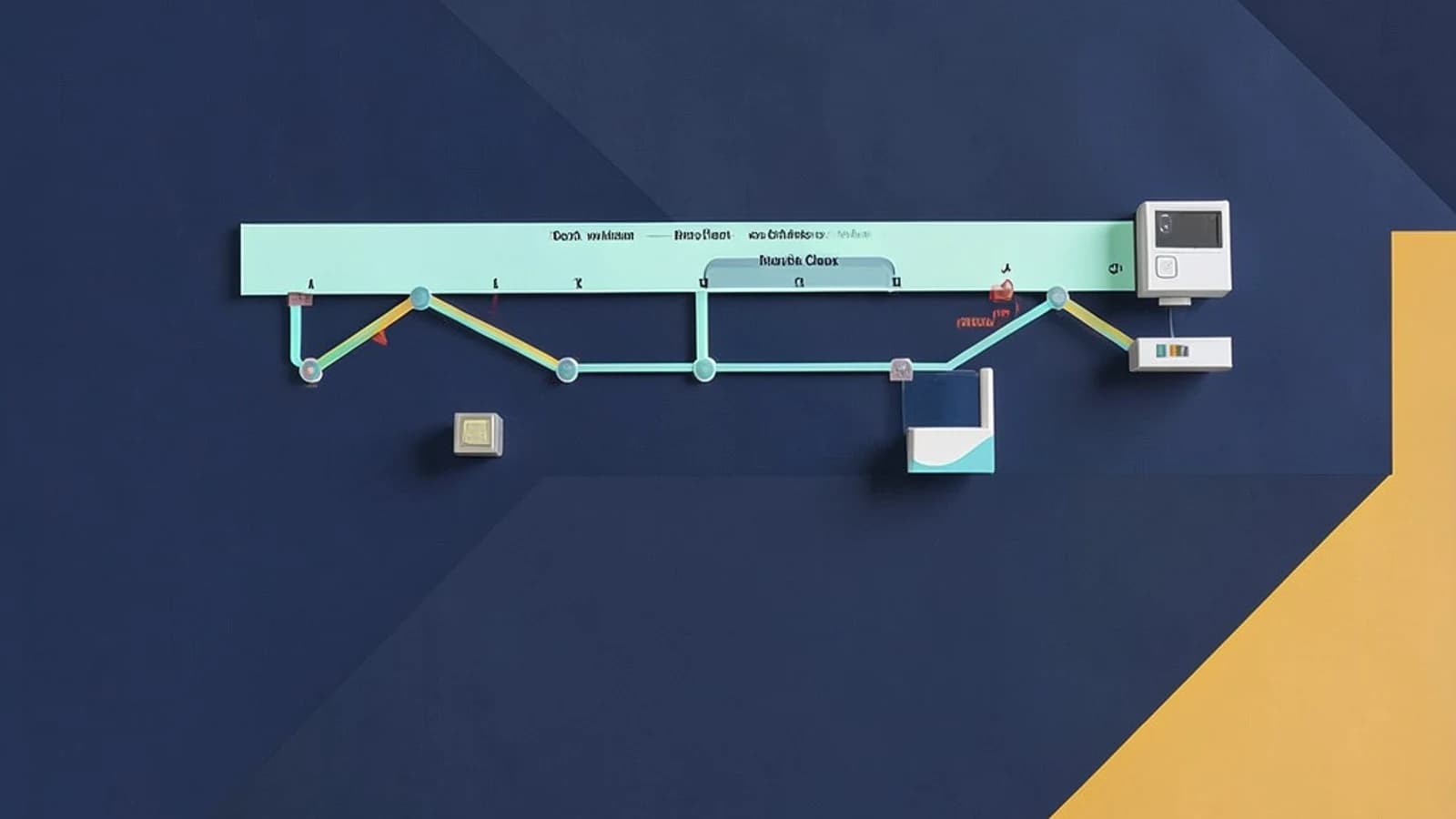
When the process owner loses track of who does what
Imagine a product‑release workflow that involves marketing, development, and support. A plain activity diagram shows the steps, but the reader must constantly glance back and forth to remember which department owns each action. This back‑and‑forth slows down review meetings and can hide hand‑off bottlenecks.
Thesis: swimlanes make responsibility boundaries explicit
By partitioning the diagram into vertical (or horizontal) zones labeled with the responsible actor, each action stays inside the lane that owns it. The flow lines still connect across lanes, but the visual grouping instantly tells the audience who is accountable for each step.
What a swimlane is in UML 2.x
In the UML 2.5 specification an activityPartition (commonly called a swimlane) is a kind of activityGroup. It can contain both control flows and object flows, and it does not change the execution semantics of the activity—it is purely a descriptive mechanism.
Worked example: adding swimlanes in draw.io
- Open draw.io in a browser; no special permissions are required beyond the ability to run the web app.
- Select File → New → Blank Diagram, choose the UML shape library, and drag an Activity shape onto the canvas.
- From the same library, drag an Activity Partition shape onto the activity. Drop it on the left side; draw.io will automatically create a vertical lane.
- Repeat step 2 to add a second partition next to the first. Label the first lane Marketing and the second Development by double‑clicking the partition’s label.
- Place actions (e.g., Create Campaign, Develop Feature) inside the appropriate lane by dragging the action shape onto the lane; the lane will highlight when the shape is inside.
- Connect the actions with control‑flow arrows. When you later resize a lane, draw.io keeps the attached connectors inside the lane’s bounds.
You can verify the result by exporting the diagram (File → Export As → PDF) and checking that every arrow stays within the lane it originated from, even after you move a lane.
Trade‑off and limitation
Adding many narrow lanes improves granularity but can clutter the diagram, especially when printed on A4 or Letter paper. If you find lanes becoming thinner than the text inside them, consider merging related actors or using a higher‑level diagram that shows only the major hand‑offs. Remember that swimlanes do not enforce execution order; the underlying workflow must still be implemented correctly in code or a workflow engine.
Actionable closing
Next time you need to explain a cross‑functional process, start with a simple activity diagram, add two or three swimlanes that match your organizational chart, and place each step in its lane. Export to PDF, zoom to 100 %, and confirm that the lanes still read clearly. If the diagram stays legible, you have a lightweight, stakeholder‑friendly model that highlights responsibilities without prescribing how the work is executed.
 unifiedmodelinglanguage
0 replies
A thoughtful contribution can make all the difference. Be the first to share one.