Mastering Terraform Module Ordering with Terramate’s Module Graph
Terramate’s Module Graph automatically discovers Terraform module dependencies, orders them topologically, and prevents cycles. Learn how to generate, inspect, and enforce the graph in a real repo.
14 Jun 2026, 11:07 UTC
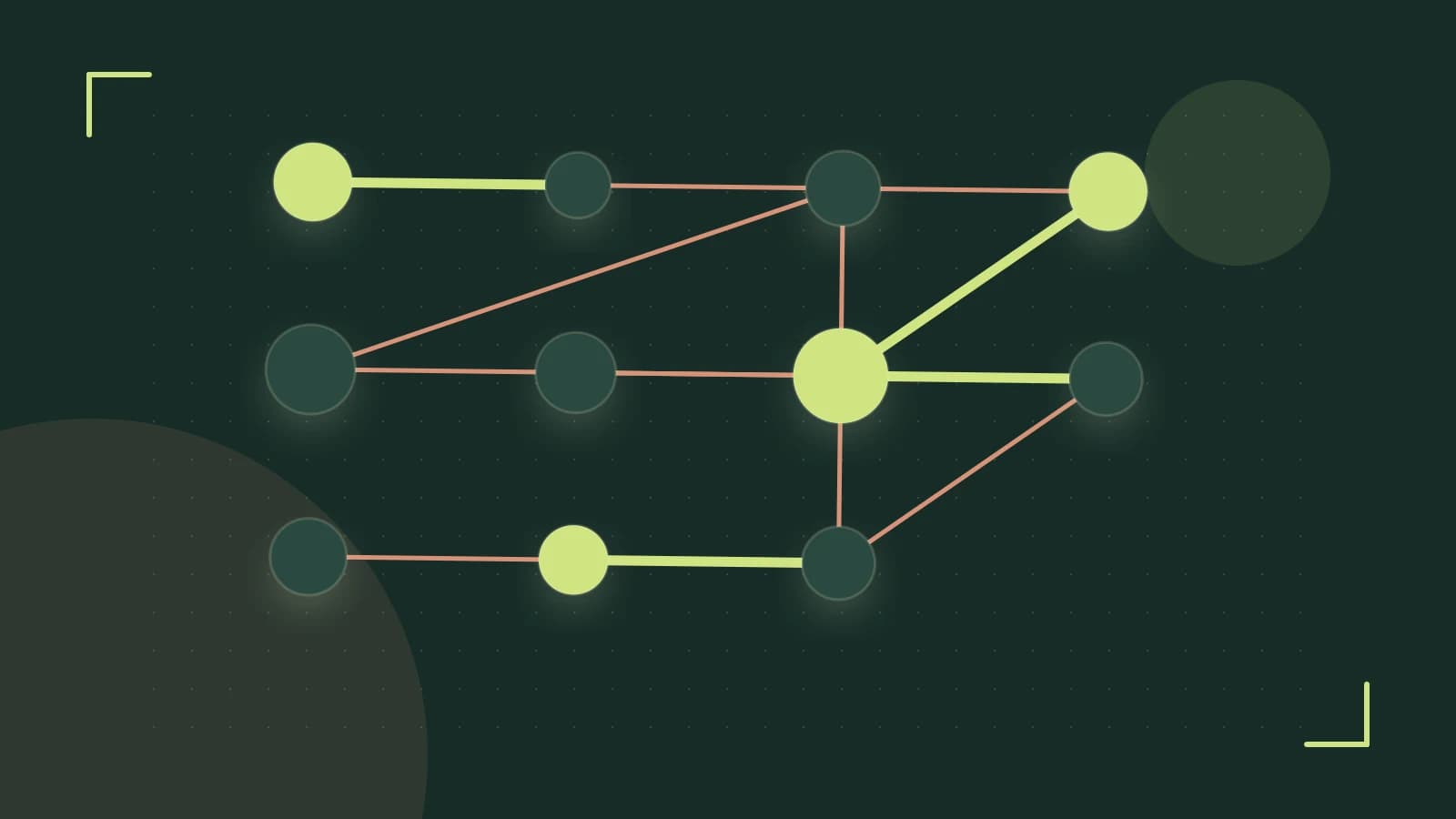
The Problem: Manual Dependency Management
When a Terraform repository grows beyond a handful of modules, keeping track of which module needs to be applied first can become a maintenance nightmare. Developers often add depends_on blocks in the Terraform code, or rely on ad‑hoc scripts that order terraform apply calls. These approaches are error‑prone, hard to audit, and break when the repo structure changes.
Terramate solves this by automatically discovering module relationships and generating a topological ordering that terramate plan can consume. The result is a declarative, version‑controlled dependency graph that eliminates the need for manual ordering.
Terramate’s Module Graph to the Rescue
Terramate scans every module’s .terramate/module.yaml file for a depends_on field. Each path listed becomes an edge in the graph:
../networkmeans “this module depends on the sibling module namednetwork.”- Relative paths are resolved against the module’s directory, allowing cross‑environment references.
The graph is persisted in .terramate/modules.json. Terramate reads this file before running Terraform, performs a topological sort, and passes the ordered list to Terraform. If a cycle is detected, Terramate aborts the plan with a clear error message, preventing Terraform from failing with a cryptic stack trace.
How to Build and Inspect the Graph
Below is a minimal repo layout that demonstrates the feature:
repo/
├─ .terramate/
│  └─ module.yaml   # Repository‑level metadata
├─ network/
│  ├─ main.tf
│  └─ .terramate/module.yaml
└─ app/
   ├─ main.tf
   └─ .terramate/module.yaml
Contents of app/.terramate/module.yaml:
name: app
depends_on:
  - ../network
Notice that network has no depends_on entry, so it becomes a root node.
Run the following commands from the repository root:
# Generate the graph file
terramate graph -o .terramate/modules.json
# Inspect the JSON output
cat .terramate/modules.json
The expected JSON snippet should look like:
{
  "nodes": ["network", "app"],
  "edges": [
    {"from": "app", "to": "network"}
  ]
}
To verify Terramate’s ordering, run a plan:
terramate plan
If the graph is correct, Terraform will apply network first and then app. Any deviation (e.g., missing depends_on) will cause Terramate to warn and abort.
Detecting Cycles
Introduce a cycle by editing network/.terramate/module.yaml to depend on app:
name: network
depends_on:
  - ../app
Running terramate plan now yields:
[ERROR] Dependency cycle detected: app > network > app
Terramate stops before Terraform runs, saving time and avoiding runtime failures.
Enforcing Order with Policies
Terramate’s policy engine can add constraints on top of the graph. For example, to block prod modules from depending on dev modules, create .terramate/policy.yaml:
name: prod-cannot-depend-on-dev
rules:
  - type: dependency
    condition: "from.environment == 'prod' && to.environment == 'dev'"
    error: "Production modules must not depend on development modules"
Run the policy check:
terramate policy run
If any module violates the rule, Terramate will emit an error and halt the plan.
When to Exercise Caution
- Version Compatibility: Cycle detection and advanced graph features are available only in Terramate 0.4.0 and newer. Verify your version with
terramate version. - Graph Size: Repositories with hundreds of modules can produce large
modules.jsonfiles. In such cases, plan execution time may increase because Terramate performs a full topological sort each run. - Manual Edits: The graph file is auto‑generated. Editing
.terramate/modules.jsondirectly can desynchronize the graph from module metadata. Always modifydepends_onin module YAML files.
Actionable Checklist
- Define
depends_onin every module’s.terramate/module.yamlto express dependencies. - Run
terramate graph -o .terramate/modules.jsonand inspect the JSON for correctness. - Use
terramate planto verify that Terraform applies modules in the intended order. - Add policy rules in
.terramate/policy.yamlto enforce architectural constraints. - Automate
terramate planin CI to catch ordering mistakes before deployment.
By adopting Terramate’s Module Graph, teams gain a single source of truth for module ordering, immediate cycle detection, and policy‑driven governance—all without writing custom scripts.
 terraform
 terramate
0 replies
A thoughtful contribution can make all the difference. Be the first to share one.