MariaDB System-Versioned Tables: Practical Trade-offs for Automatic Row History
MariaDB system-versioned tables provide automatic row history with SQL:2011 time-travel queries. Learn the partitioned storage model, production trade-offs, and an operational checklist for implementation.
17 Nov 2025, 19:59 UTC
The Problem: Audit Trails Without Application Overhead
Teams needing row-level history for compliance, debugging, or slowly changing dimensions often build custom audit tables, triggers, or CDC (Change Data Capture) pipelines. These approaches add latency, require schema synchronization, and frequently miss edge cases like bulk loads or schema changes. MariaDB 10.3+ offers a native alternative: system-versioned tables (temporal tables per SQL:2011) that automatically capture every row change into a hidden history partition.
How It Works Under the Hood
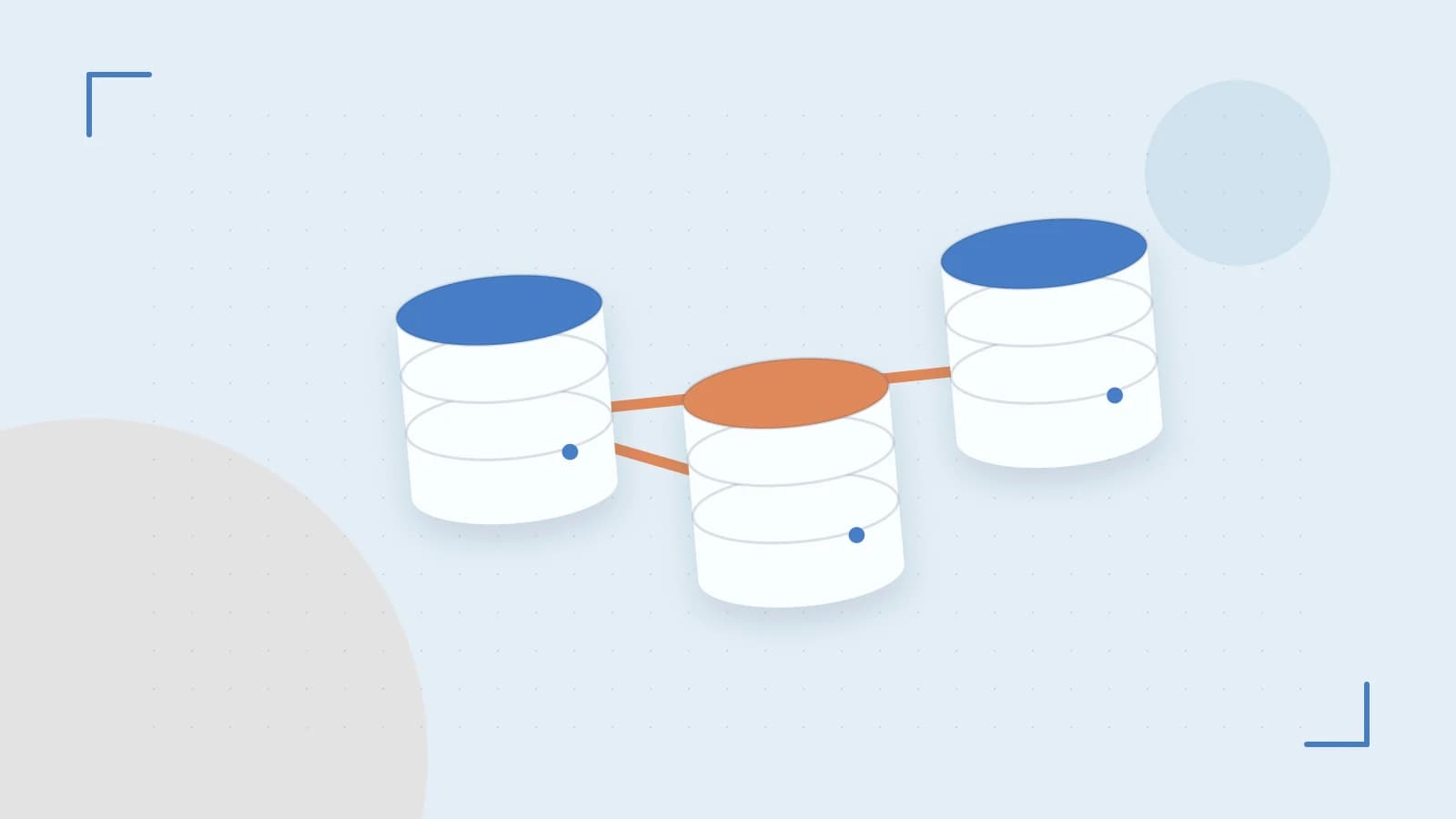
When you create a table WITH SYSTEM VERSIONING, MariaDB adds two hidden DATETIME(6) columns—ROW_START and ROW_END—and internally partitions the table. Current rows stay in the primary partition; each UPDATE or DELETE writes the pre-change image to a history partition named _history_<table_id>. The primary key remains the same across versions, so point-in-time lookups use the same index structure.
You query history with standard syntax:
SELECT * FROM orders FOR SYSTEM_TIME AS OF '2024-03-15 14:30:00' WHERE customer_id = 42;The optimizer prunes to the history partition automatically. FROM/TO and BETWEEN clauses are also supported for range reconstruction.
Worked Example: Order Status Reconstruction
Consider an orders table where status changes frequently but you need to reconstruct the state at month-end for reporting.
-- Run on MariaDB 10.3+ as a user with CREATE privileges
CREATE TABLE orders (
  order_id BIGINT PRIMARY KEY,
  customer_id BIGINT NOT NULL,
  status ENUM('new','paid','shipped','cancelled') NOT NULL,
  amount DECIMAL(12,2) NOT NULL
) WITH SYSTEM VERSIONING;

INSERT INTO orders VALUES (1001, 42, 'new', 149.99);
UPDATE orders SET status = 'paid' WHERE order_id = 1001;
UPDATE orders SET status = 'shipped' WHERE order_id = 1001;

-- Query the state as of a specific timestamp
SELECT * FROM orders FOR SYSTEM_TIME AS OF '2024-06-30 23:59:59' WHERE order_id = 1001;
The last query returns the row as it existed at month-end (e.g., status = 'paid'), without any application-side logging. The history partition holds the previous versions; the current partition holds only the latest (shipped).
Trade-offs You’ll Hit in Production
- Write amplification: Every
UPDATE/DELETEbecomes two writes (current + history). On a high-churn table, expect ~2× InnoDB redo log volume. Monitorinnodb_history_list_lengthand provision IOPS accordingly. - Primary key immutability: You cannot
ALTER TABLE ... DROP PRIMARY KEYor change PK columns while versioning is enabled. Plan your PK strategy before enabling; dropping versioning breaks history continuity. - Unbounded history growth: MariaDB does not auto-purge. Implement a partition rotation job (e.g., monthly
ALTER TABLE orders DROP PARTITION p_history_2023_01) or an archiving script. - Foreign key semantics: FKs referencing a versioned table only validate against current rows. Historical versions can reference deleted parents—plan referential integrity checks accordingly.
- Index coverage: Secondary indexes on the main table do not propagate to the history partition. Use
EXPLAINonFOR SYSTEM_TIMEqueries; missing covering indexes on the history partition can cause full partition scans.
Operational Checklist Before Enabling
- Create a test table with your exact schema and enable versioning. Run a representative workload and measure p99 latency and disk growth over 24 hours.
- Run
EXPLAIN SELECT * FROM t FOR SYSTEM_TIME AS OF '...' WHERE pk = ?; verifyExtrashowsUsing where; Using indexand partition pruning. - Take a
mariabackup --preparesnapshot, restore to a staging instance, and confirm historical rows are queryable. - Define a retention policy and schedule partition drops or
ALTER TABLE ... REORGANIZE PARTITIONjobs. - Document the FK limitation for any service that relies on referential integrity across time.
When to Use (and When Not To)
System-versioned tables shine for regulatory audit, debugging production incidents, and reconstructing slowly changing dimensions where write overhead is acceptable. Avoid them on append-only fact tables, extremely high-throughput queues, or schemas where the primary key must evolve—drop versioning first, migrate, then re-enable if needed.
 mariadb
0 replies
A thoughtful contribution can make all the difference. Be the first to share one.