Managing Shared State in Serverless Environments with Detaspace
Learn how to manage shared state in serverless functions using Detaspace, comparing consistency models and implementing API-based state management to avoid connection exhaustion.
16 Oct 2025, 05:51 UTC
The Serverless State Problem
Serverless functions are stateless by design. When a function finishes executing, its local memory is wiped. To maintain data across multiple requests or share information between different functions, you typically need an external database. However, traditional databases require connection pooling, which often fails in serverless environments due to the high volume of rapid, short-lived connections (the "connection exhaustion" problem).
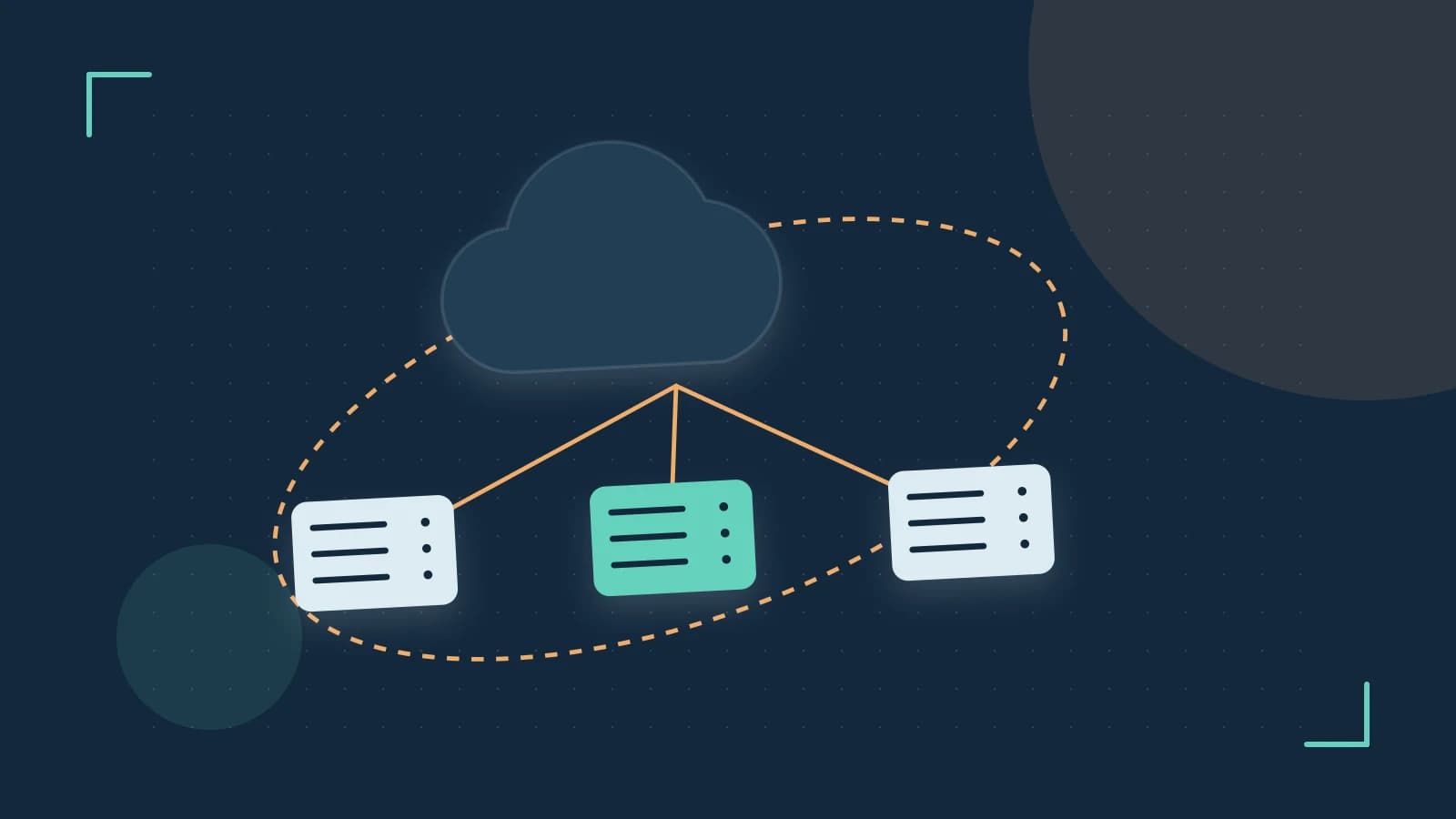
Detaspace addresses this by acting as a coordination layer. Instead of managing raw database connections, functions interact with a "Space"—a partitioned bucket of shared state accessed via a managed API. This removes the overhead of connection handshakes and reduces cold-start latency compared to establishing direct database connections.
Choosing Your State Strategy
Depending on your application's requirements for consistency and latency, you must decide how to handle data updates within a Space. Detaspace prioritizes availability and partition tolerance, meaning it follows an eventual consistency model: a write may not be immediately visible to a read happening shortly after in a different execution environment.
| Strategy | Best For | Trade-off | Consistency |
|---|---|---|---|
| Direct Overwrite | Configuration flags, session tokens | Last-write-wins; data loss on race conditions | Eventual |
| Versioned Keys | Audit logs, state machines | Increased storage usage; requires key management | Strong (per version) |
| Atomic Increments | Counters, rate limiting | Limited to numeric types | Eventual |
Engineering Trade-offs
Latency vs. Consistency
Because Detaspace uses a managed API to interface with Deta Base, you avoid the TCP overhead of a direct SQL or NoSQL connection. The cost is that a write operation may not be immediately visible to a read operation occurring milliseconds later in a different execution environment. If your application requires strict ACID compliance (for example, financial transactions), Detaspace is not the appropriate tool.
Ecosystem Lock-in
Detaspace is deeply integrated into the Deta ecosystem. While this simplifies deployment and authentication, it creates a dependency. Moving to another cloud provider would require replacing the Detaspace API calls with a different state management solution, such as Redis or DynamoDB, and implementing your own connection handling logic.
Implementation: Sharing State Between Functions
To implement shared state, you define a Space and use the API to push and pull data. The examples below assume a function running inside the Deta Cloud environment with the SPACE_ID environment variable already configured. The exact endpoint paths shown here are illustrative—verify the current API routes against the Deta documentation before deploying, as the API surface may change.
Writing to the Space
Run this logic within your serverless function handler. No additional permissions are needed beyond the function's existing access to its own Space, since Spaces partition data so that only authorized functions can reach a given state bucket.
// Example: Updating a shared application state key
async function updateAppState(key, value) {
  const response = await fetch(`https://${process.env.SPACE_ID}.deta.space/set`, {
    method: 'POST',
    headers: { 'Content-Type': 'application/json' },
    body: JSON.stringify({ key: key, value: value })
  });

  if (!response.ok) {
    throw new Error(`Failed to write to space: ${response.statusText}`);
  }
  return await response.json();
}
Reading from the Space
To retrieve the state in a separate function or a subsequent request:
// Example: Retrieving shared state
async function getAppState(key) {
  const response = await fetch(`https://${process.env.SPACE_ID}.deta.space/get?key=${key}`);

  if (response.status === 404) {
    return null; // Key does not exist
  }

  const data = await response.json();
  return data.value;
}
Validation and Limitations
Verifying State Propagation
To verify that your state is persisting across execution environments:
- Deploy Function A to write a unique timestamp to a specific key.
- Deploy Function B to read that same key.
- Invoke Function A, then invoke Function B.
- Confirm that Function B receives the timestamp written by Function A. If the read happens immediately, allow for a short propagation delay due to eventual consistency before treating a mismatch as a failure.
Handling Race Conditions
If two functions attempt to update the same key simultaneously, the last request to reach the API will overwrite the previous one. To observe this behavior yourself, trigger concurrent writes to a single key from two function invocations and inspect the resulting value. To mitigate the risk, use a unique identifier in your key names (for example, user_123_session_v1) rather than a generic key (for example, current_session).
Rollback Procedure
Since Detaspace operations change the state of the underlying Deta Base, there is no automatic "undo" for API writes. To roll back a state change, you must manually execute a delete request against the specific key or overwrite the key with the previous known-good value. Keeping versioned keys, as described in the table above, makes this recovery path much simpler.
 detaspace
0 replies
A thoughtful contribution can make all the difference. Be the first to share one.