Managing Kubernetes Clusters with Gardener Shoot Resources
Learn how Gardener’s Shoot custom resource provisions, updates, and deletes Kubernetes clusters, with a concrete upgrade example and practical limits to watch.
18 Mar 2026, 11:16 UTC
Problem: You need a repeatable way to create, update, and tear down Kubernetes clusters without manually provisioning control‑plane components.
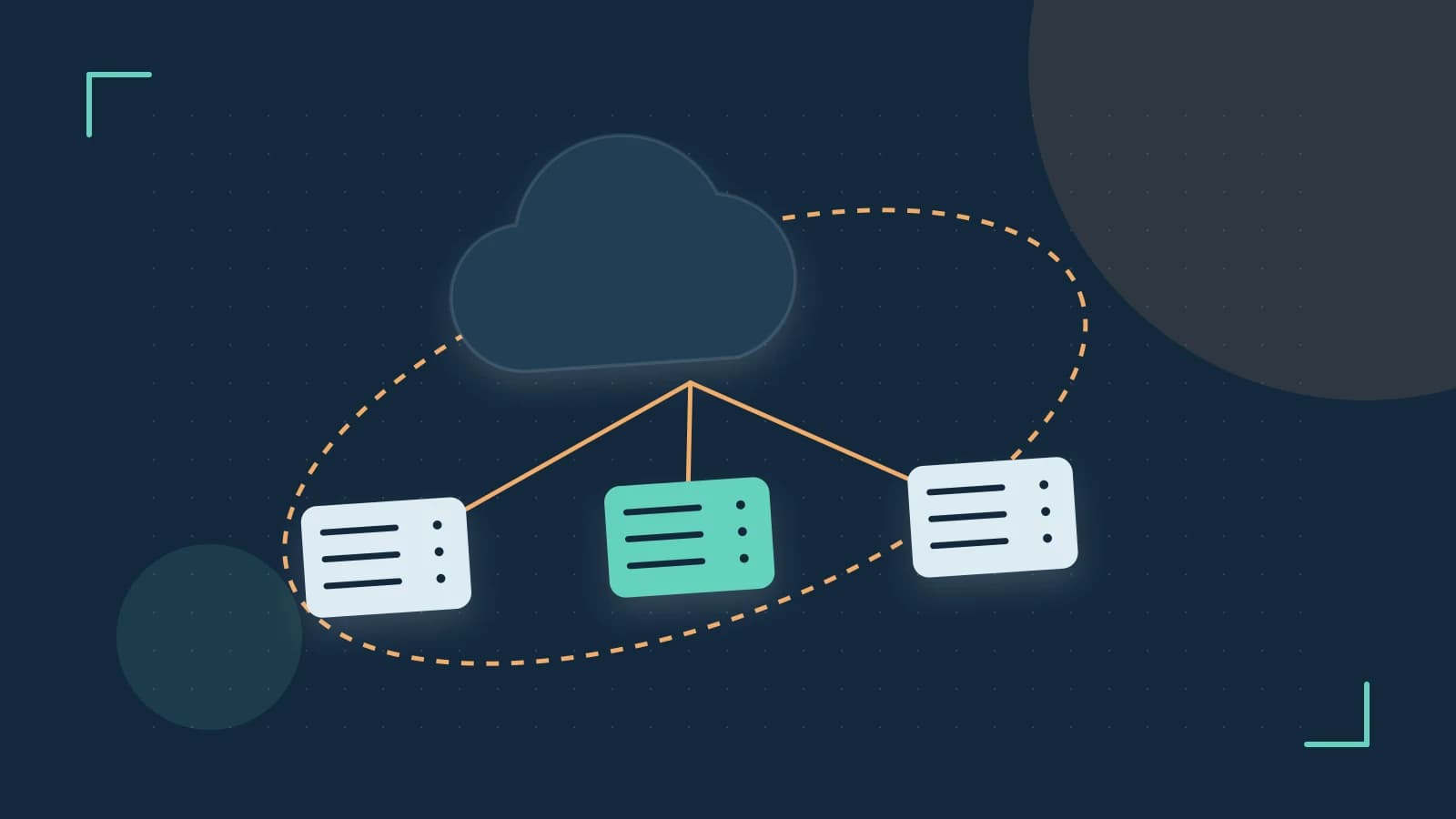
Gardener solves this by treating each user workload cluster as a Shoot custom resource. The Shoot definition lives in the garden cluster, while the actual control plane runs in a seed cluster. Understanding the lifecycle of a Shoot helps you plan upgrades, avoid downtime, and keep seed resources under control.
How Gardener Shoots Work
A Shoot CR specifies the desired Kubernetes version, provider infrastructure (AWS, Azure, GCP, etc.), and networking. When the Gardener controller reconciles a Shoot:
- It creates a namespace in the seed cluster named
garden-<SHOOT_NAME>. - Inside that namespace it deploys etcd (either managed by the provider or embedded) and the control plane components (API server, controller manager, scheduler) via the Machine Controller Manager.
- Worker nodes are provisioned as MachineDeployments that reference the same Shoot spec.
Updates to the Shoot (e.g., changing spec.kubernetes.version) trigger a controlled rollout: the control plane is upgraded first, followed by worker node machine deployments.
Worked Example: Upgrading a Shoot’s Kubernetes Version
Assume you have a Shoot named production-web running Kubernetes 1.27 and you want to move to 1.28.
Prerequisites
- Access to the garden cluster with
cluster-adminrole. - The Shoot’s control plane is configured for high availability (at least three etcd replicas) to avoid API downtime during the upgrade.
Steps
- Inspect the current Shoot:
Verifykubectl get shoot production-web -n garden -o yamlspec.kubernetes.version: 1.27.xand note the seed namespace (garden-production-web). - Patch the Shoot to the new version:
This triggers the Gardener controller. No immediate output is guaranteed; you must watch the reconciliation.kubectl patch shoot production-web -n garden --type merge -p '{"spec":{"kubernetes":{"version":"1.28"}}}' - Monitor the control plane upgrade:
Look for log lines indicating that the control plane’s etcd and API server pods are being recreated with the new version.kubectl logs -n garden -l app=gardener-controller-manager -c manager --follow | grep production-web - Verify worker node rollout:
After the control plane reports
Ready, check the MachineDeployments:
You should see a rolling update where old machines are drained and new ones with Kubernetes 1.28 join the cluster.kubectl get machinedeployments -n garden-production-web - Confirm the Shoot status:
The output should bekubectl get shoot production-web -n garden -o jsonpath='{.status.kubernetesVersion}{ "\n" }'1.28. Additionally, you can runkubectl get nodesinside the Shoot’s kubeconfig to see the node versions.
Risks and Checks
- Permission risk: Patching a Shoot requires garden‑cluster admin rights; misuse could affect other Shoots.
- Verification: After the patch, re‑run the
kubectl get shootcommand and compare thestatus.conditionsforProgressingandHealthystates. - Rollback: If the control plane upgrade fails, Gardener will automatically revert the control plane to the previous version. Worker node rollback must be triggered manually by reverting the Shoot spec and re‑applying.
Trade‑offs and Limitations
While Gardener automates cluster lifecycle, there are practical limits:
- Control‑plane availability: If the Shoot’s etcd is a single replica (non‑HA), upgrading the control plane can cause a brief API outage. Ensure HA etcd for production workloads.
- Seed capacity: Each Shoot consumes seed‑cluster resources (etcd, control plane pods, Machine Controller Manager). Creating many Shoots can exhaust CPU/memory in the seed, impacting all managed clusters. Monitor seed resource usage with
kubectl top nodesand consider adding more seeds or quotas. - Etcd backups: Deleting a Shoot removes its etcd backup unless you have explicitly configured a backup bucket in the Shoot’s
spec.backup. Verify backup settings before deletion.
Actionable Closing
To safely manage Shoot lifecycles:
- Always validate HA etcd before version upgrades.
- Watch Gardener controller logs for reconciliation events; they are the earliest indicator of success or failure.
- Regularly audit seed namespace count and resource usage to prevent capacity exhaustion.
- Document backup settings for each Shoot so deletion does not surprise you with lost etcd snapshots.
By treating the Shoot CR as the single source of truth and using the seed cluster as the provisioning engine, you gain repeatable, observable cluster operations while keeping the underlying complexity hidden from application teams.
 gardener
 kubernetes
0 replies
A thoughtful contribution can make all the difference. Be the first to share one.