Managing Drawing State in Cairo: The Save/Restore Pattern
Stop manually inverting matrices in Cairo. Learn how to use cairo_save() and cairo_restore() to isolate transformations and clipping in complex drawing pipelines.
10 Sept 2025, 17:03 UTC
The Problem: The State Pollution Trap
When building a complex graphics engine or a custom UI component, you often need to perform a localized operation—like drawing a rotated icon or a clipped badge—without affecting the rest of your canvas. In Cairo, the graphics context (cairo_t) is a state machine. If you change the line width, apply a translation matrix, or set a clip region, that change persists for every subsequent drawing command.
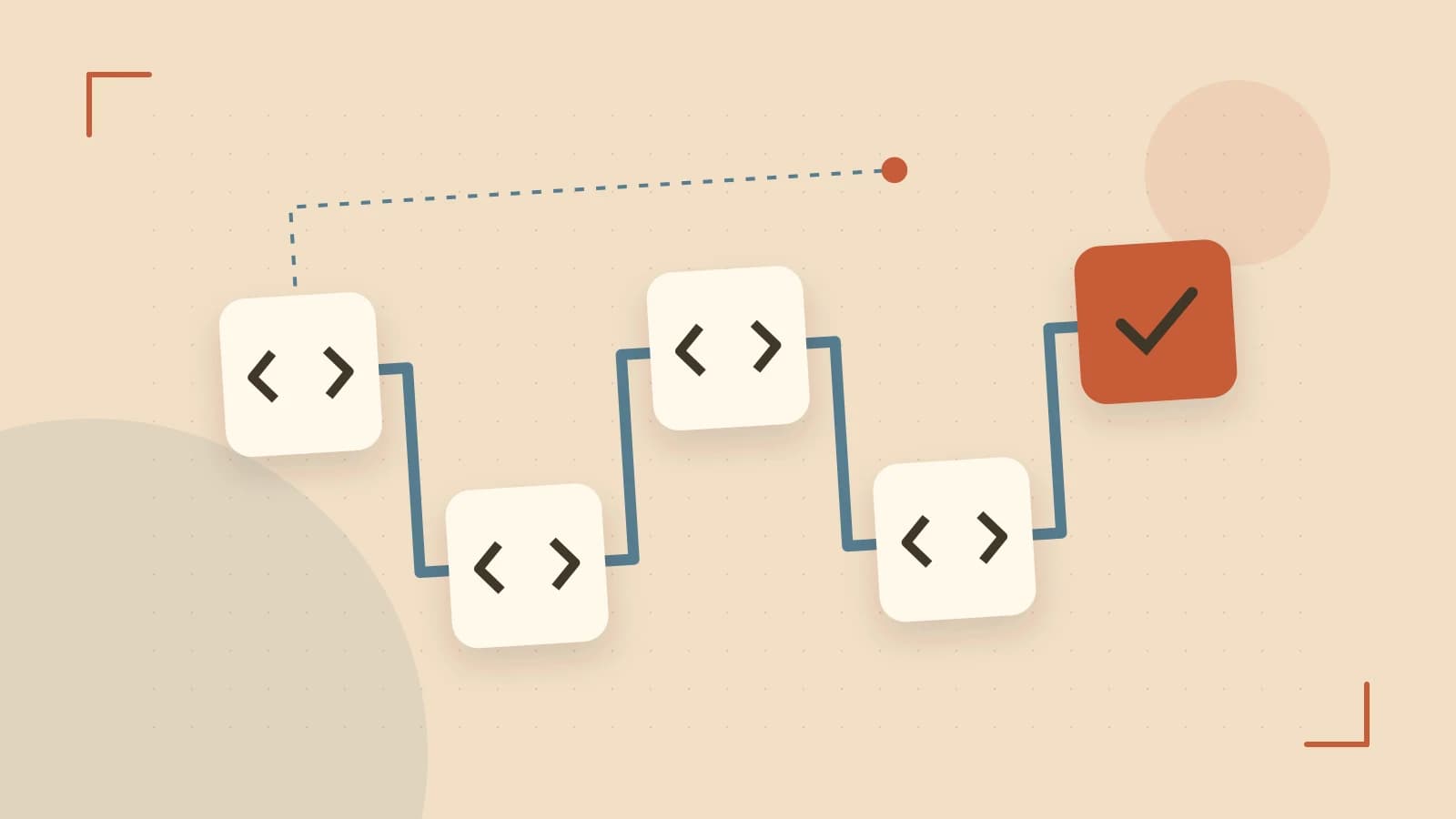
The manual approach to this is "undoing" every change: if you translate by (10, 10), you must translate by (-10, -10) to get back. This is error-prone, difficult to maintain in nested functions, and computationally inefficient for complex transformations. The solution is the Save/Restore mechanism, which treats the graphics state as a stack.
How the State Stack Works
Cairo maintains a internal stack of the graphics state. When you call cairo_save(cr), Cairo pushes a snapshot of the current state onto the stack. This snapshot includes the Current Transformation Matrix (CTM), line width, dash patterns, source colors, and the clip region.
When cairo_restore(cr) is called, the most recent snapshot is popped off the stack, and the context is atomically reset to those exact values. This allows you to isolate drawing logic into composable blocks. Any changes made to the state between a save and a restore are effectively discarded once the restore is executed.
What exactly is saved?
The state snapshot is a mix of shallow and deep copies. While immutable objects like font faces are reference-counted, mutable properties are copied. Key elements include:
- The CTM: All scaling, rotation, and translation.
- Styling: Line width, cap/join styles, and the current source (color/gradient).
- Clipping: The current clip region (the area where drawing is permitted).
- Text Settings: Font options and the font matrix.
Practical Example: Nested Component Drawing
Consider a scenario where you are drawing a dashboard. You have a main canvas, but you need to draw a "Widget" that is rotated 45 degrees and clipped to a circle. Using cairo_save and cairo_restore ensures the Widget's internal logic doesn't break the rest of the dashboard layout.
/* Run this in a C environment linked with libcairo */
void draw_widget(cairo_t *cr, double x, double y) {
    // 1. Isolate this widget's state
    cairo_save(cr);

    // 2. Move to widget position and rotate
    cairo_translate(cr, x, y);
    cairo_rotate(cr, 0.785398); // 45 degrees in radians

    // 3. Create a circular clip to ensure nothing leaks outside
    cairo_arc(cr, 0, 0, 50, 0, 2 * M_PI);
    cairo_clip(cr);

    // 4. Draw the actual content
    cairo_set_source_rgb(cr, 0.2, 0.4, 0.8);
    cairo_rectangle(cr, -20, -20, 40, 40);
    cairo_fill(cr);

    // 5. Restore the state to what it was before the widget started
    cairo_restore(cr);
}

/* Main loop */
// draw_widget(cr, 100, 100);
// draw_widget(cr, 200, 100); // Starts with a clean state, not rotated by the first call
Trade-offs and Limitations
While the save/restore pattern is powerful, there are a few engineering constraints to keep in mind:
Clip Complexity and Backend Limits
Restoring a clip region is not always a simple memory copy. Depending on the backend (e.g., PDF, SVG, or Win32), complex path-based clips may be approximated. If the clip complexity exceeds the backend's capabilities, cairo_status(cr) may return CAIRO_STATUS_CLIP_NOT_REPRESENTABLE. Always check the status after a restore if you are performing deep nesting of complex clips.
State vs. Grouping
A common mistake is confusing cairo_save/restore with cairo_push_group/pop_group. Save/Restore manages attributes (how things are drawn). Push/Pop Group creates an intermediate surface (where things are drawn), allowing for transparency and compositing effects. If you need to isolate a transformation and apply an opacity layer to the whole group, you must use both.
Memory and Depth
Each save operation is relatively cheap (roughly a 200-byte structure plus clip references). However, the internal stack is not infinite. While typical application depths (10–50 levels) are trivial, extreme recursion (thousands of levels) can lead to state exhaustion.
Verification and Results
To verify that your state isolation is working, you can use a Recording Surface (cairo_recording_surface_create). This surface captures the command stream rather than rendering pixels. By replaying the recording onto different target surfaces (like a PNG and a PDF), you can confirm that the save/restore boundaries are being honored across different backends.
Checklist for implementation:
- Ensure every
cairo_savehas a matchingcairo_restoreto avoid leaking state. - Call
cairo_status(cr)after restore operations in clip-heavy environments. - Verify that any patterns created inside a save block are reference-counted if they need to be used after the restore.
 cairo
cairo0 replies
A thoughtful contribution can make all the difference. Be the first to share one.